
Golf Simulator Blog
Free tips & advice for your home golf simulator
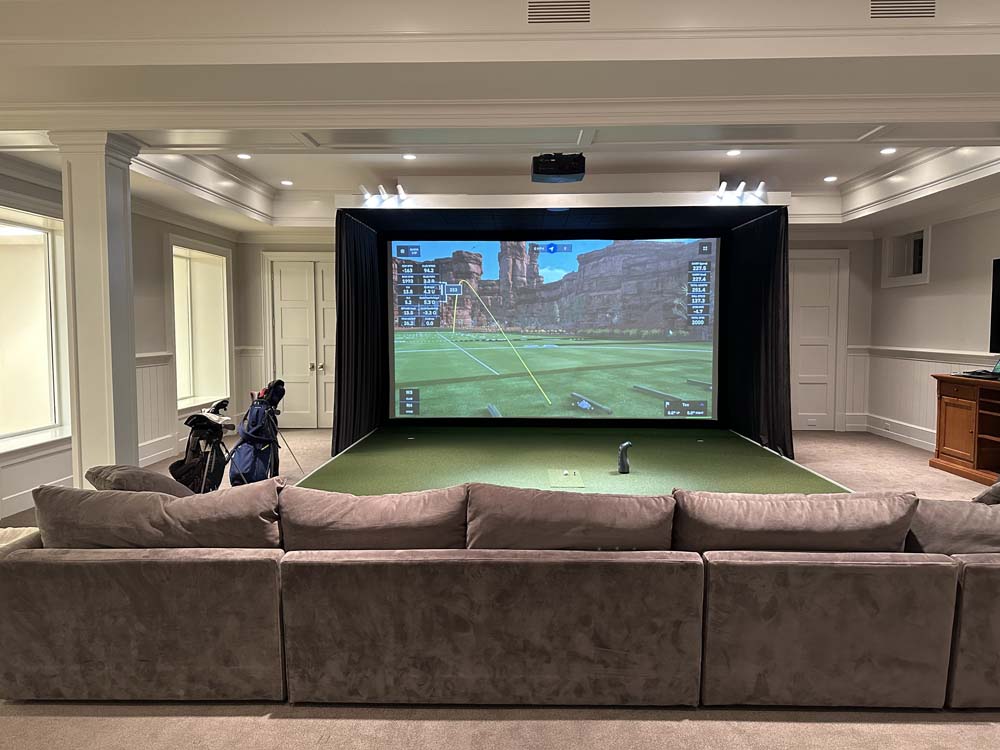
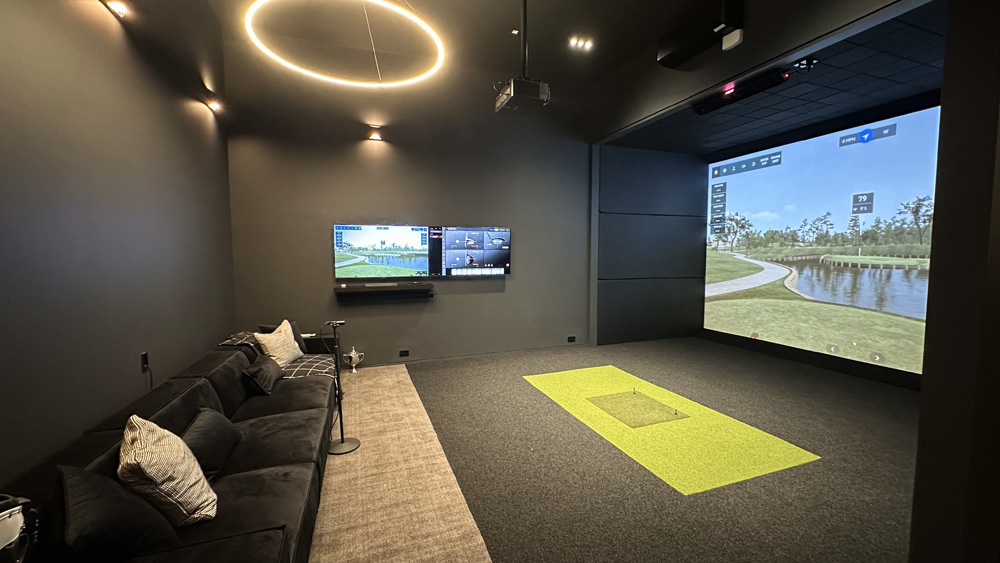
How to Design a Golf Simulator That Doubles as a Media Room
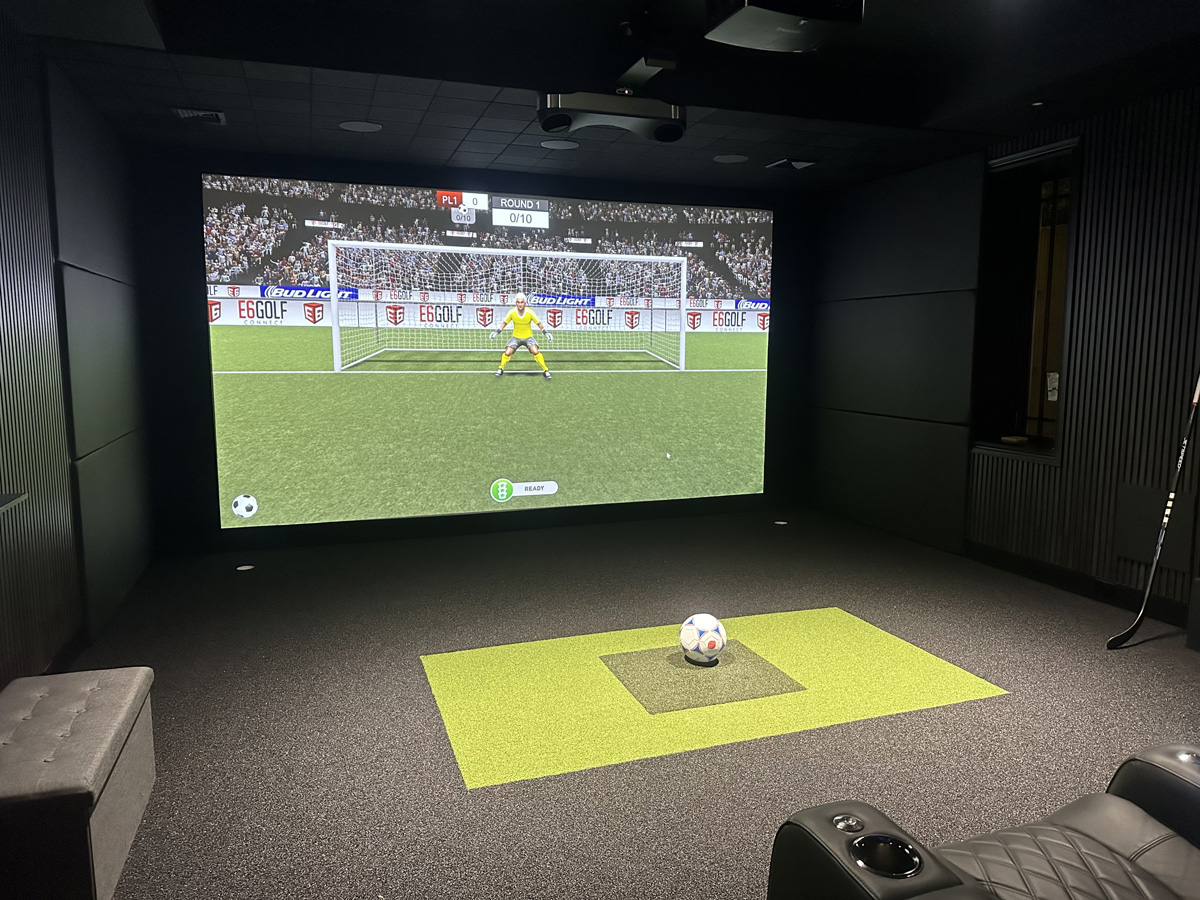
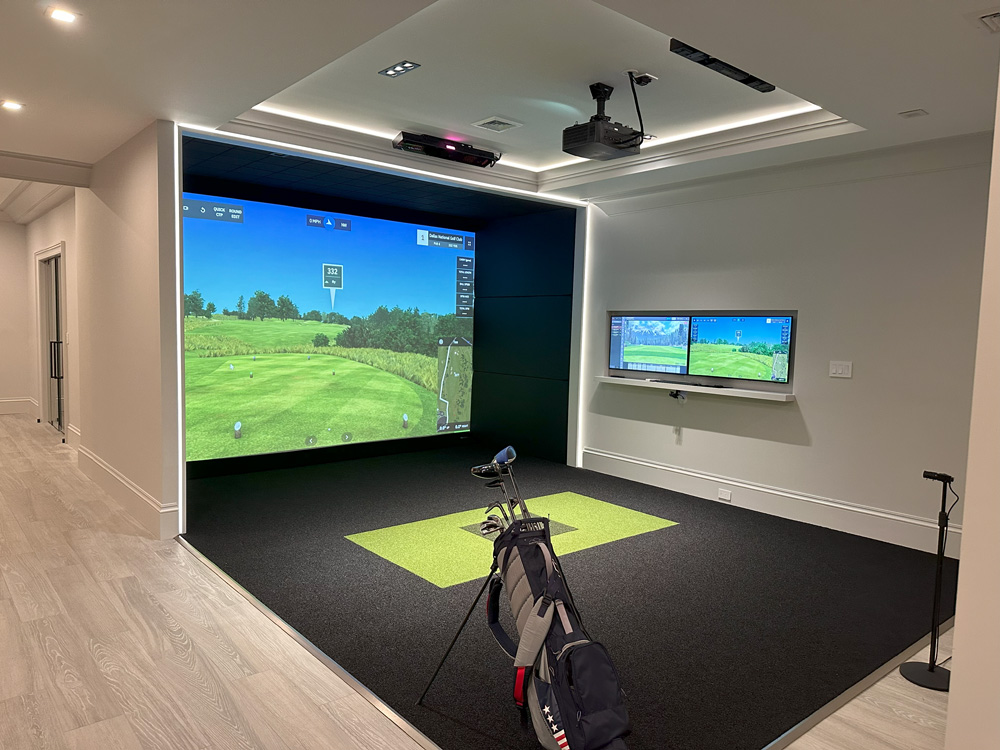
A golf simulator doesn’t have to be a one-trick pony. With the right layout, tech, and furniture, it can be your go-to hangout spot for movie nights, game day, or even a quick virtual soccer match. If you’re thinking about building a dual-purpose room that nails both entertainment and indoor practice, this guide walks you through everything to keep in mind—from layout to lighting.
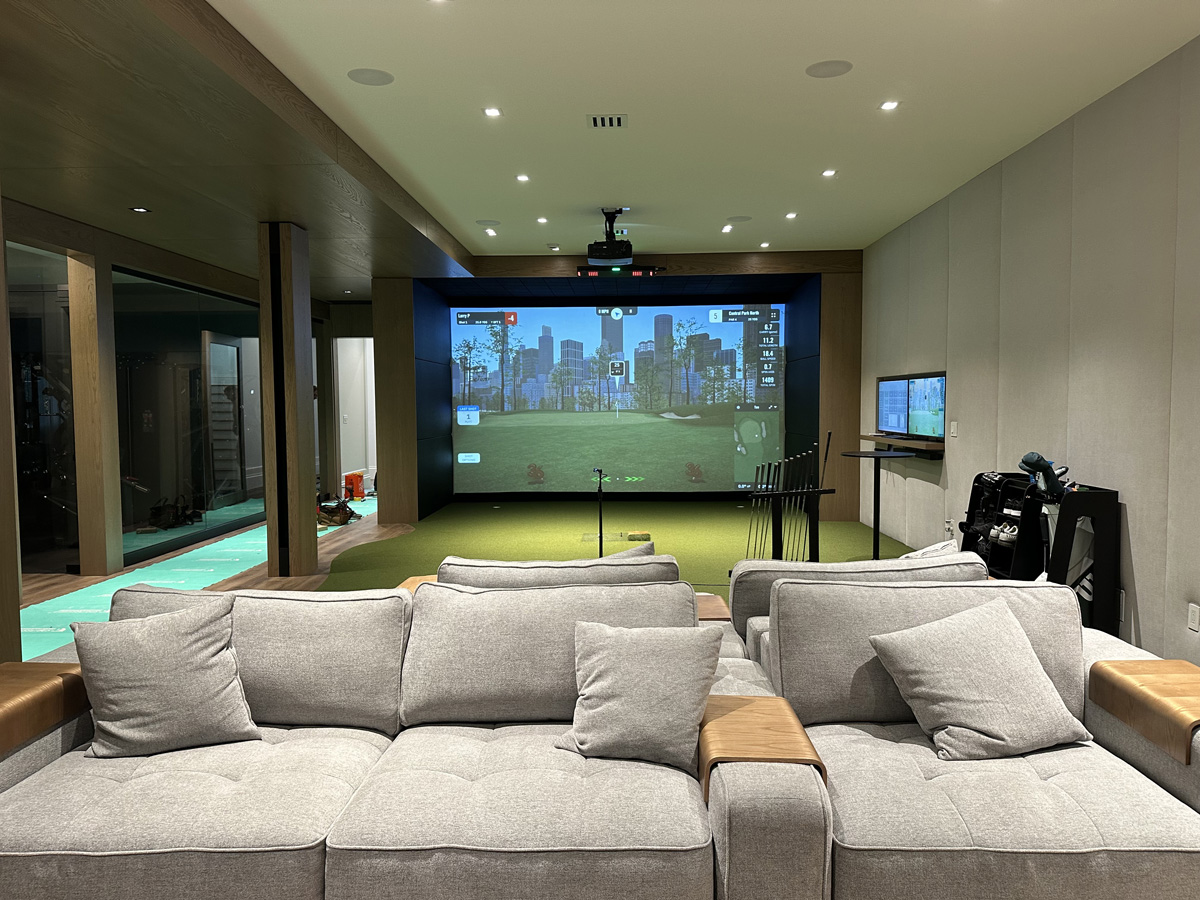
Start with a Space That Can Handle Both Uses
Your room is the foundation for everything. Before diving into design, make sure the space you’re using checks off the basic size requirements for a comfortable and safe golf simulator setup, while still being cozy enough to double as a media room. Whether it’s a garage golf simulator, basement, or dedicated flex space, measuring it properly is key to making everything else work.
How Big Should the Room Be?
Most home golf simulators need at least 10 feet of width, 10 feet of height, and 15 to 20 feet of depth. That gives you enough space for a full swing, screen impact clearance, and some flexibility in projector and furniture placement. We cover this in detail in our full guide on how much space you need for a home golf simulator.
Think About Viewing Angles
If this room is going to host movie nights or football watch parties, make sure your seating arrangement and screen placement make sense from all corners of the space. This is where planning a centered screen and staggered seating helps a lot in any golf simulator setup.
Plan Your Golf Simulator Layout with Entertainment in Mind
The trick to designing a dual-use room is creating zones that work together. Your simulator doesn’t have to dominate the entire room. You can set things up so the space flows naturally from golf practice to media lounging without constantly moving things around. If you’re building your simulator room as part of a new home construction, it’s worth planning wiring, soundproofing, and ventilation from the start.
Integrate Flexible Furniture
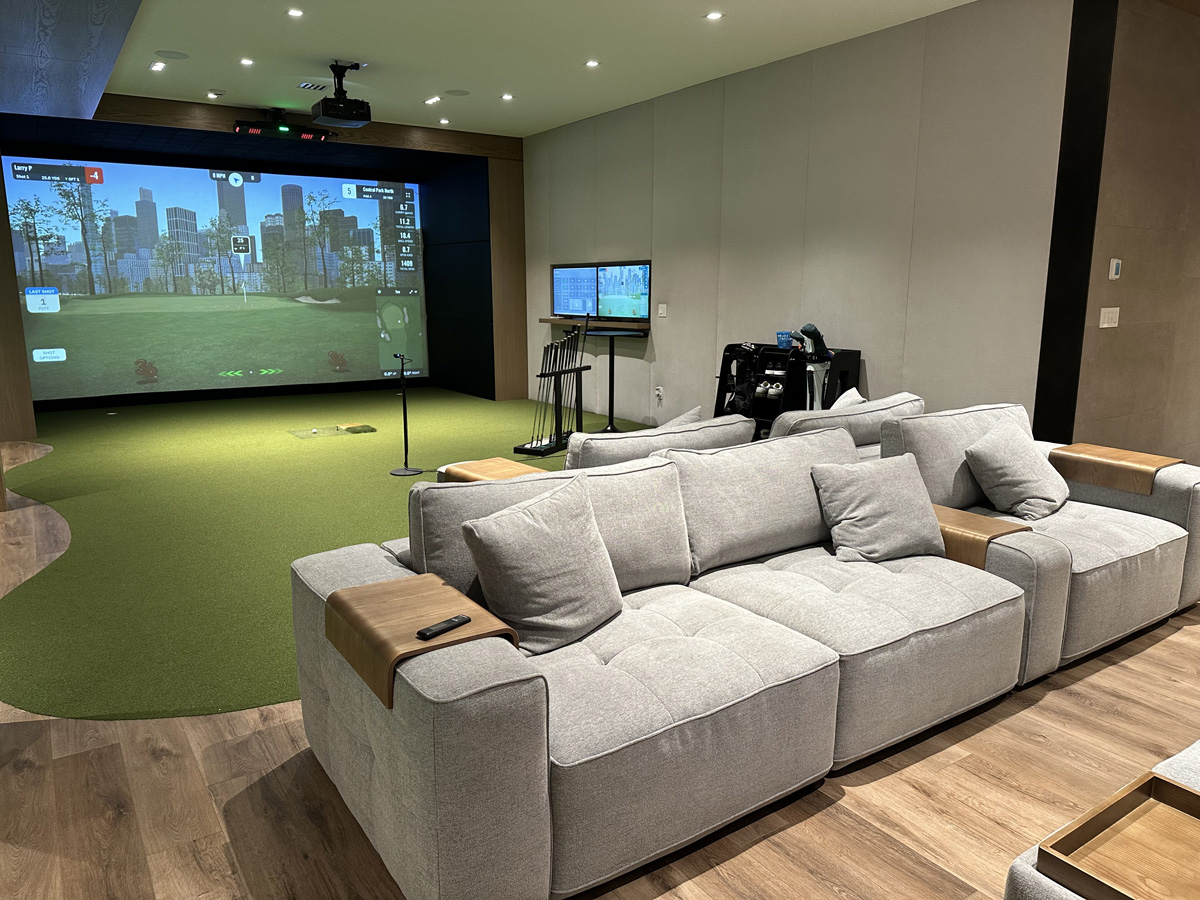
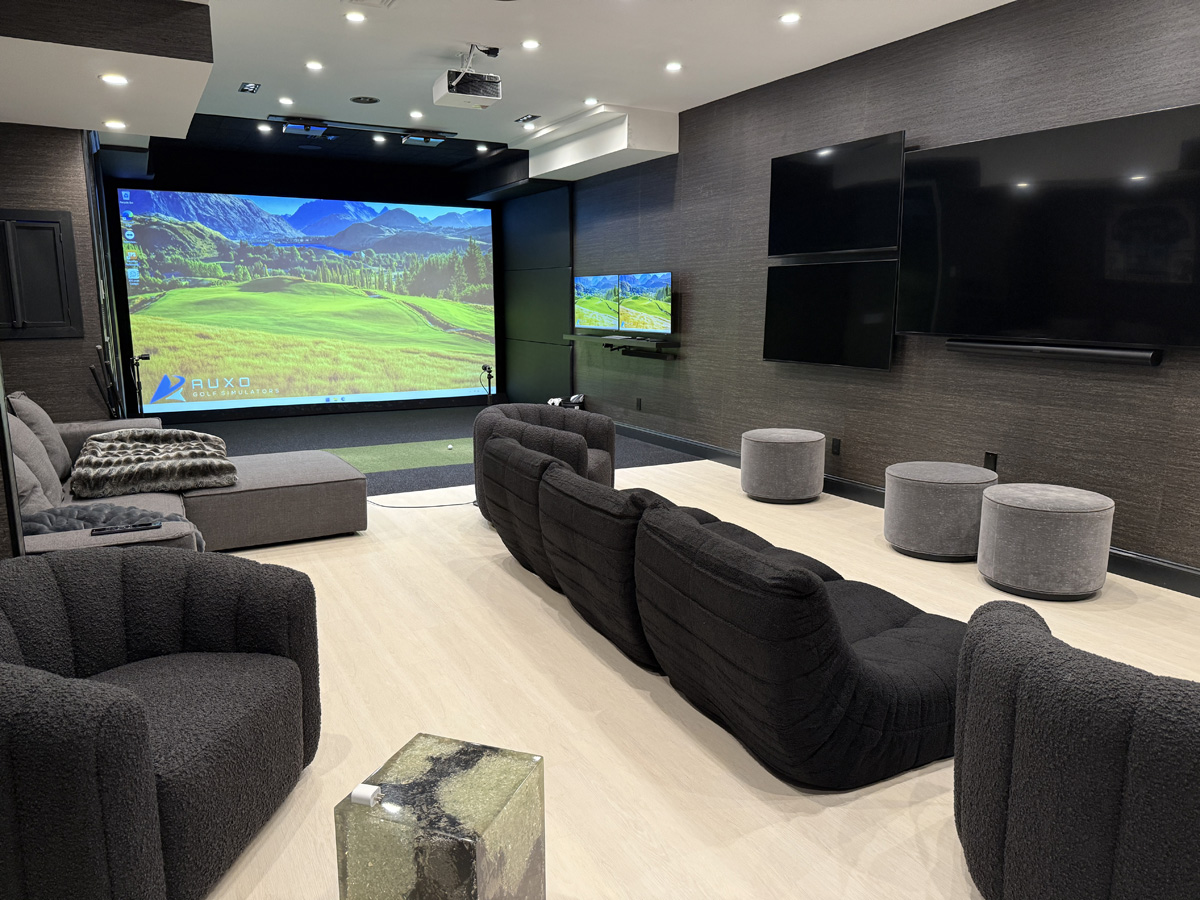
Consider modular couches, ottomans, or beanbag seating that can be shifted out of the swing path when it’s time to play. Built-in wall seating or raised platforms also make great use of space without cluttering the area.
Hide the Tech When You’re Not Using It
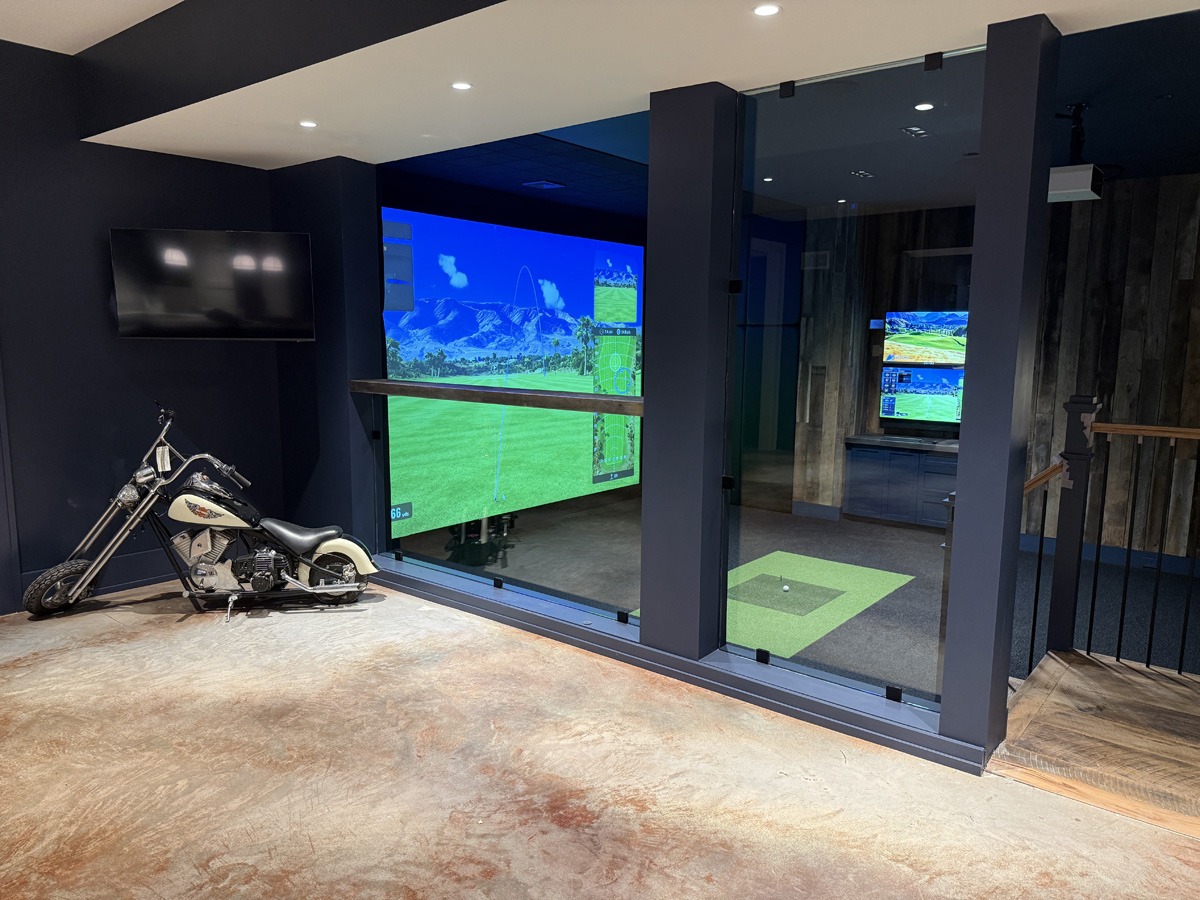
Projectors can be ceiling mounted, and hitting mats can be tucked into custom flooring compartments. For full custom installs, check out our golf simulator renovation services for smart hiding solutions.
Pick a Screen That Delivers on Quality and Durability
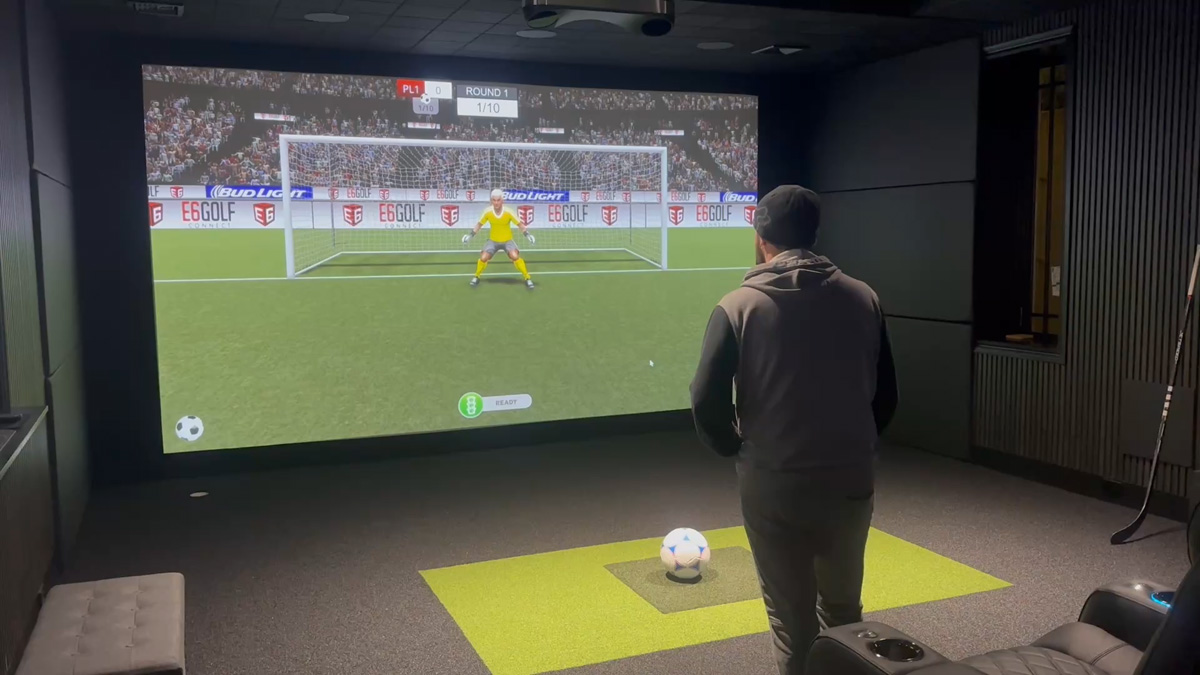
Your screen has to handle two jobs. On one hand, it’s taking impact from high-speed golf balls. On the other, it’s the backdrop for 4K movies and video games. You want a screen that’s strong, smooth, and cinematic all at once.
- Impact performance: Look for woven impact screens designed specifically for simulator use to minimize bounceback and distortion.
- Visual clarity: A screen with tight weave and minimal texture gives you better video projection quality without ghosting.
- Multi-sport support: If you plan to use your system for soccer, baseball, or other sports, choose a screen wide enough to accommodate different shot angles.
Lighting Tips to Balance Golf Play and Movie Nights
Lighting plays a huge role in making both activities enjoyable. Too much glare ruins your projected image. Too little and your simulator camera can’t track shots correctly. There’s a sweet spot, and it’s all in the setup.
Go with Dimmable and Zoned Lighting
Set up overhead lighting on zones so you can keep swing areas well-lit while dimming the viewing zone. Bonus points if you can control it all from your phone or tablet.
Avoid Windows or Use Blackout Curtains
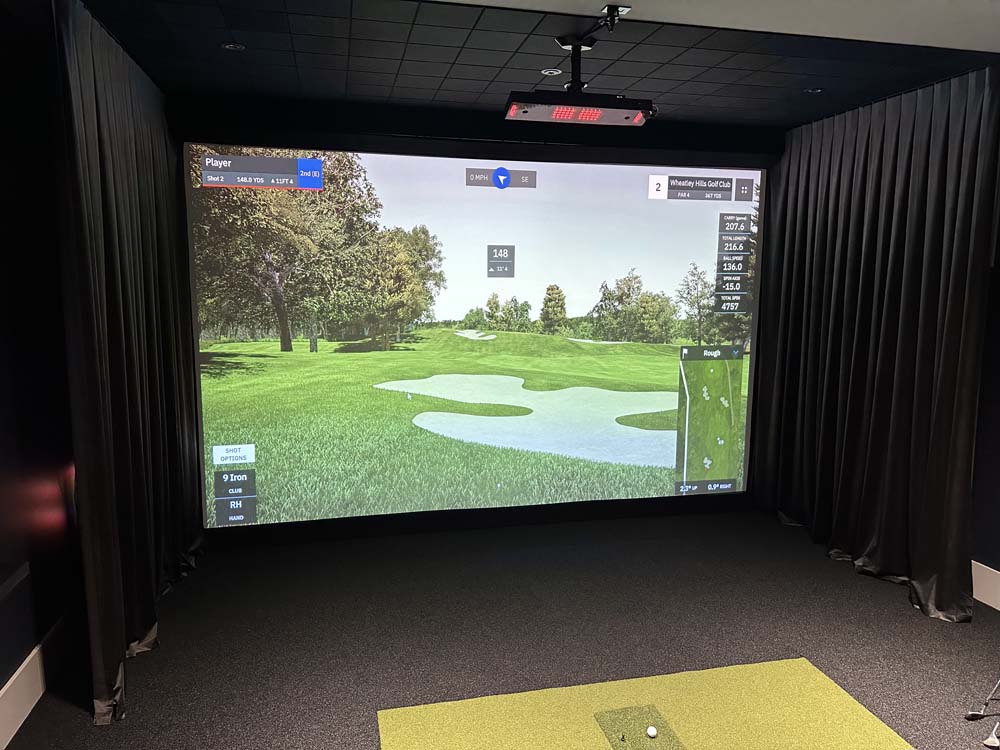
Natural light is great in theory, but it wreaks havoc on both projection and camera tracking. If your room has windows, use blackout shades or curtains to keep light consistent.
Seating and Storage That Works for Every Activity
You don’t need theater recliners to have a great media setup. What you do need is comfortable, low-profile seating that doesn’t interfere with play and some clever ways to store your simulator gear when it’s not in use.
Smart Seating Picks
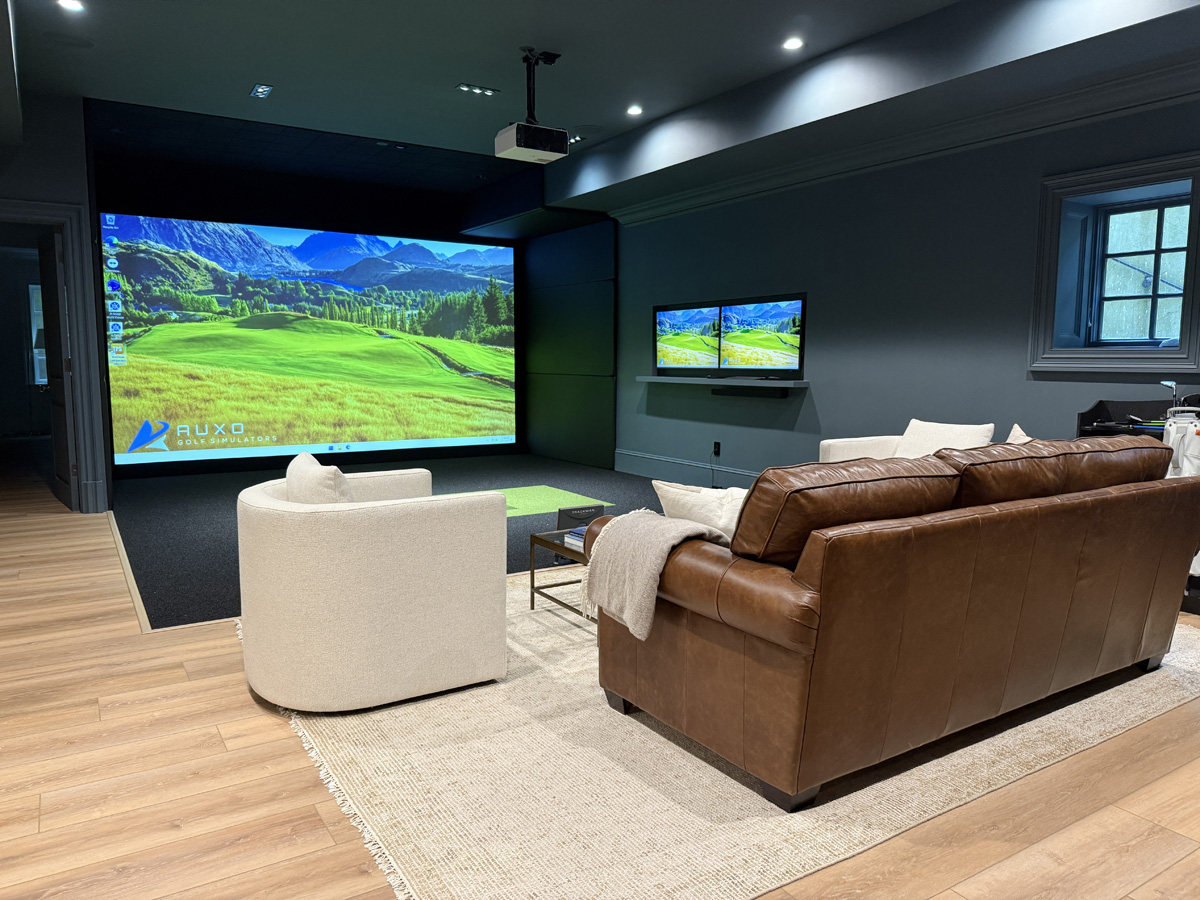
Choose furniture that’s easy to move or rotate, like swivel chairs or modular sofas. Stadium-style setups also work well in rooms with extra ceiling height.
Discreet Storage Ideas
Wall-mounted club racks, rolling cabinets for putting mats, and ceiling tracks for retractable nets all help you keep the room clean and functional for everyday use.
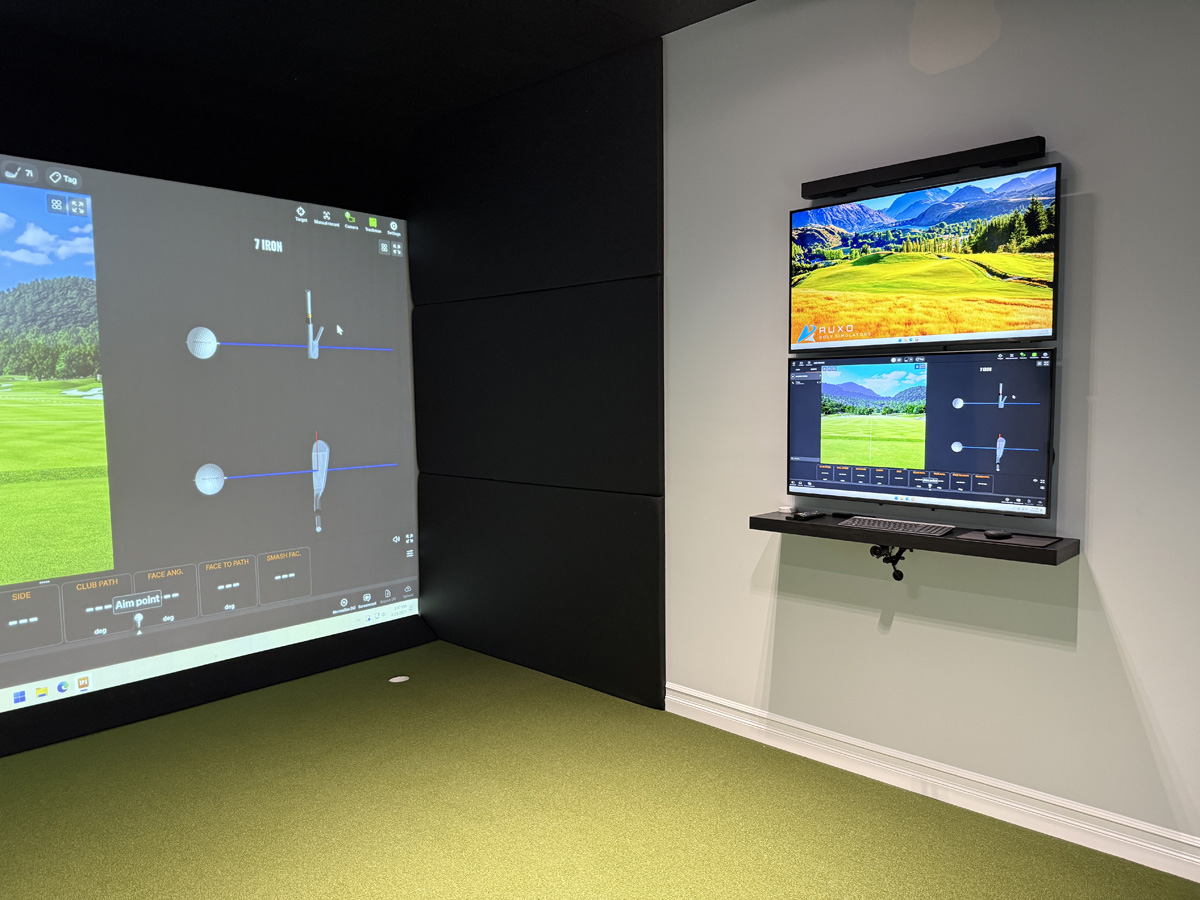
Tech Upgrades That Make Your Golf Simulator Room Even Better
This is where the fun really starts. Your golf simulator hardware can double as entertainment gear with just a few thoughtful choices. Here’s how to level up the experience.
- Surround sound: A quality speaker system enhances both immersive gameplay and movie audio.
- Multiple input sources: Connect gaming consoles, media players, and simulator software to your projector through a single AV hub.
- Multi-sport software: Our multi-sport home golf simulator setups offer even more ways to enjoy the space.
What to Avoid When Designing a Dual-Purpose Golf Simulator Room
It’s easy to get caught up in the fun of it all and overlook practical mistakes. These common pitfalls can keep your room from being as usable and enjoyable as it should be.
Too Much Furniture in the Swing Zone
If you’re constantly moving things just to swing a club, your setup isn’t working. Prioritize open space where it matters.
Low Ceilings and Bad Angles
Ten feet is the bare minimum ceiling height for most simulators. Anything less and your swing is compromised. Don’t force a setup into a room that doesn’t fit the dimensions. You can see how others have approached this in our recent golf simulator projects.
Make the Most of Your Golf Simulator Investment
A dual-use golf simulator room is one of the best ways to get more enjoyment out of your space. Whether you’re practicing your wedge distances, watching the Masters, or playing zombie dodgeball with your kids, a flexible design makes it all easy. Thoughtful planning, smart storage, and the right tech make the room feel polished and purposeful.
Ready to Build Your Golf and Media Dream Room?
We design every simulator with both performance and daily life in mind. Let’s make yours amazing.
Some of our work