
Golf Simulator Blog
Free tips & advice for your home golf simulator
What to Know Before Installing a Golf Simulator at Home
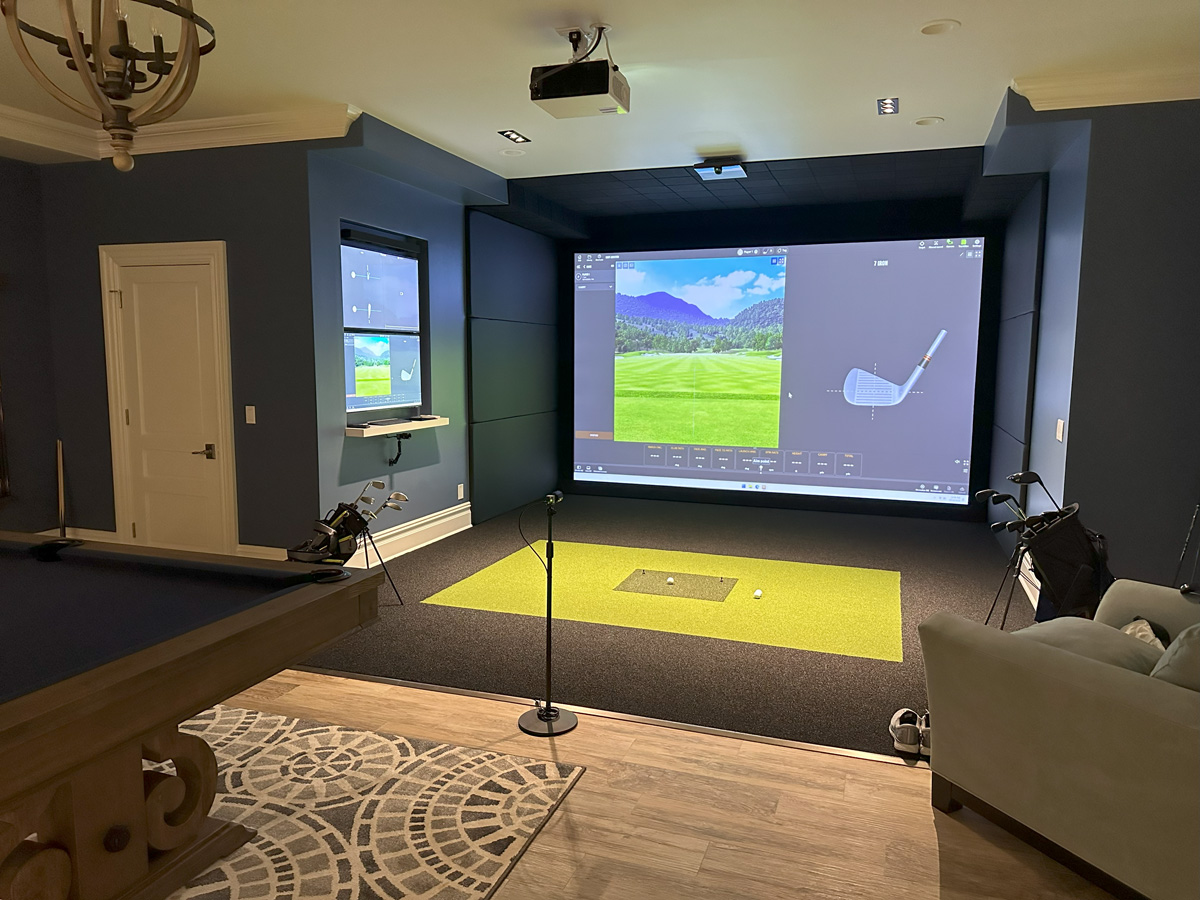
Thinking about putting a golf simulator in your house? A well planned setup gives you year round practice, real course play, and an amazing space to host friends. The key is doing it right the first time so you do not waste money on equipment that will not fit or a room that will not swing. Below we walk through the main things to figure out before you buy anything, and why working with a professional team like AUXO makes the whole process easier.
Understanding the Space You Will Need
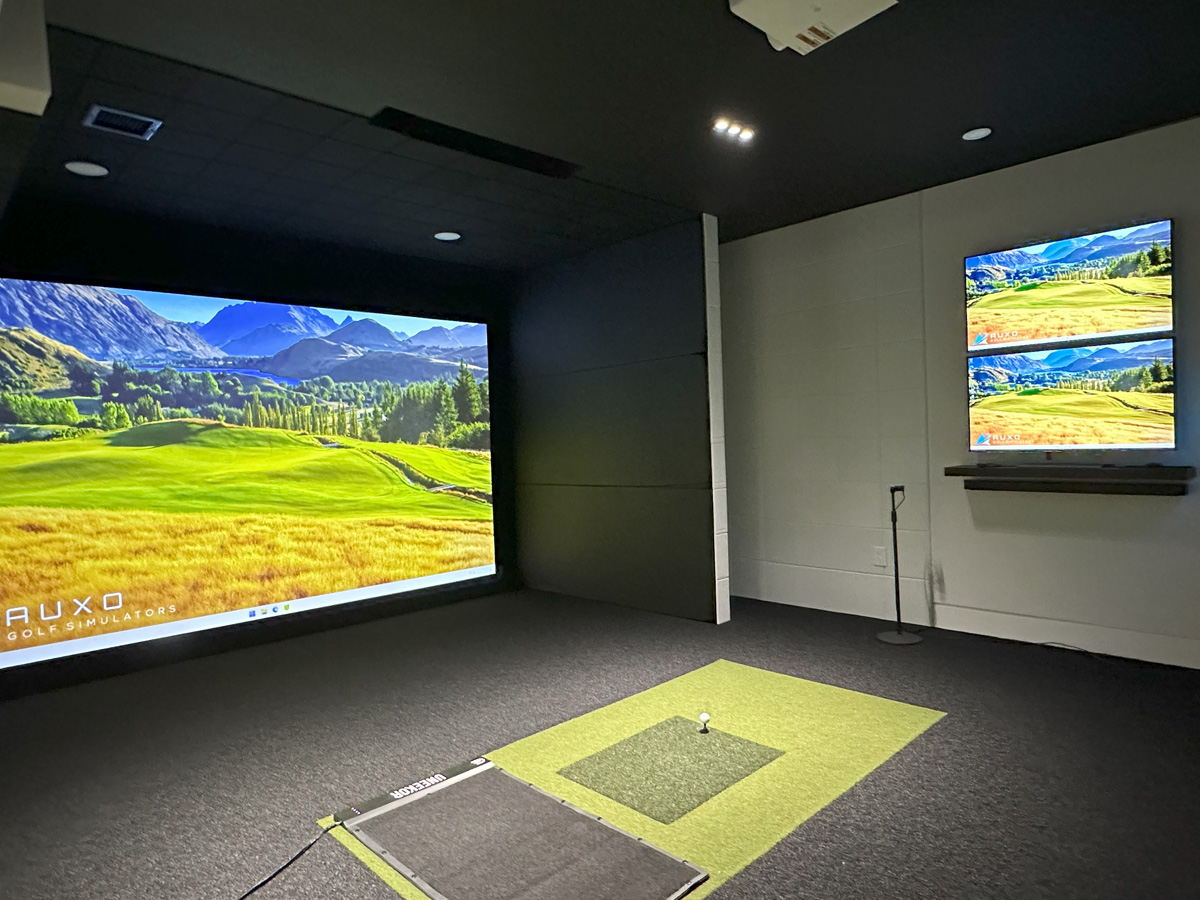
The number one mistake people make is getting excited, buying the tech, and then realizing they do not actually have enough room to swing. Every simulator needs space front to back, side to side, and floor to ceiling. You have to account for your longest club, your stance, and the space to mount a screen or enclosure. If you want to double check common layouts and see completed projects, take a look at our home golf simulator guide which breaks down real world setups.
How much room do you really need?
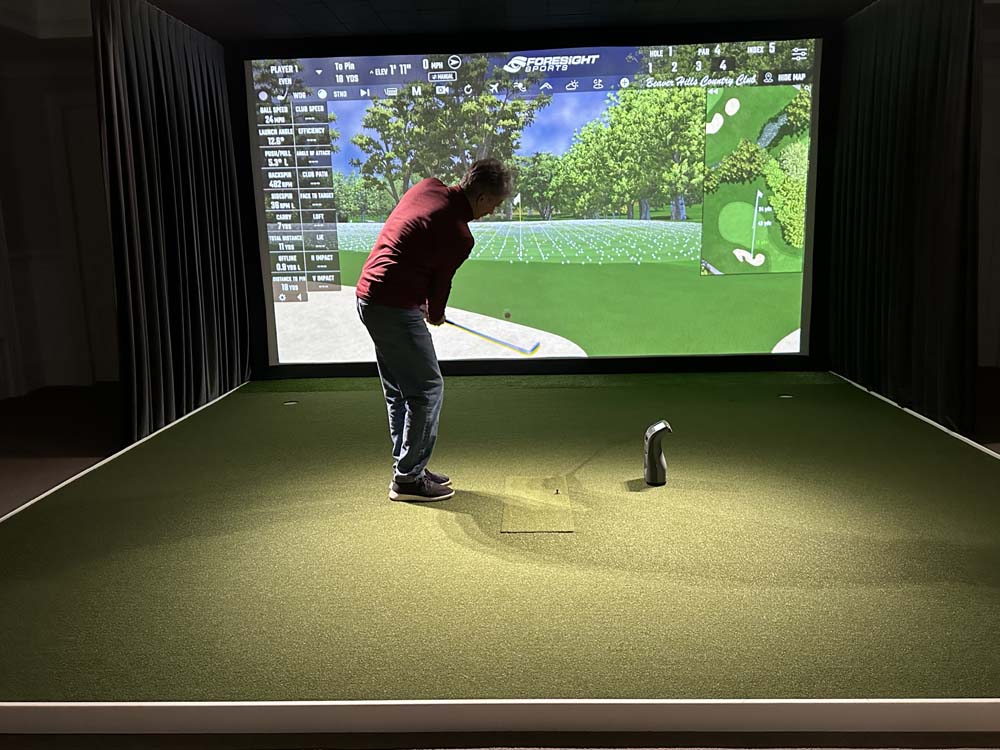
A good rule of thumb is to allow at least 10 feet of width, 10 feet of height, and 15 to 18 feet of depth for a comfortable full swing. That gives you space for both the player and the screen, plus safe clearance for your club path. Taller players or anyone who wants to hit driver should aim for 10.5 to 11 feet of ceiling height. If you plan to invite friends or add a seating area, stretch the room closer to 20 feet deep. Smaller rooms can still work with custom enclosures and short throw projectors, which we often install in tighter garages and bonus rooms.
Ceiling height and swing clearance
Ceiling height is what makes or breaks a room. If your driver swing feels restricted, the experience will too. We recommend at least 9 feet, though 10 feet or higher gives better freedom and realism. For basements or attics with lower ceilings, we can adjust tee position and screen angle to maximize usable space, similar to our basement golf simulator setups.
Adjusting for left and right handed players
If your household has both righties and lefties or you want to host friends, the setup should be centered so both sides can address the ball comfortably. That often means a wider hitting area, a centered hitting mat, or a launch monitor that can read both orientations. We do this frequently in our garage golf simulator builds since those rooms tend to be narrower and need smarter layouts.
Choosing the Right Room for Installation
You can put a simulator in a lot of places. The question is which space will actually be enjoyable to use, quiet enough, and easy to keep clean. Some homes have a perfect bonus room. Others need a renovation or conversion to make it ideal.
Garage, basement, or bonus room which works best?
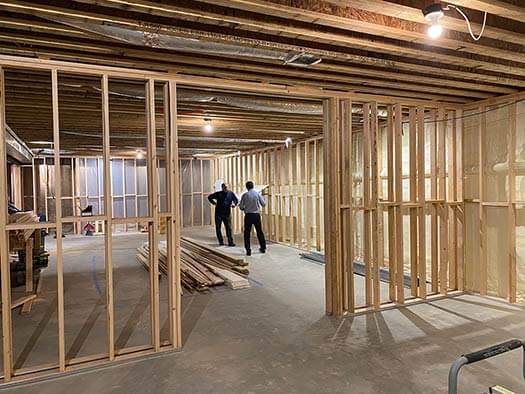
Garages are great because you usually have the depth and height already, and you can park or store items around the enclosure. Basements stay cooler and quieter but might have lower ceilings. Bonus rooms and lofts look the most finished, especially when we match the simulator to the home style. For larger projects, our golf simulator renovation and new home construction pages show how we integrate these spaces seamlessly into homes.
Lighting and sound considerations
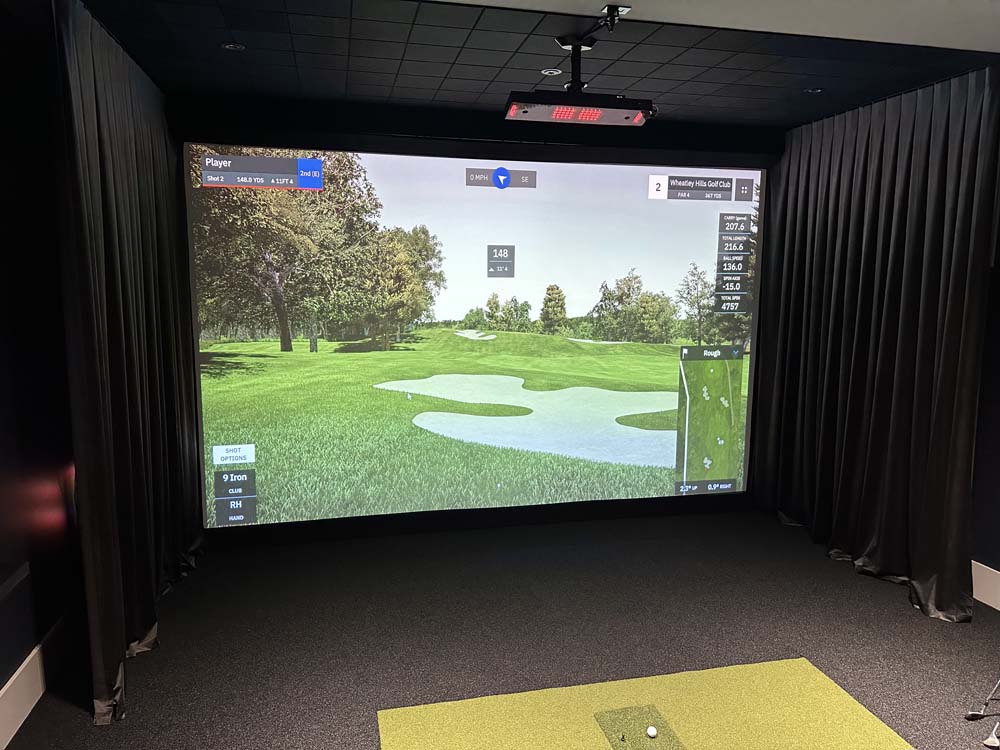
Simulators work best when the lighting is controlled. You want the room bright enough to be comfortable but not so bright that it washes out the projector. We can add blackout treatments or create lighting zones so you can film content, hit shots, and watch media in the same room. Sound matters too, especially if the simulator is near bedrooms or living areas. Proper insulation or acoustic finishes help keep noise under control.
Essential Golf Simulator Components
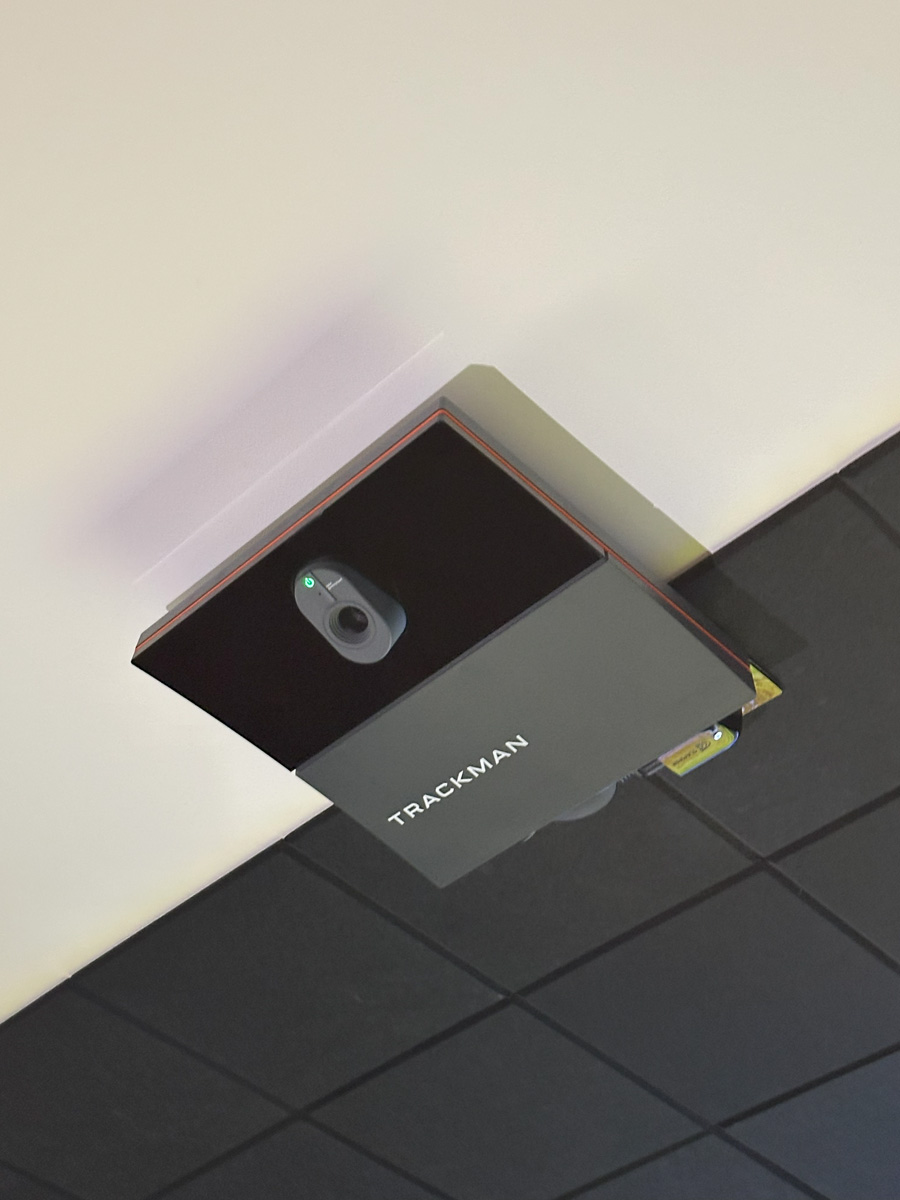
Every setup has a few core pieces. These are the parts you do not want to guess on because the wrong launch monitor or screen distance can affect accuracy. Our team pairs hardware and software that work perfectly together for consistent, reliable play.
- Launch monitor: Tracks club and ball data with precision. The right model depends on your swing style, lighting, and accuracy goals. Learn more in our blog on what a launch monitor does.
- Projector and impact screen: Creates the immersive visual experience. We size and position these carefully for a clean image with no shadows.
- Hitting mat and turf: Good turf protects your body and gives realistic feedback. We can even integrate a custom putting green for short game practice.
- Computer and software: Runs the simulator, courses, and training programs. A strong computer ensures smooth visuals and accurate data.
Installation Requirements and Electrical Setup
A simulator room has a few behind the scenes needs that homeowners often forget. Power, networking, and cable management all affect how clean and functional the final room looks.
Power and outlet placement
Projector, computer, launch monitor, and lighting all need power. We usually recommend dedicated outlets near the screen and at the rear wall for easy connection and clean routing. Thoughtful planning keeps cords hidden and safe.
Internet connection for updates and online play
Most modern simulator software updates through the web. A reliable internet connection ensures your setup stays current and allows online play, course downloads, and live lessons. Hardwired connections are ideal for performance and stability.
Designing a Simulator That Fits Your Home Aesthetic
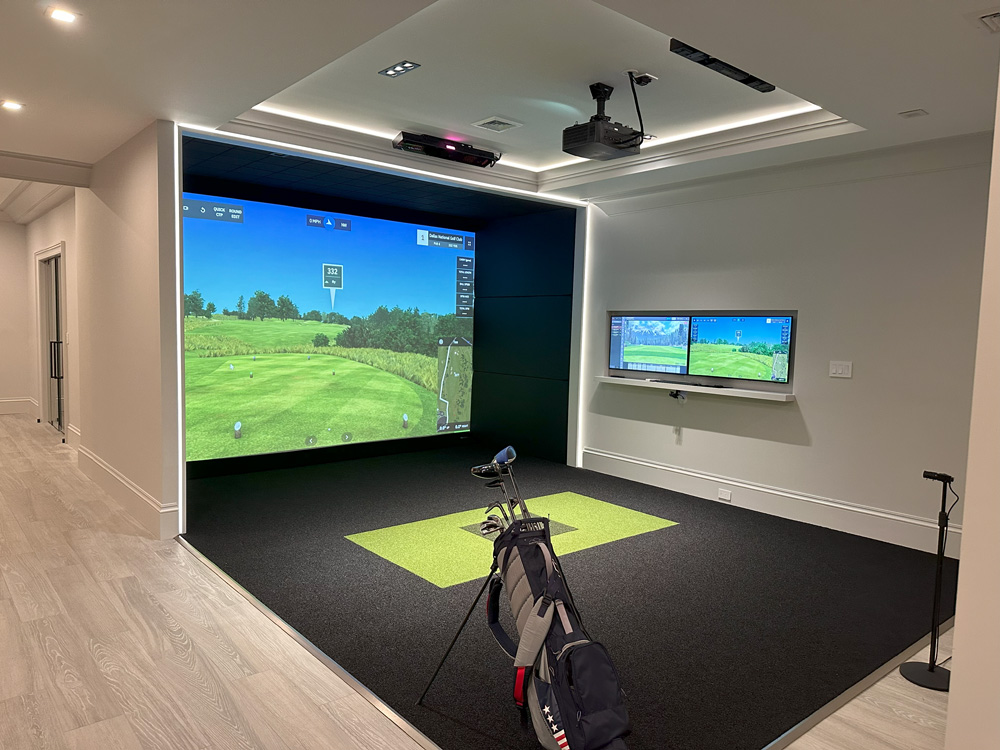
This is where AUXO stands out. A great simulator should feel like part of your home, not a temporary setup. We build enclosures, cabinetry, and finishes that blend seamlessly with your interior design while keeping performance top tier.
Blending form and function
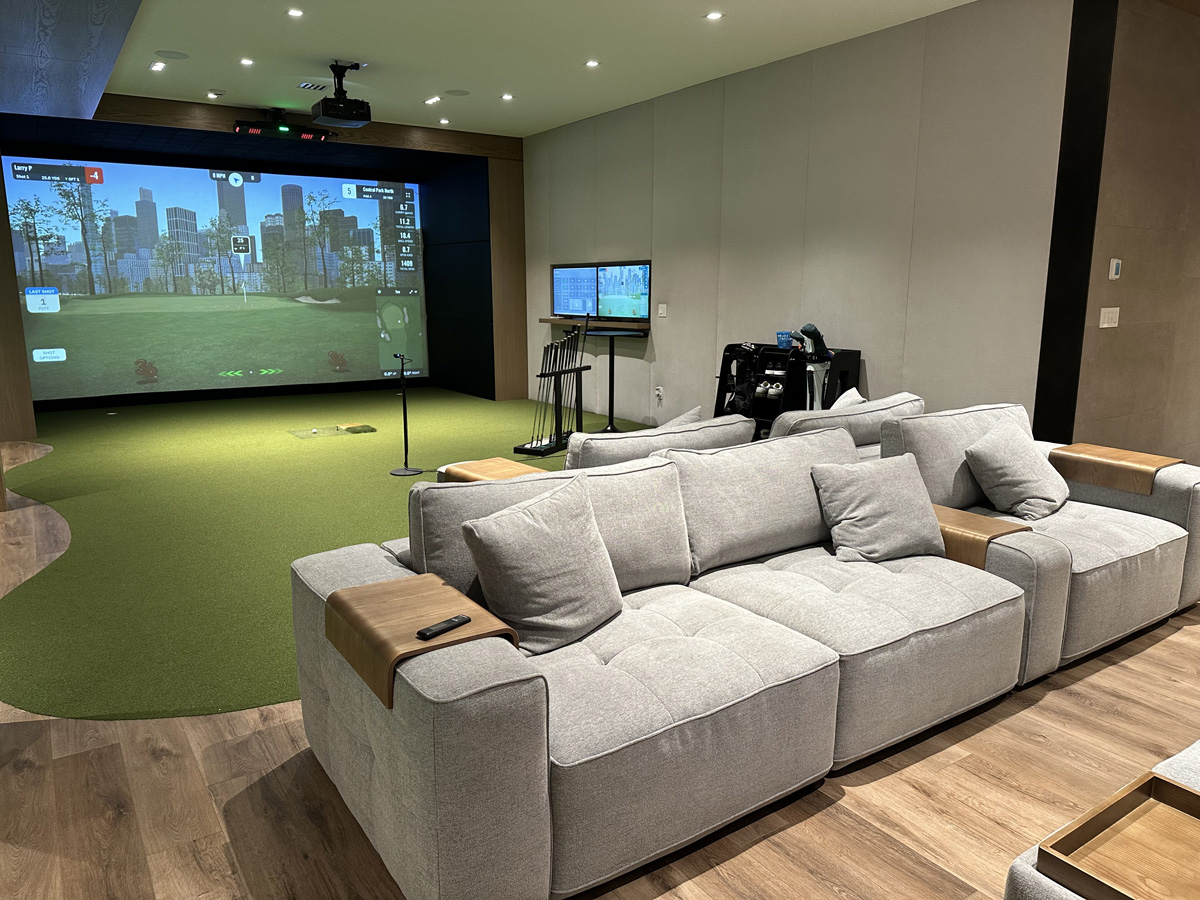
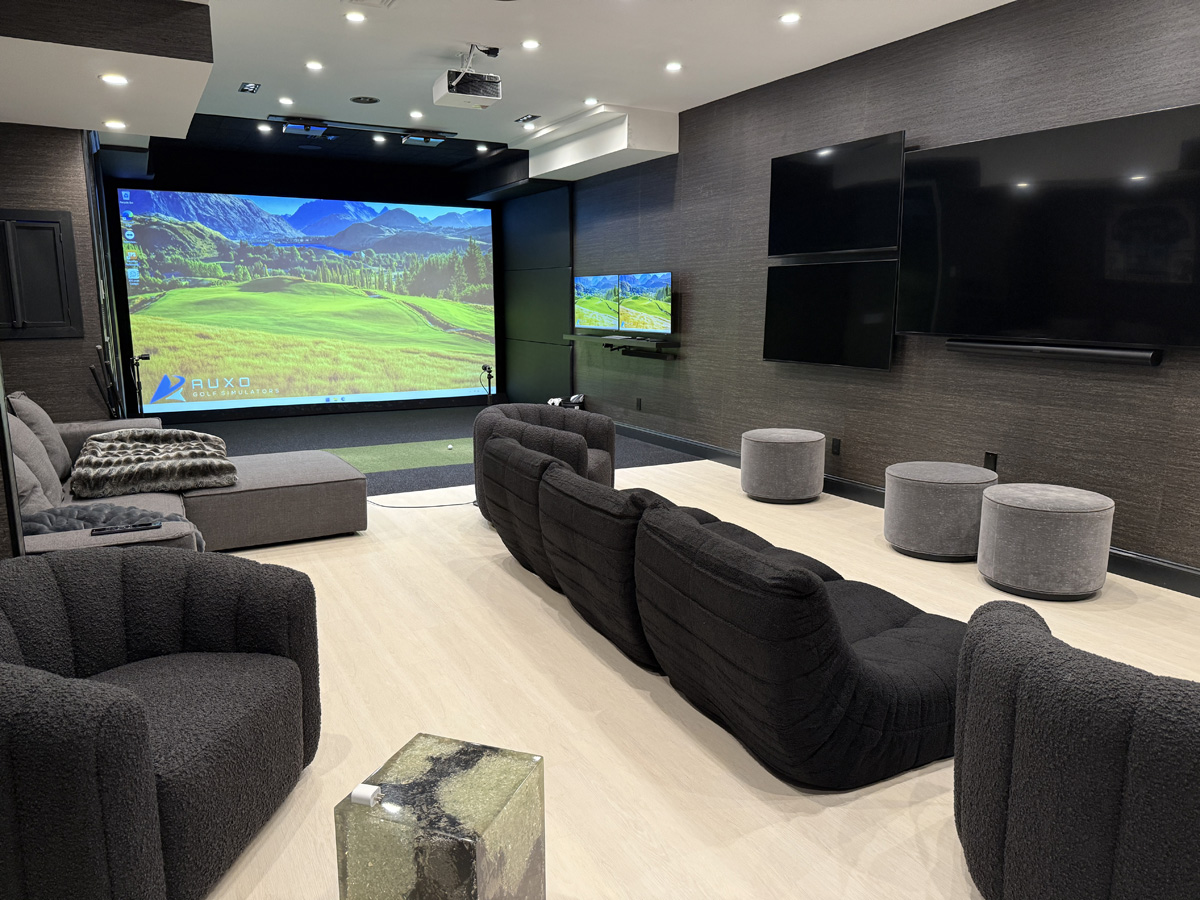
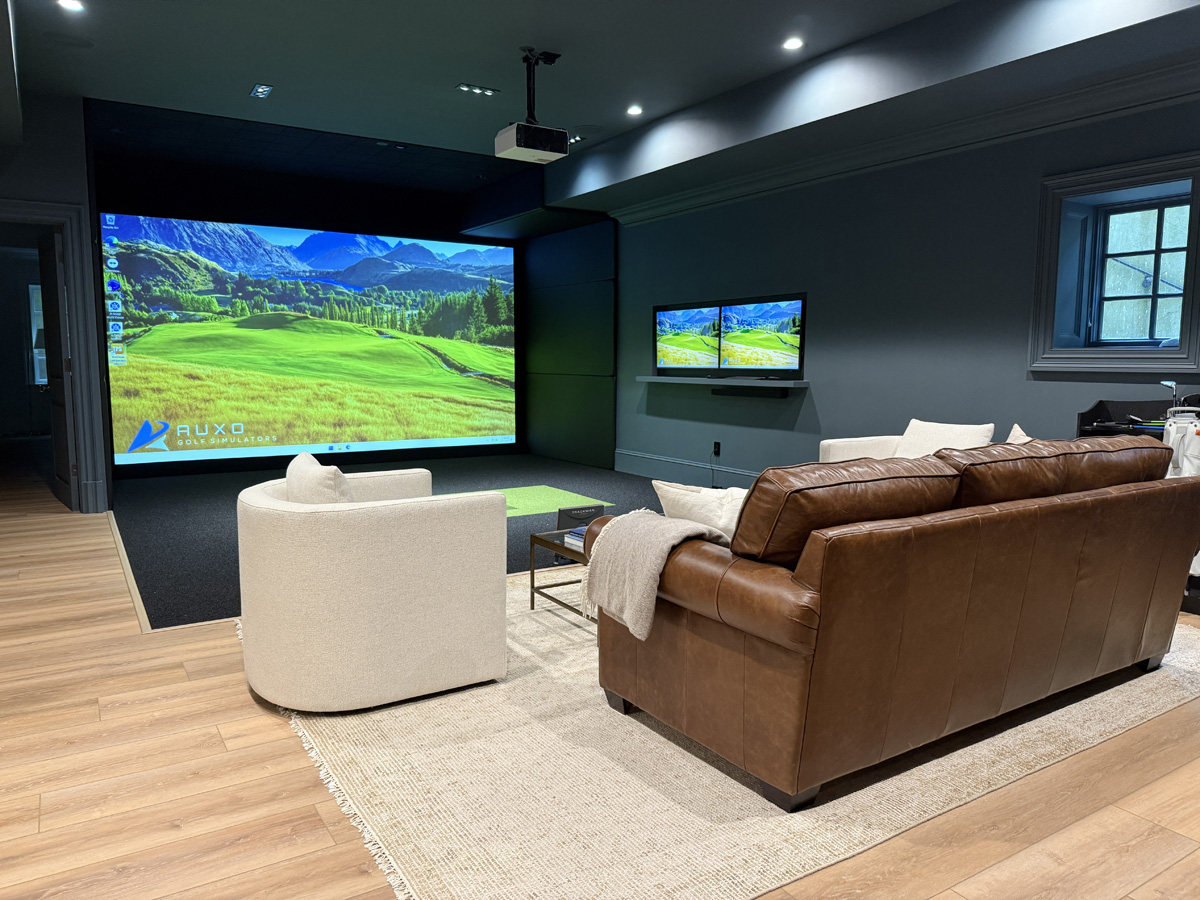
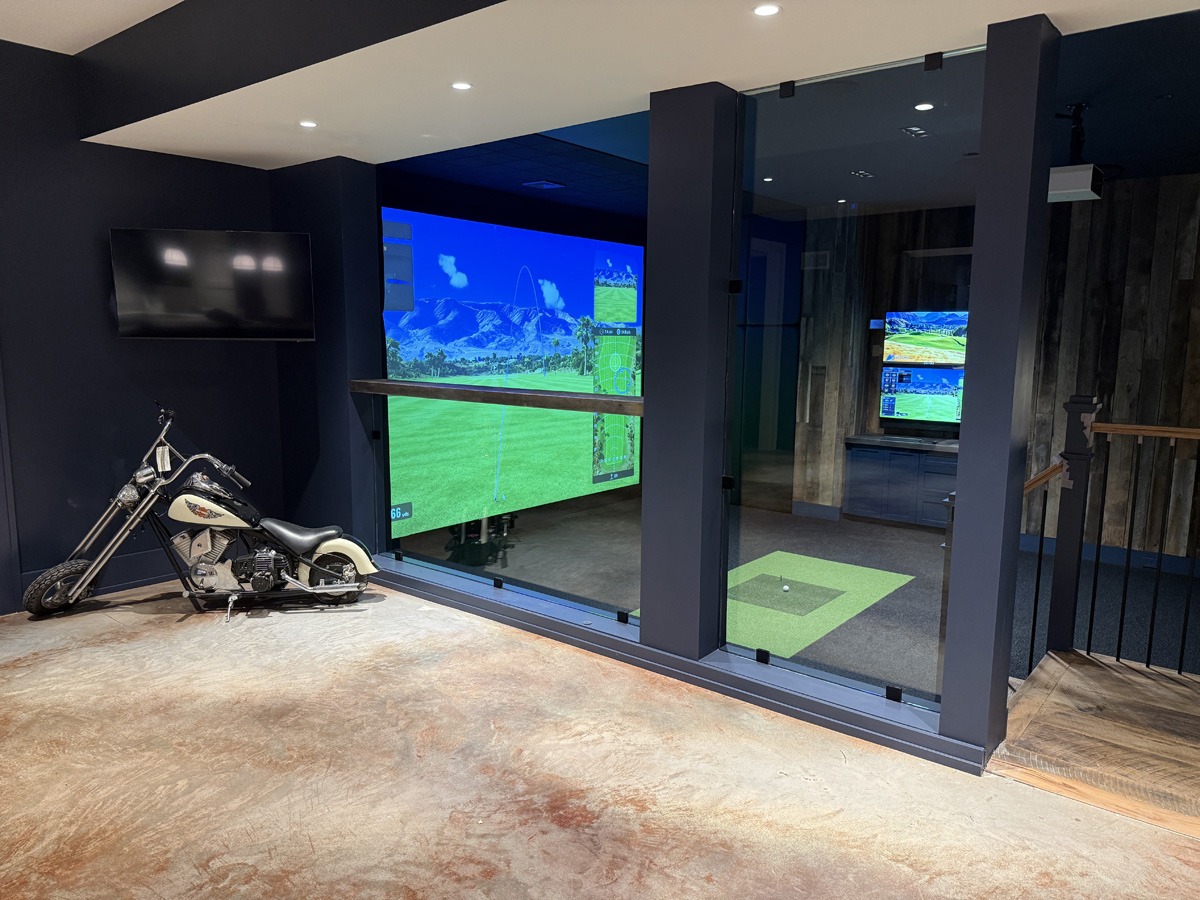
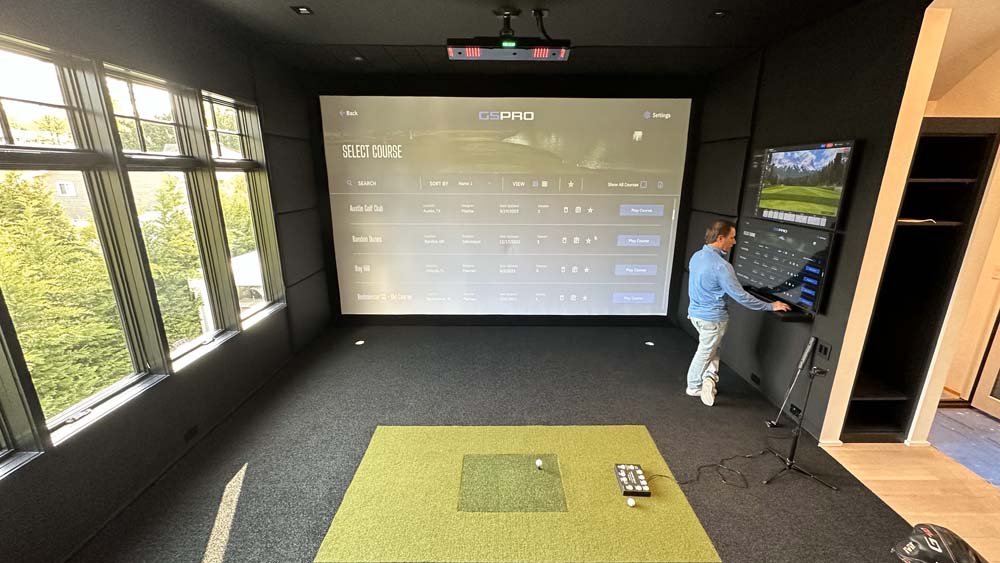
Every element should look good and perform well. We integrate screens, sound systems, and lighting in ways that match the rest of your home. The result is a space that is both beautiful and functional, just like our project gallery across New York, New Jersey, and Connecticut.
Adding soundproofing, storage, and hidden tech
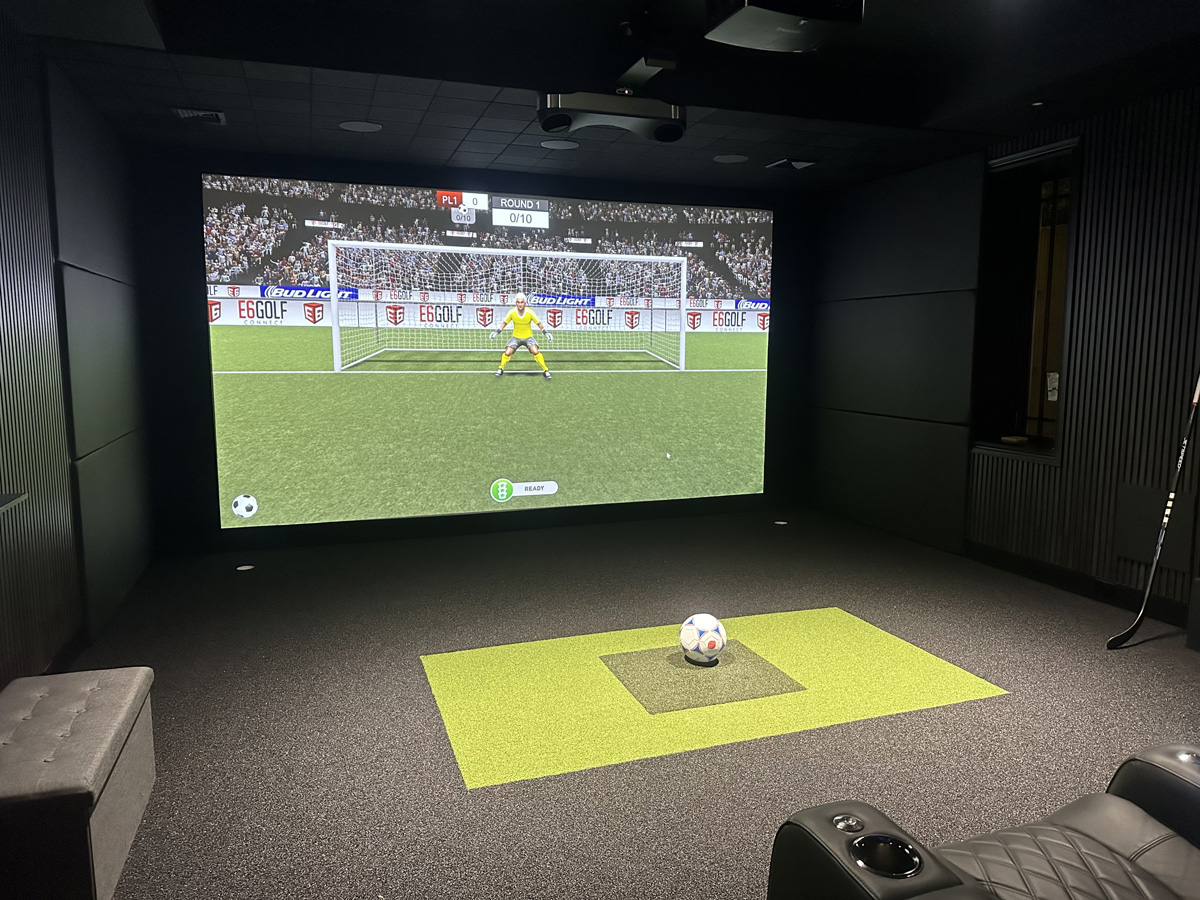
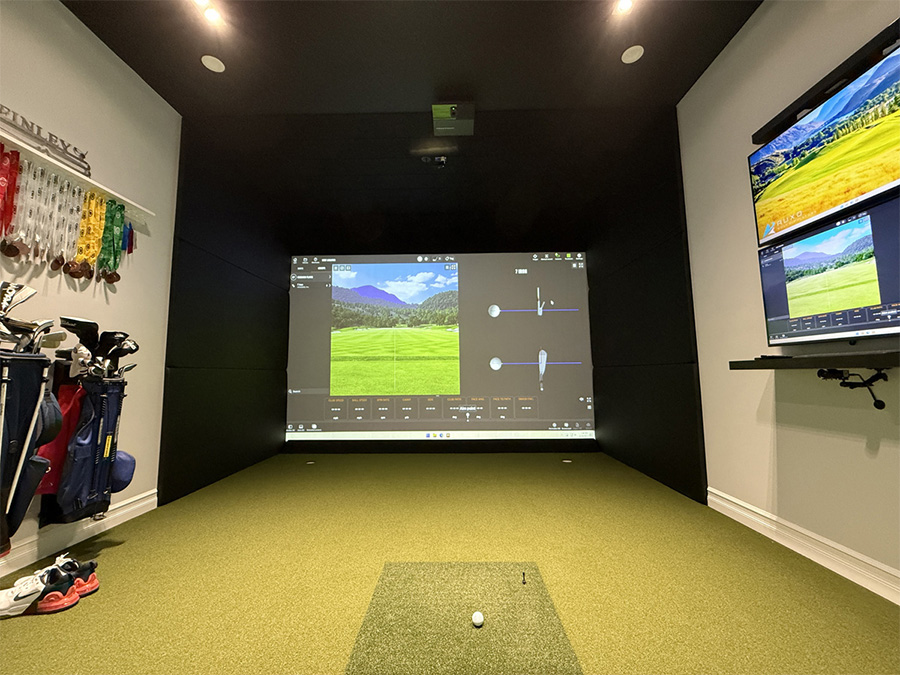
Acoustic panels, built in storage, and concealed projectors help keep the room looking clean and quiet. These touches make a big difference when your simulator sits near main living areas or guest rooms.
How to Keep Your Golf Simulator Performing Its Best
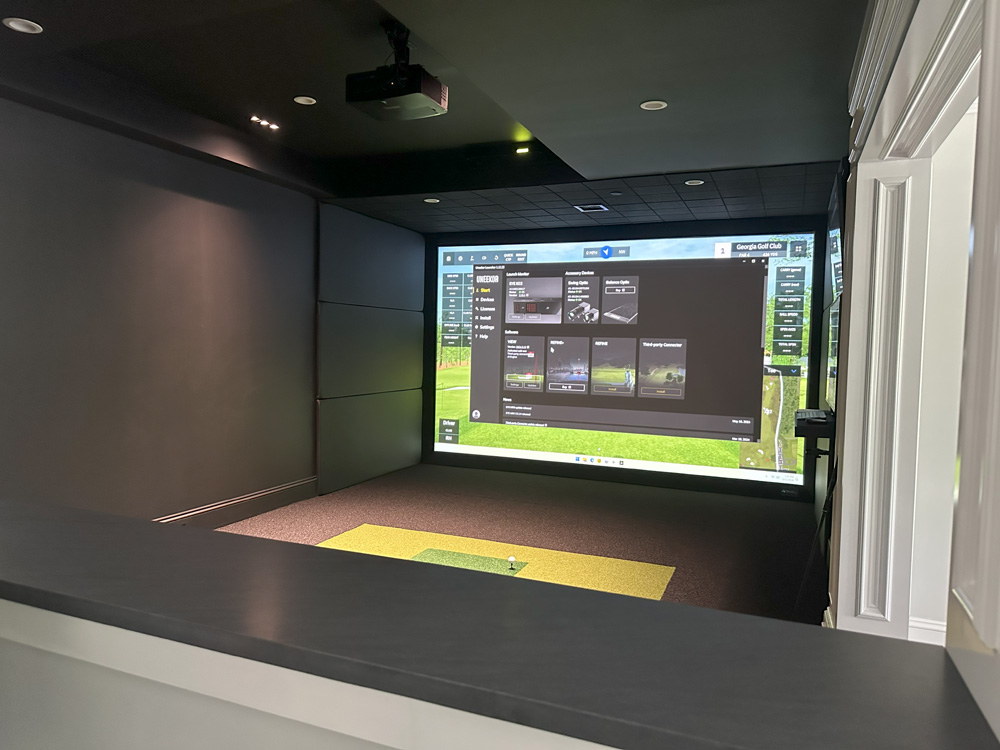
Once installed, simulators do not need much maintenance, but a few habits will keep performance consistent. Clean sensors, update software, and check components periodically to ensure accuracy and longevity.
Routine cleaning and maintenance
Wipe down sensors, vacuum the hitting mat, and keep dust off the screen and projector lens. Replace hitting inserts when they start to wear down to maintain the same feel under your swing.
Software updates and recalibration
Keep your system updated to take advantage of improvements in ball flight tracking and visual quality. A quick recalibration every few months ensures readings stay precise and consistent.
Why a Professionally Designed Simulator Makes All the Difference
Professional design ensures that every detail from the projector distance to launch monitor placement is perfectly aligned. It also guarantees that your enclosure, lighting, and layout look intentional and high end. AUXO’s team brings together technology, design, and construction so the final space feels cohesive and performs flawlessly. Our work spans New York, Connecticut, and New Jersey, each with layouts tailored to the client and home style.
Ready to Build Your Own Golf Simulator Space?
If you want a simulator that performs at a professional level and looks completely integrated into your home, our team can help you plan, design, and install it from start to finish.
Some of our work