Golf Simulator Blog
Free tips & advice for your home golf simulator
How to Make Your Home Golf Simulator Fun for the Whole Family
A home golf simulator might start as one person’s dream, but it can quickly become everyone’s favorite room in the house. With the right design and technology, a custom simulator can offer much more than a place to practice your swing. It can become a space for family game nights, friendly competition, watching movies, and spending quality time together without leaving home.
The key is thinking beyond golf from the beginning. A simulator designed around the whole family can accommodate different ages, interests, and activities while still delivering the serious golf experience you originally wanted. Here are some ways to make a home golf simulator a space everyone looks forward to using.
Introduce the Next Generation to Golf
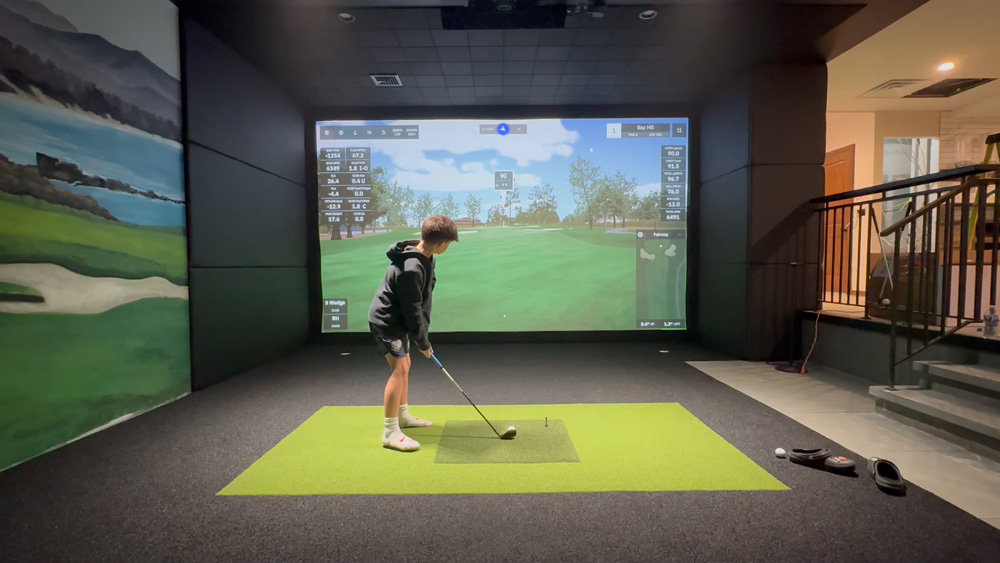
One of the biggest advantages of having a golf simulator at home is the opportunity to share the game with your kids. Instead of organizing trips to the driving range or waiting for the right weather, younger golfers can practice and have fun in a familiar environment whenever the family has time.
For beginners, that accessibility can make a real difference. Kids can experiment with their swings, try different challenges, and develop confidence without the pressure of playing on a crowded course. As they improve, the simulator can grow with them and offer more advanced ways to practice.
Make Practice Feel Like Play
Not every session has to be a structured golf lesson. Many simulator platforms offer games, challenges, and virtual courses that make hitting balls more entertaining. Family members can compete in closest-to-the-pin contests, take turns playing different holes, or create their own challenges based on each person’s skill level.
That balance of practice and entertainment is especially useful for younger players. They can work on their skills while enjoying the experience, rather than feeling like every session needs to be serious training.
Give Young Golfers Room to Improve
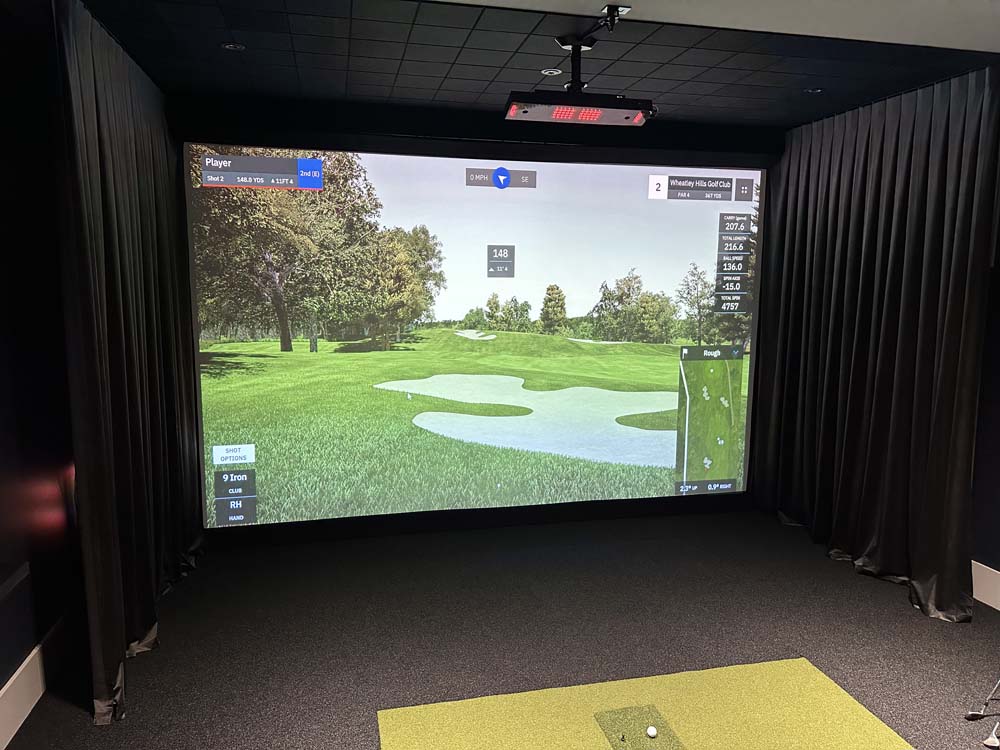
As kids become more interested in the sport, a home simulator can provide access to the same types of performance data and swing feedback that experienced golfers use. Depending on the equipment, they can track shot distances, ball flight, and other measurements that help them understand their progress.
For families with aspiring young golfers, our guide to improving your junior golfer’s skills with a home golf simulator explores how the technology can support their development.
Explore Games and Sports Beyond Golf
Not everyone in the family needs to be a golfer to enjoy a simulator room. One of the most exciting ways to make the space more versatile is by incorporating multisport technology that offers interactive games and activities beyond the golf course.
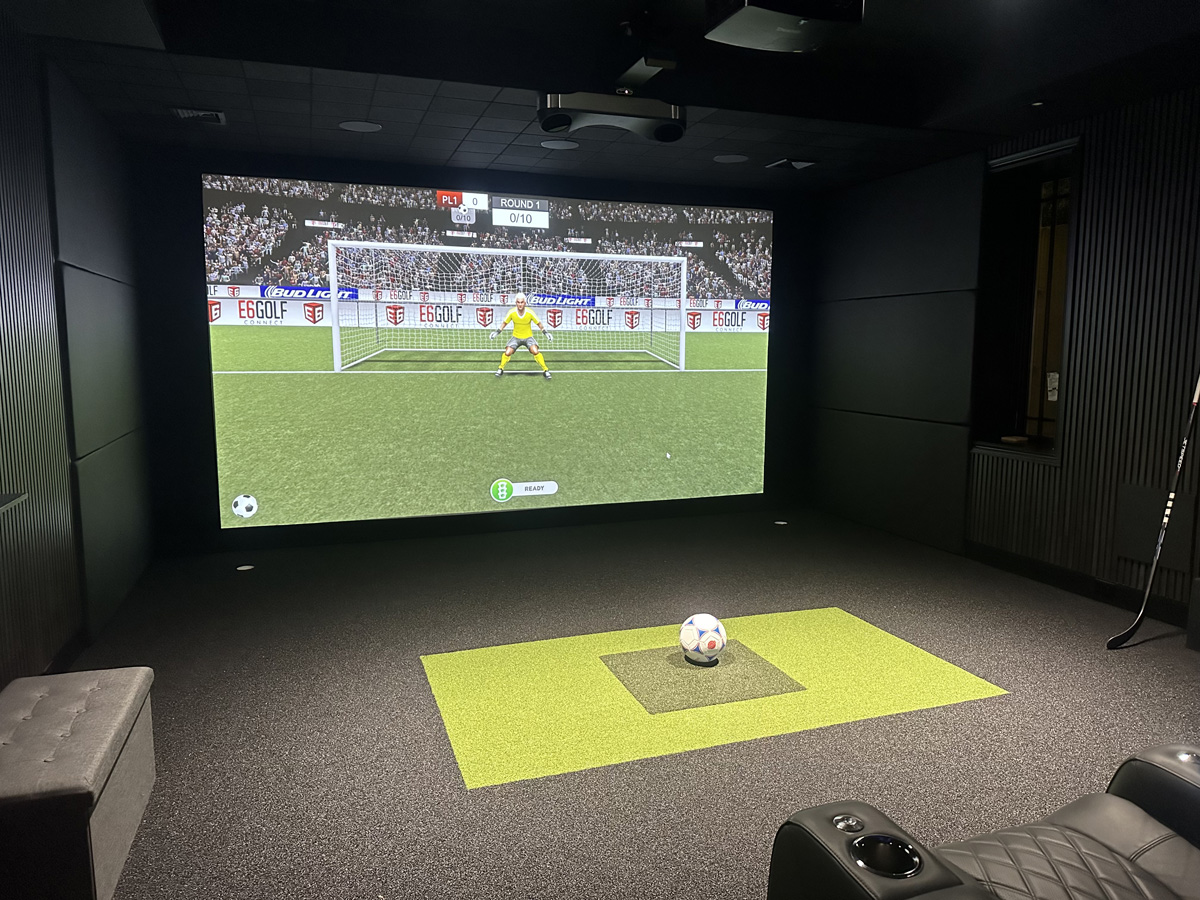
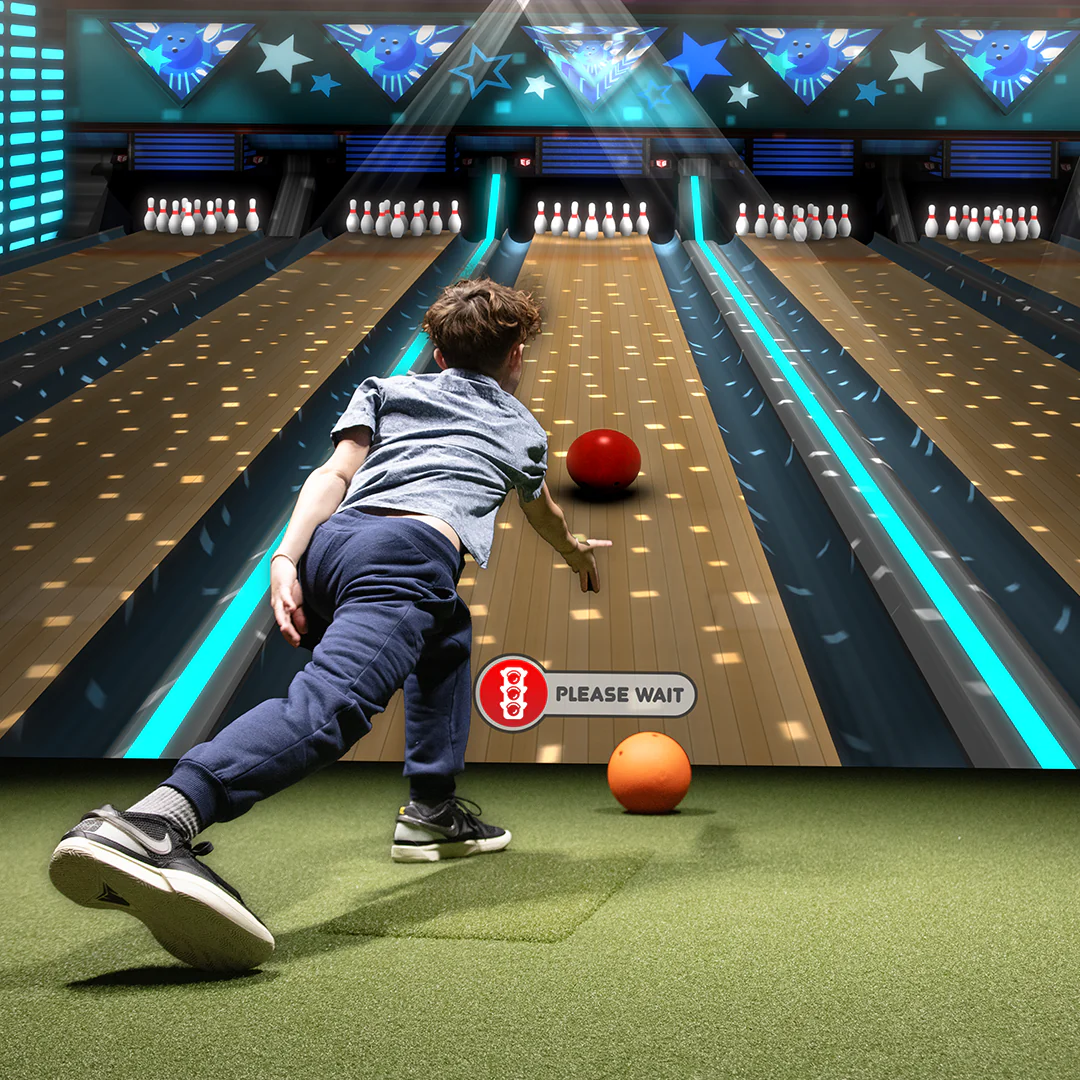
Depending on the system and software selected, a multisport home golf simulator can support activities like soccer, baseball, hockey, bowling, and other interactive games. That opens up the room to family members who might have little interest in traditional golf.
Something for Different Ages and Interests
A dedicated golf simulator is great for the golfer in the household, but a multisport system gives everyone more reasons to use the room. Younger kids might enjoy interactive bowling, while older children and adults can compete in sports challenges or games that require more accuracy and coordination.
It also creates opportunities for everyone to participate together. A family game night can move from virtual golf to bowling or another activity without requiring an entirely different entertainment setup.
Keep the Entertainment Options Open
The right system depends on how your family plans to use it. Some homeowners want the most advanced golf technology available, while others want golf to be one of several activities the room can support. Understanding those priorities early helps determine which equipment and software will make the most sense.
Our article on how to create a multisport simulator room that goes beyond golf takes a closer look at the possibilities and the considerations involved.
Turn Your Golf Simulator Into a Family Entertainment Room
Golf and interactive games are only part of what a custom simulator room can offer. With thoughtful planning, the same space can also serve as a home theater or a place to watch live sports with family and friends.
After all, one of the largest features in most golf simulator rooms is the projection screen. When the technology and layout are designed to support multiple uses, that screen can become the centerpiece of a much broader entertainment experience.
Make Room for Comfortable Seating
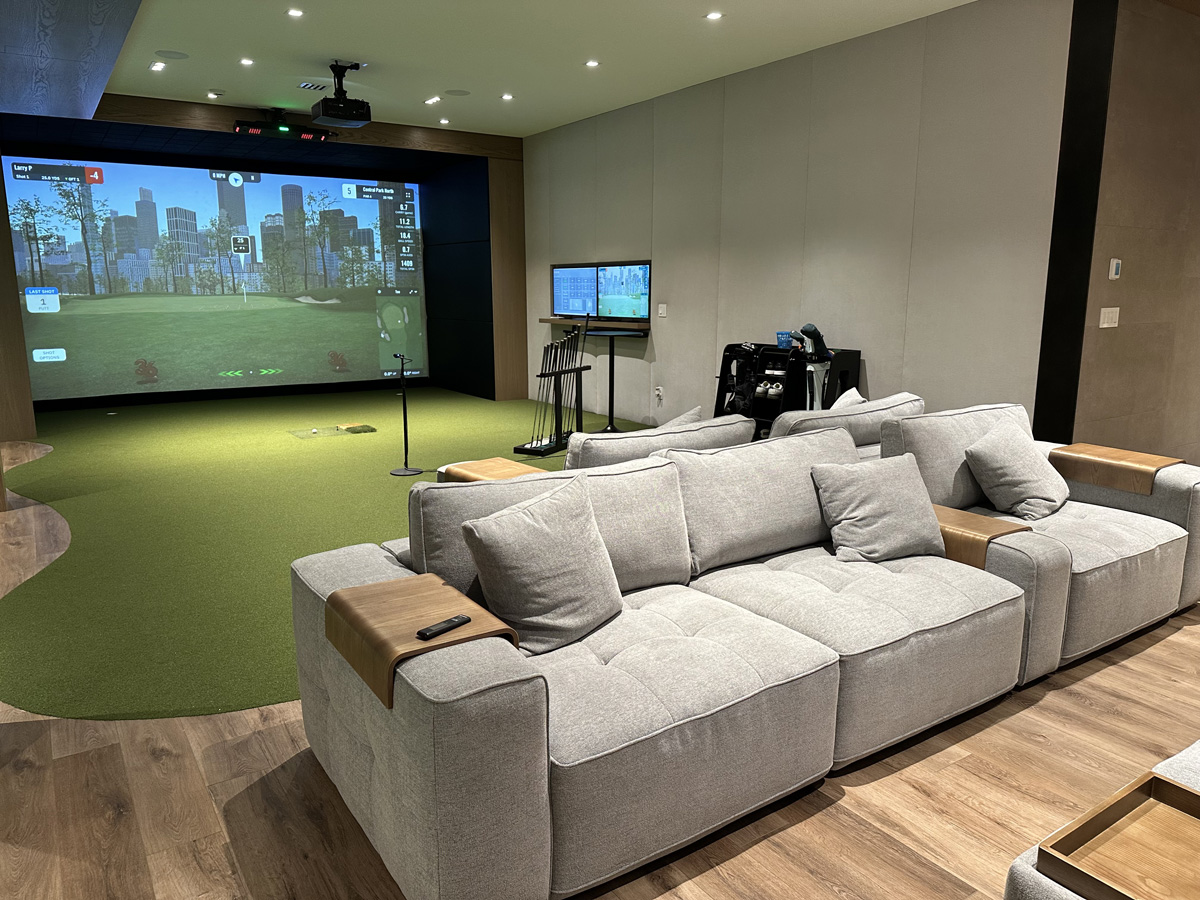
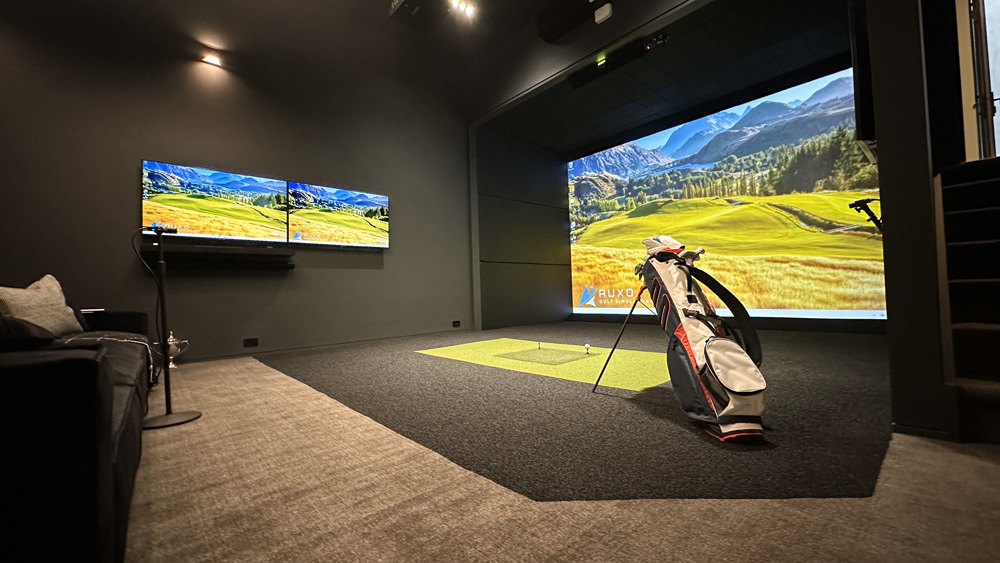
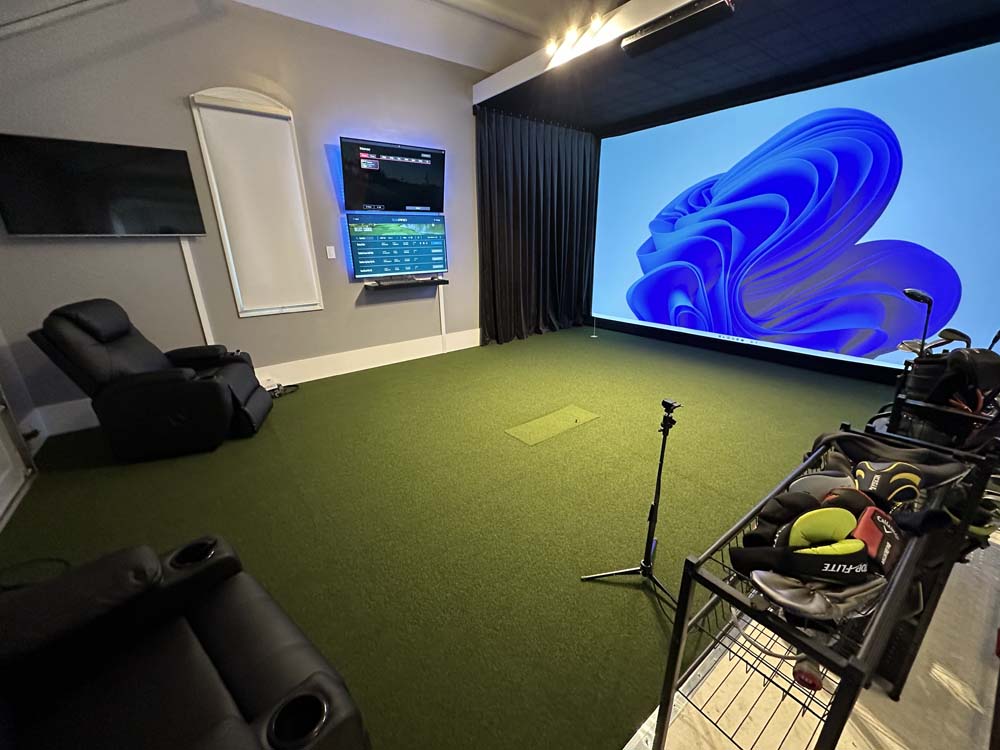
A dedicated seating area can completely change how the room is used. Instead of everyone standing around while one person plays golf, family members have somewhere comfortable to watch, relax, and spend time together.
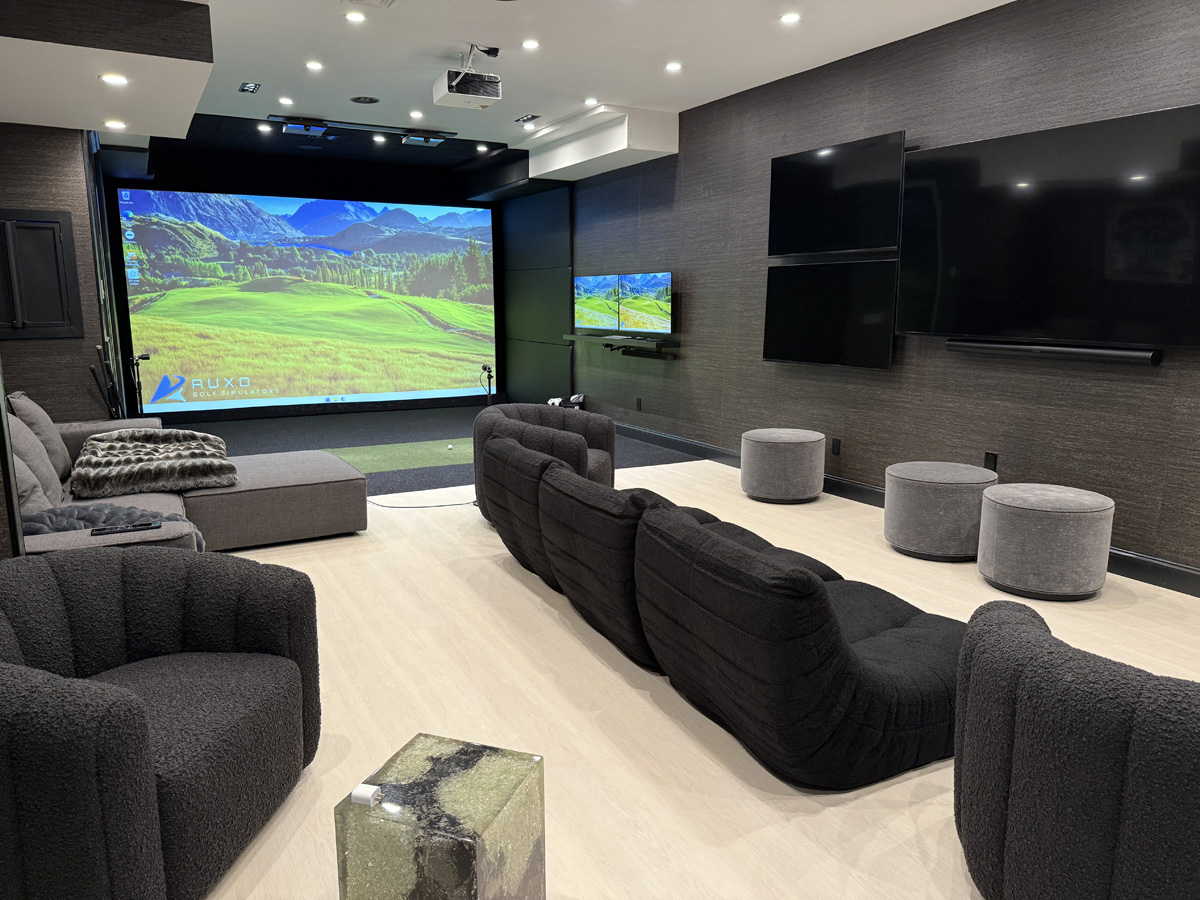
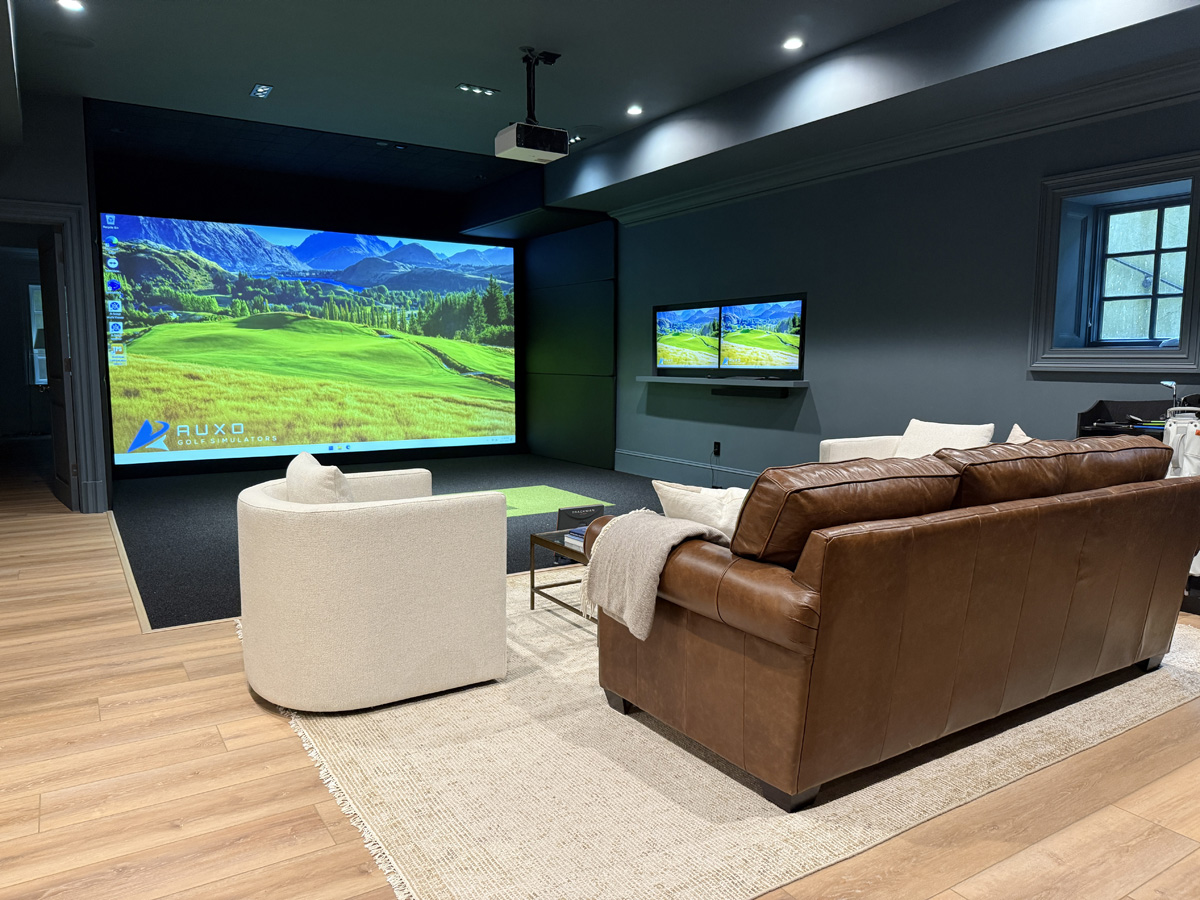
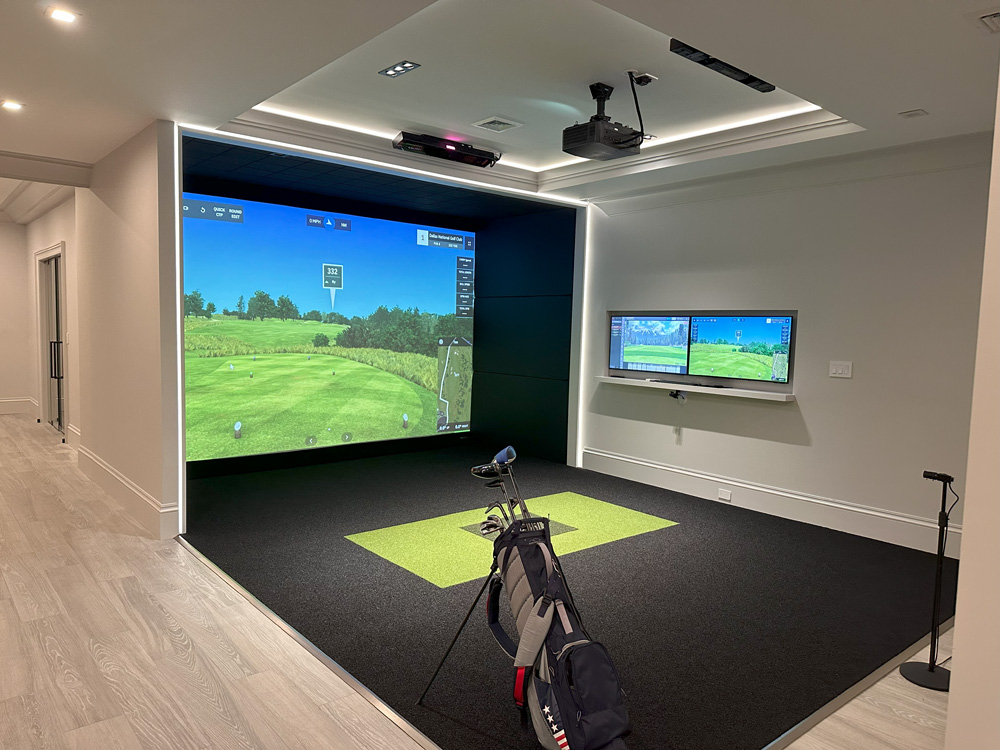
Depending on the available space, that might mean a row of theater seating, a comfortable sectional, or a lounge area positioned behind the hitting zone. The important part is planning seating locations around safe swing clearance and the room’s other activities.
Bring Movie Nights and Sports Into the Mix
When the projection system supports other entertainment sources, the room can transition from playing golf to watching a movie or a live sporting event. Integrated audio, comfortable seating, and properly planned lighting can make the experience even better.
This flexibility is especially valuable in homes where a dedicated theater room might otherwise compete for the same square footage as a golf simulator. Combining the two can create a space that gets used for more than one hobby.
We explore the equipment and design considerations in our guide to combining a golf simulator with a media room.
Design a Golf Simulator Room That Works for Everyone
Making a simulator family-friendly involves more than adding games or extra seating. The layout itself needs to accommodate different activities while keeping the space comfortable, organized, and safe for everyone using it.
Plan for Players and Spectators
Golf simulators require adequate clearance for full swings, and that space should remain unobstructed regardless of how the rest of the room is being used. If the family will regularly gather to watch someone play, seating and circulation areas need to be positioned safely outside the hitting zone.
Room width, ceiling height, hitting position, and screen placement all influence what is possible. Those measurements also determine how much additional space may be available for entertainment features.
If you’re considering different areas of your home, our home golf simulator size guide is a useful starting point for understanding the dimensions involved.
Think About Storage and Everyday Use
A family entertainment space tends to collect more than golf clubs. Controllers, accessories, sports equipment, and other items need somewhere to go when they aren’t being used.
Built-in storage, organized equipment areas, and clean cable management can make the room easier to maintain and more inviting. These details also help the simulator blend into the rest of the home instead of looking like a collection of separate pieces of technology.
Make the Design Part of Your Home
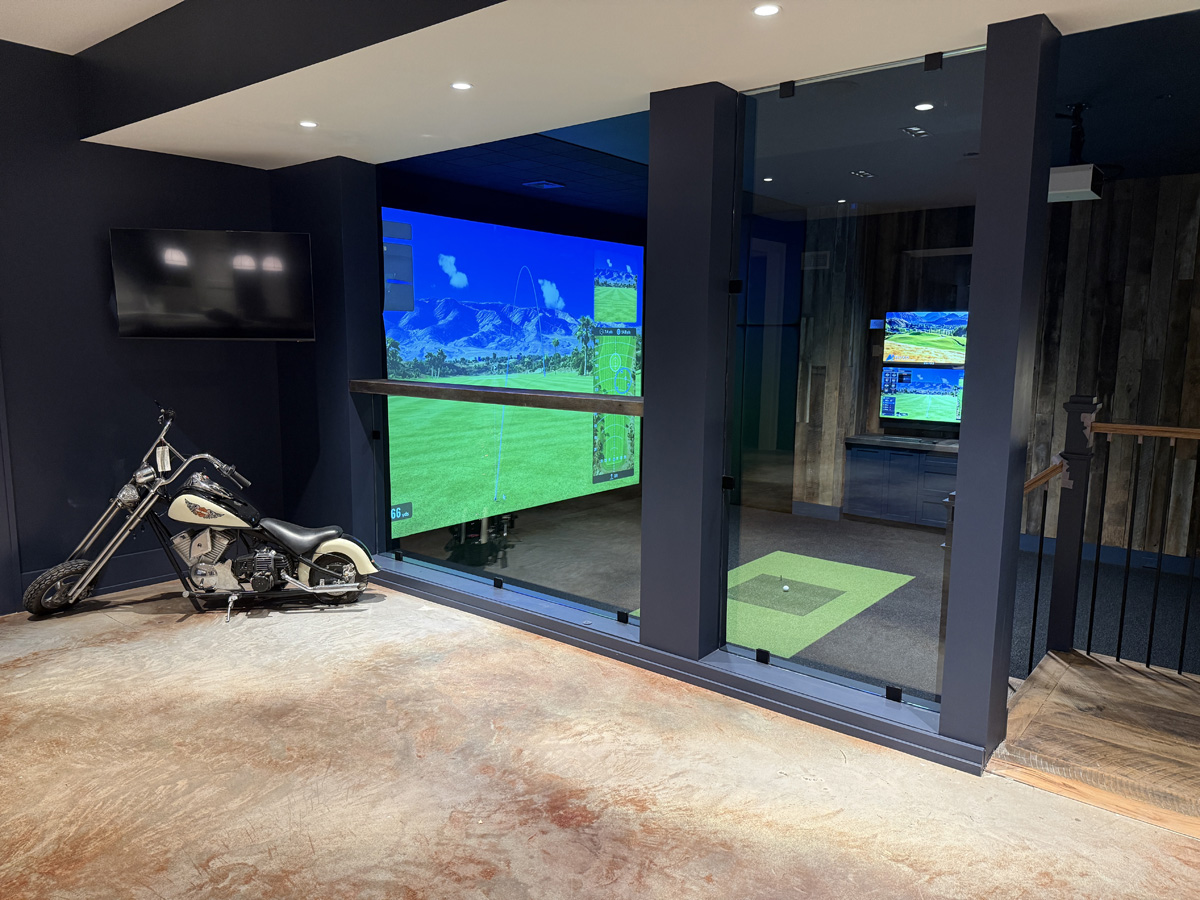
A custom golf simulator should feel like an intentional extension of your home. Lighting, flooring, wall finishes, cabinetry, and seating all contribute to the finished result, especially when the room serves several purposes.
For a dedicated practice room, the design might prioritize the hitting area and performance technology. For a family entertainment room, it might place more emphasis on comfortable seating, flexible lighting, and the ability to transition between activities.
Both approaches can deliver an exceptional golf experience. The difference comes down to designing the room around how it will actually be used.
What to Consider When Planning a Family-Friendly Golf Simulator
Every family will have different priorities, but a few questions can help determine which features are worth incorporating into the design.
- Will children or beginner golfers be using the simulator regularly?
- Do you want interactive sports and games beyond golf?
- Should the room also function as a home theater or media room?
- How many people should the space comfortably accommodate?
- Is there enough room for seating outside the hitting area?
- What storage, lighting, and entertainment features would make the room easier to use?
Considering these questions during the planning process helps ensure the finished room supports the activities your family will actually enjoy. It also gives the design team a clearer understanding of which features and technologies should take priority.
More Than a Place to Practice Golf
The best part of a family-friendly golf simulator is how many different experiences it can bring into your home. One day it might be a place to work on your swing. The next, it could be the setting for a family bowling tournament, a movie night, or a weekend spent watching golf with friends.
A thoughtfully designed simulator gives everyone their own reasons to enjoy the space while bringing those activities together in one room. For homeowners who love golf and want to make the most of their living space, that versatility can be just as appealing as the golf technology itself.
Create a Home Golf Simulator the Whole Family Can Enjoy
At AUXO Golf Simulators, we design and build custom golf simulator rooms around the way our clients want to use them. From dedicated practice spaces to fully integrated entertainment rooms, our team brings together advanced technology, custom design, and professional installation to create a finished space that fits your home.
Explore our completed golf simulator projects for inspiration, or contact AUXO Golf to start planning a simulator your whole family can enjoy.
Some of our work