
Golf Simulator Blog
Free tips & advice for your home golf simulator
How to Soundproof a Home Golf Simulator Room
A home golf simulator gives you the freedom to practice, play full rounds, and spend time with friends without leaving the house. The tradeoff is that hitting a golf ball indoors can be loud. A driver striking a ball creates a sharp impact, the ball hits the screen at high speed, and hard surfaces around the room can make that sound bounce around even more.
The good news is that a simulator does not have to sound like a driving range inside your home. Smart room planning can reduce noise while also improving comfort, protecting nearby surfaces, and making the entire space feel more finished. The goal is not always complete silence. It is controlling the biggest sources of noise and reducing the amount of sound that reaches the rest of the house.
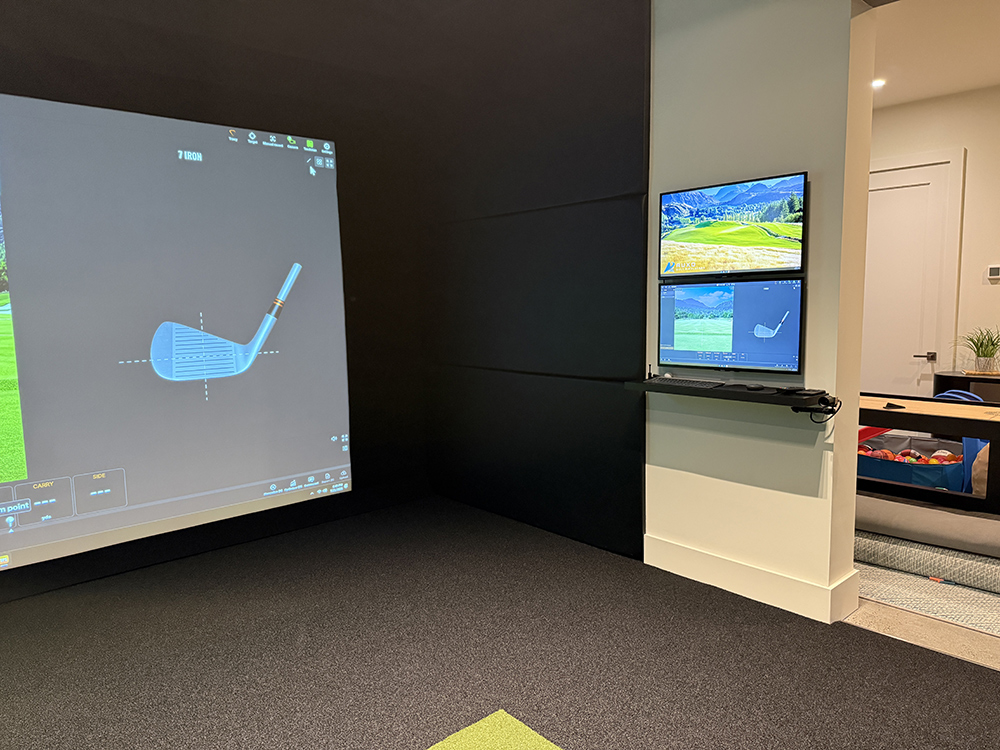
Why Golf Simulator Rooms Can Get So Loud
Before deciding how to control sound, it helps to understand where the noise is actually coming from. Several different sounds happen during every shot, and each one can require a slightly different solution.
Club and Ball Impact
The first sound is the club striking the golf ball. Drivers and other woods tend to create the sharpest impact noise, especially in a smaller room with hard walls and ceilings. Drywall, concrete, glass, and other solid surfaces can reflect that noise and make the shot sound even louder.
The Ball Hitting the Screen
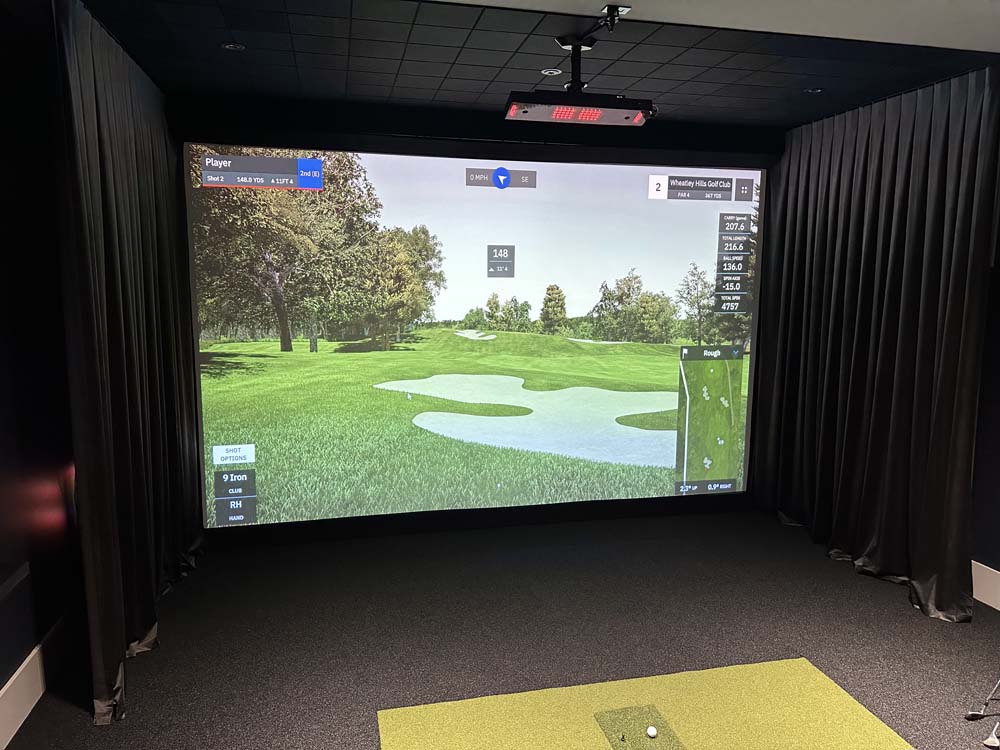
The impact screen is another major source of noise. Screen material, screen tension, the distance behind the screen, and the structure surrounding it can all affect how loud that impact feels. A properly planned enclosure can help absorb some of that energy instead of allowing it to echo throughout the room.
Room selection matters too. If you are still deciding where your simulator should go, our guide to the best places for a home golf simulator can help you compare different areas of your home.
How to Soundproof a Home Golf Simulator Room Without Overdoing It
There is an important difference between reducing echoes inside a room and truly stopping sound from leaving it. Acoustic treatments can make the simulator sound much better from inside the space, while structural sound isolation may be needed when the main goal is reducing how much noise reaches nearby rooms.
For most home golf simulator projects, the best approach is to combine several practical improvements instead of relying on one material to do everything.
- Use an impact screen and enclosure that are properly sized and tensioned for the room.
- Add padded surfaces where they can reduce reflections and protect areas around the hitting zone.
- Use turf, mats, carpet, or other softer flooring materials to reduce sound bouncing off the floor.
- Consider wall and ceiling treatments in areas where echoes are strongest.
- Seal unnecessary gaps around doors when sound traveling into nearby rooms is a major concern.
- For new construction or major renovations, discuss insulation and wall construction with the appropriate contractor early in the project.
The exact solution depends on the room. A basement surrounded by concrete behaves differently from a finished bonus room above a living area. Sound control works best when it is considered as part of the overall simulator design rather than added after everything else is finished.
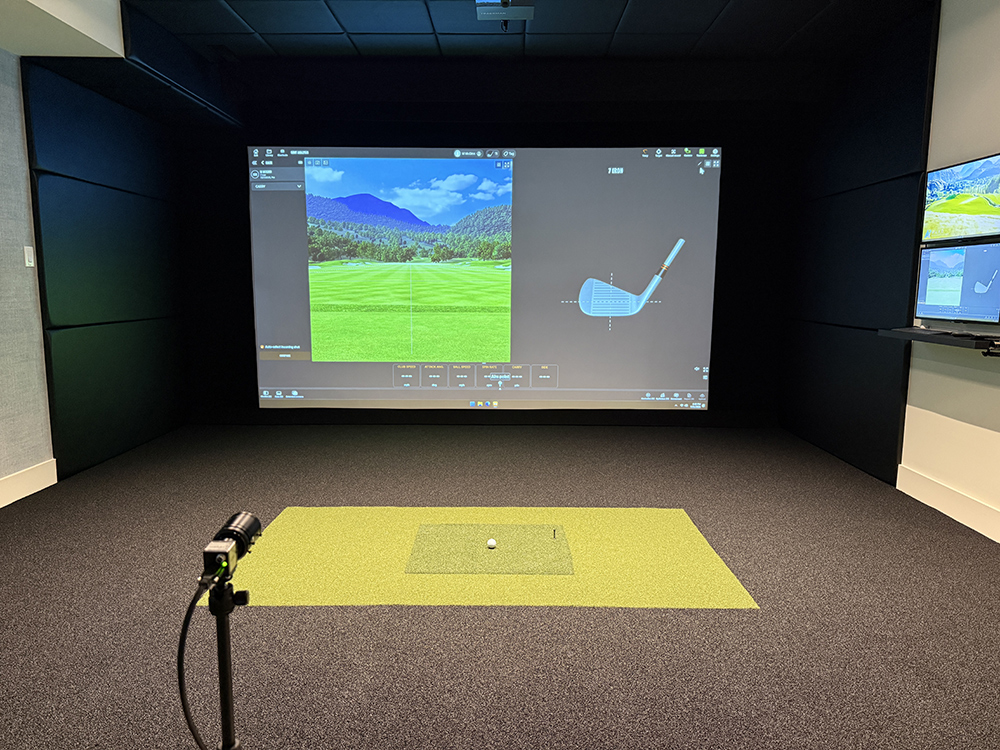
Materials That Help Soundproof a Home Golf Simulator Room
Not every soft material is automatically a good fit for a golf simulator. Some products are designed mainly for acoustics, while others are built to handle repeated golf ball impacts. A good room design considers both.
Padded Wall and Ceiling Areas
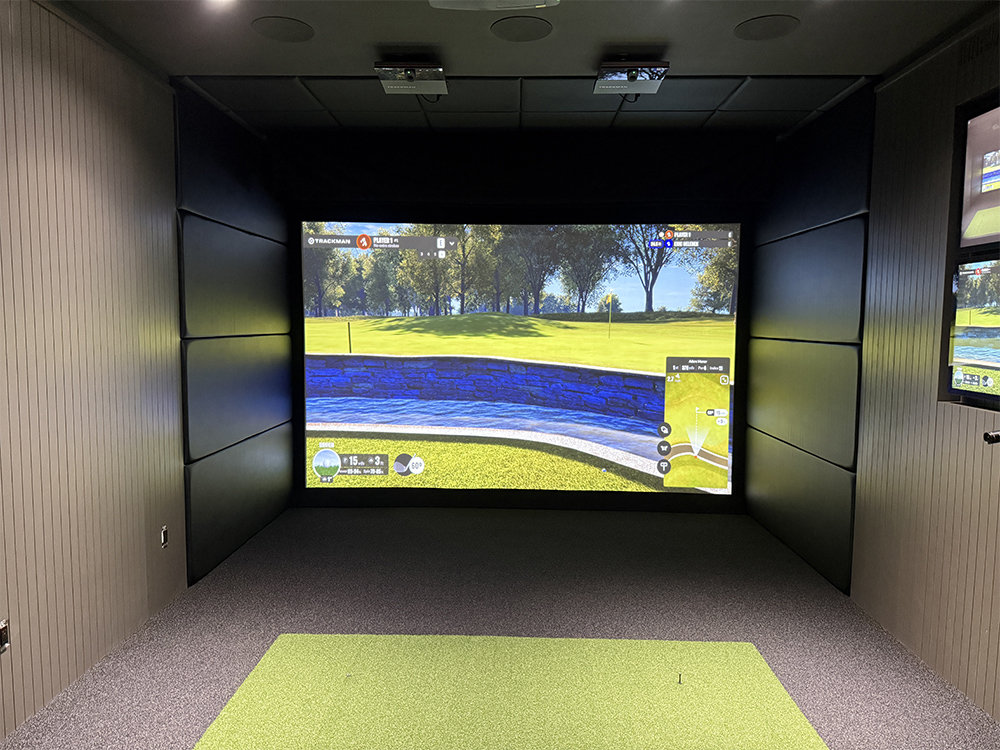
Padded wall treatments can reduce harsh reflections while giving the simulator a more finished appearance. In the right locations, they can also help protect surfaces from mishits. Ceiling protection can serve a similar purpose when a high shot or mishit sends the ball above the screen.
It is important not to assume that a decorative acoustic panel is also suitable for ball protection. Materials around the active hitting area should be selected with golf ball impact in mind.
Turf and Flooring
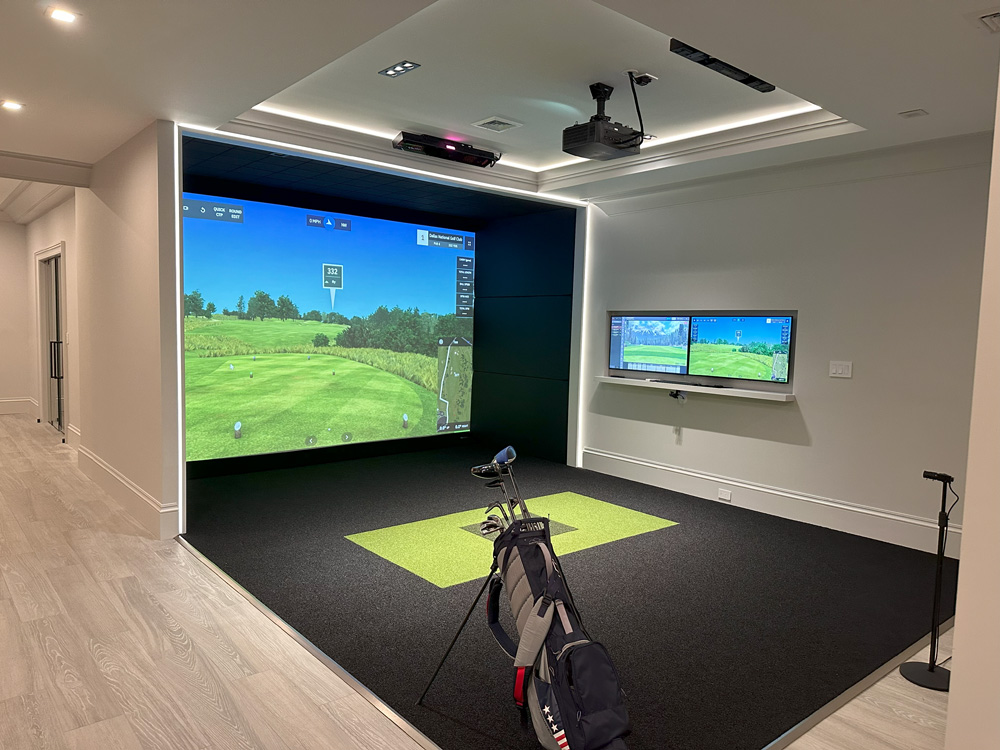
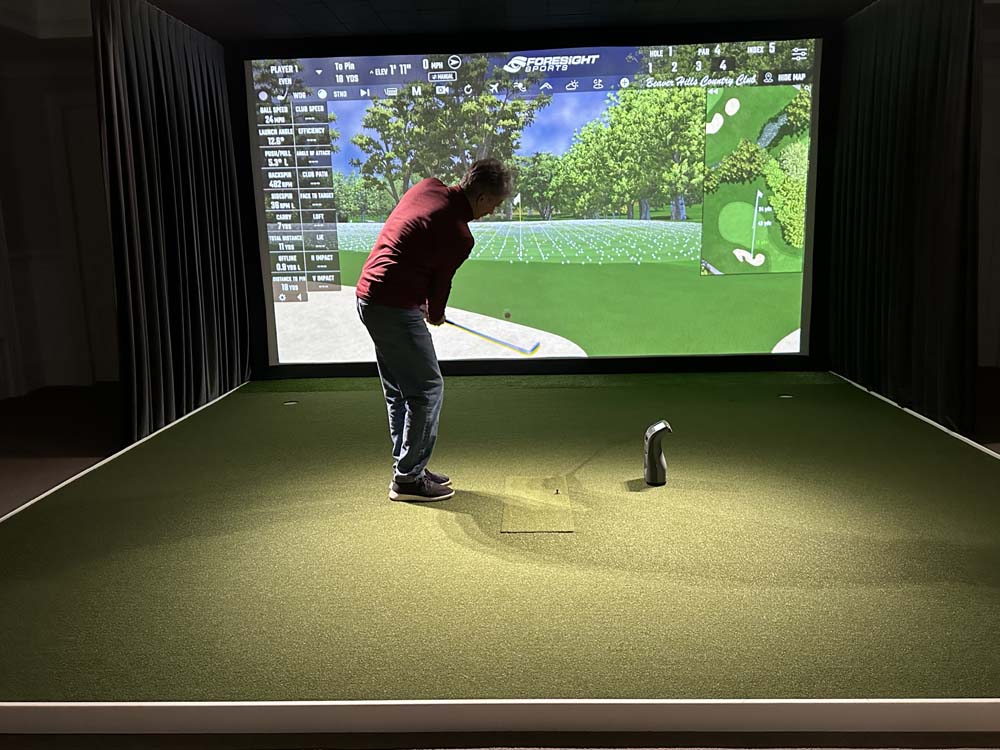
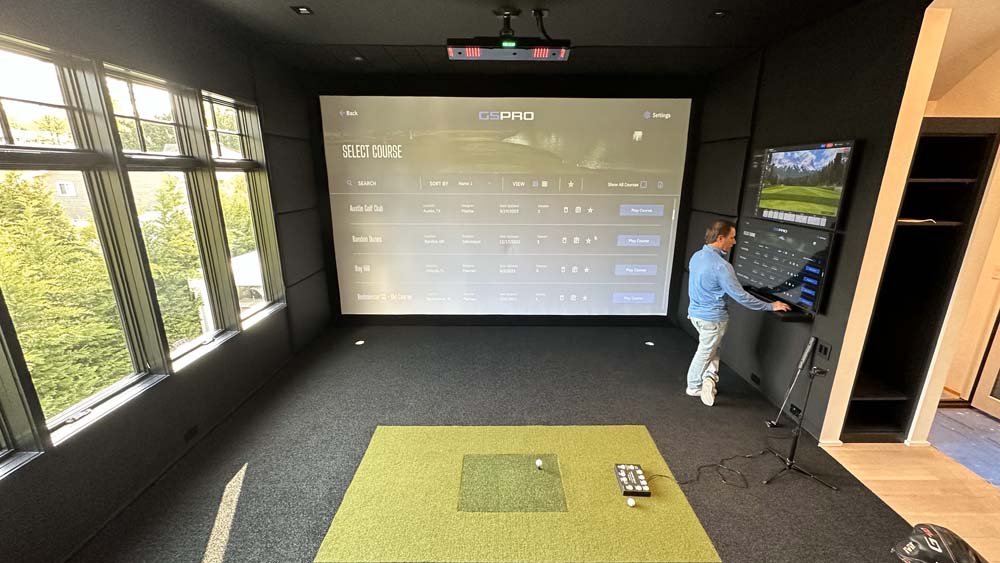
Hard flooring reflects sound. Turf, hitting mats, carpet, and other softer surfaces help absorb some of the energy inside the room and can make the simulator feel more comfortable underfoot. Flooring also plays a visual role because a well planned turf installation can make the hitting area feel like part of the room rather than equipment sitting on top of an existing floor.
Ceiling height also affects safety and usability. Before finalizing a room, make sure there is enough space for a comfortable swing. Our guide to golf simulator ceiling height covers what to consider.
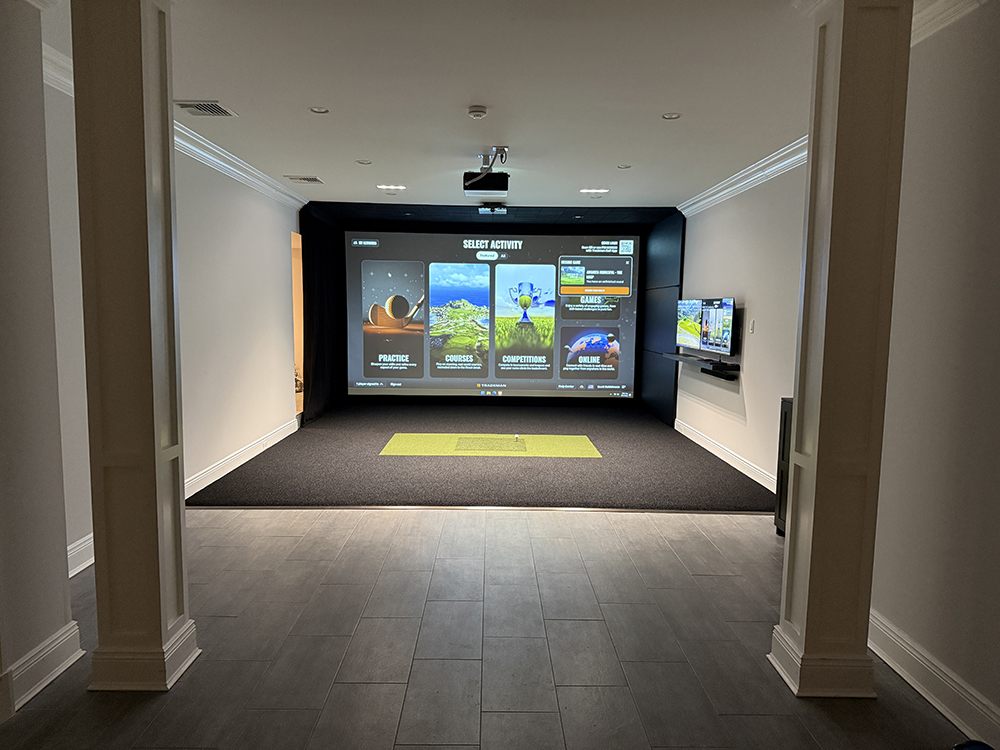
Sound Control and Golf Simulator Safety Go Together
Some of the same features that make a simulator quieter can also make it safer. That does not mean every acoustic product is a safety product, but it does mean the two goals can often be planned together.
Protect the Areas Around the Screen
The screen may be the intended target, but not every shot goes exactly where it is supposed to. Side walls, corners, ceilings, and exposed hard surfaces near the hitting zone should all be considered when planning the enclosure.
Padding in these areas can reduce the sound created by a mishit while also helping protect the room. Good enclosure design can also reduce the chance of a ball finding an unexpected path back toward the player or other people in the space.
Leave Enough Room to Swing
Sound treatment should never make the room too tight for a comfortable swing. Wall treatments, framing, padding, and other materials all take up space. The finished dimensions matter more than the dimensions of the empty room before the simulator is installed.
Our article on how much space you need for a home golf simulator explains the basic room dimensions to think about before installation.
Plan for People Watching
Many home golf simulators are entertainment spaces, not just practice rooms. Family members and friends may be sitting nearby while someone is swinging a club. Seating, entrances, and walkways should be positioned so people are not moving through the active hitting area.
A simulator can still feel open and social while keeping the hitting zone clearly defined. That is one of the biggest advantages of designing the entire room as a finished space instead of treating the simulator as a collection of equipment.
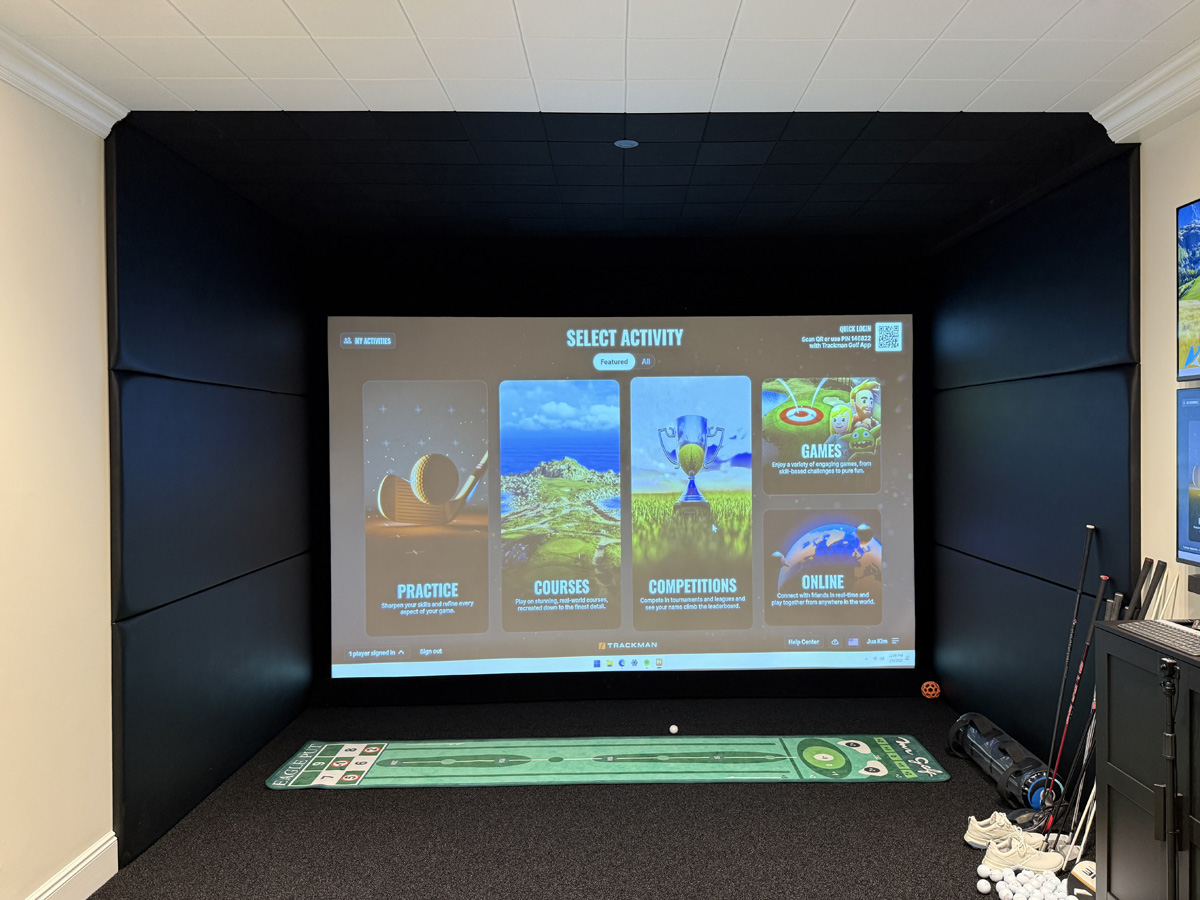
Where Soundproofing Matters Most
Every home is different, but the location of the simulator can tell you a lot about where to focus your attention. You do not necessarily need the same acoustic treatment in every type of room.
Basements and Interior Rooms
Basements are popular because they are often separated from bedrooms and main living areas, but concrete walls and floors can create a lot of sound reflection inside the room. Interior bonus rooms create a different challenge because there may be bedrooms, offices, or family spaces directly on the other side of a wall or floor.
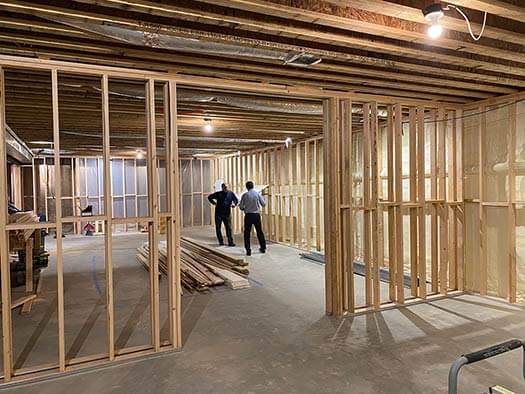
In either case, thinking about sound before the room is finished gives you more options than trying to fix the problem later.
Garage Golf Simulators
Garages offer plenty of possibilities, but garage doors, concrete floors, and large open surfaces can all affect acoustics. Softer finishes and a well designed enclosure can make the space much more comfortable. If you are considering this type of setup, our complete guide to garage golf simulators covers more of the planning that goes into the room.
Do You Need to Completely Soundproof the Room?
Probably not. For most homeowners, the goal is not to make the simulator silent. The goal is to make it comfortable to use without unnecessarily disturbing everyone else in the house.
Focus on the Biggest Sources of Noise
Start with the impact screen, hard reflective surfaces, and the walls or doors that separate the simulator from nearby living spaces. Solving the biggest problems usually provides more value than covering every surface with acoustic material.
Keep the Room Looking Like Part of the Home
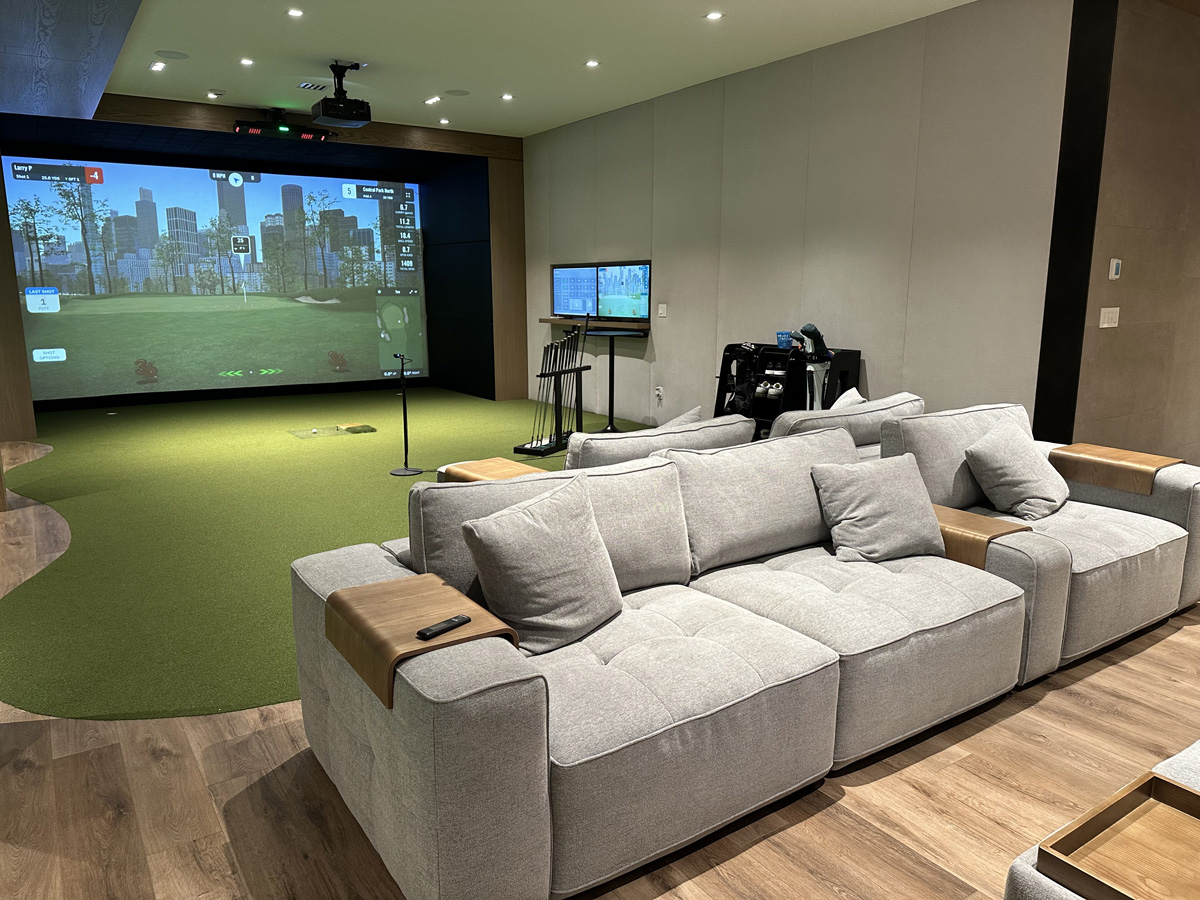
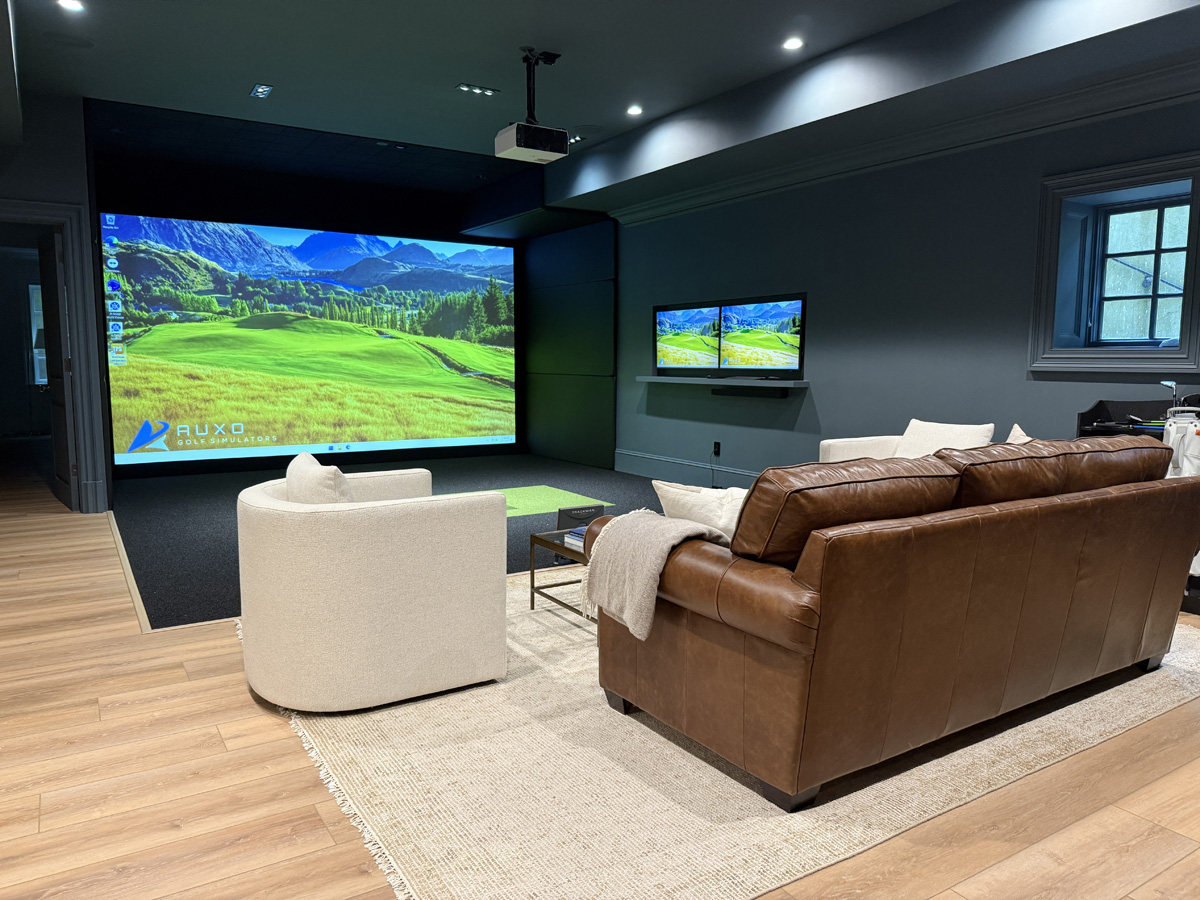
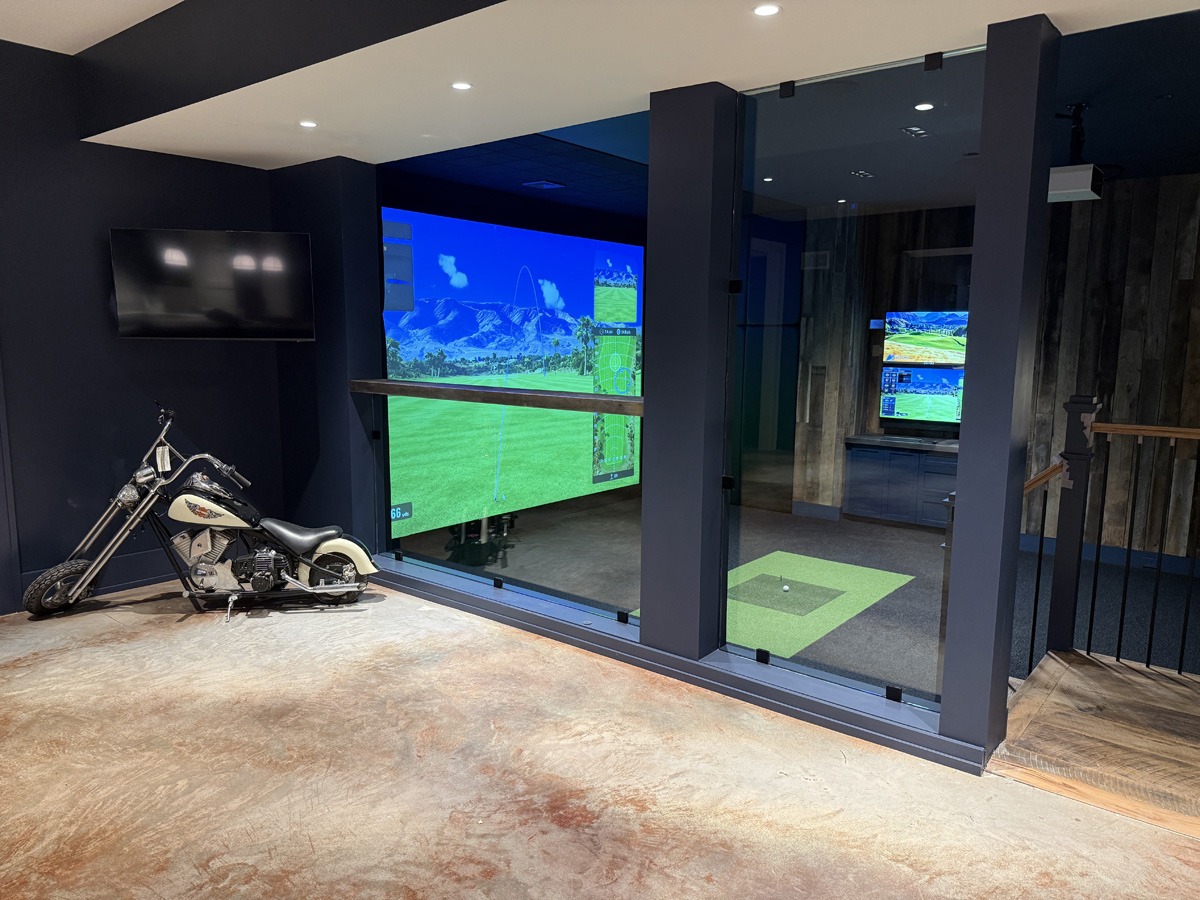
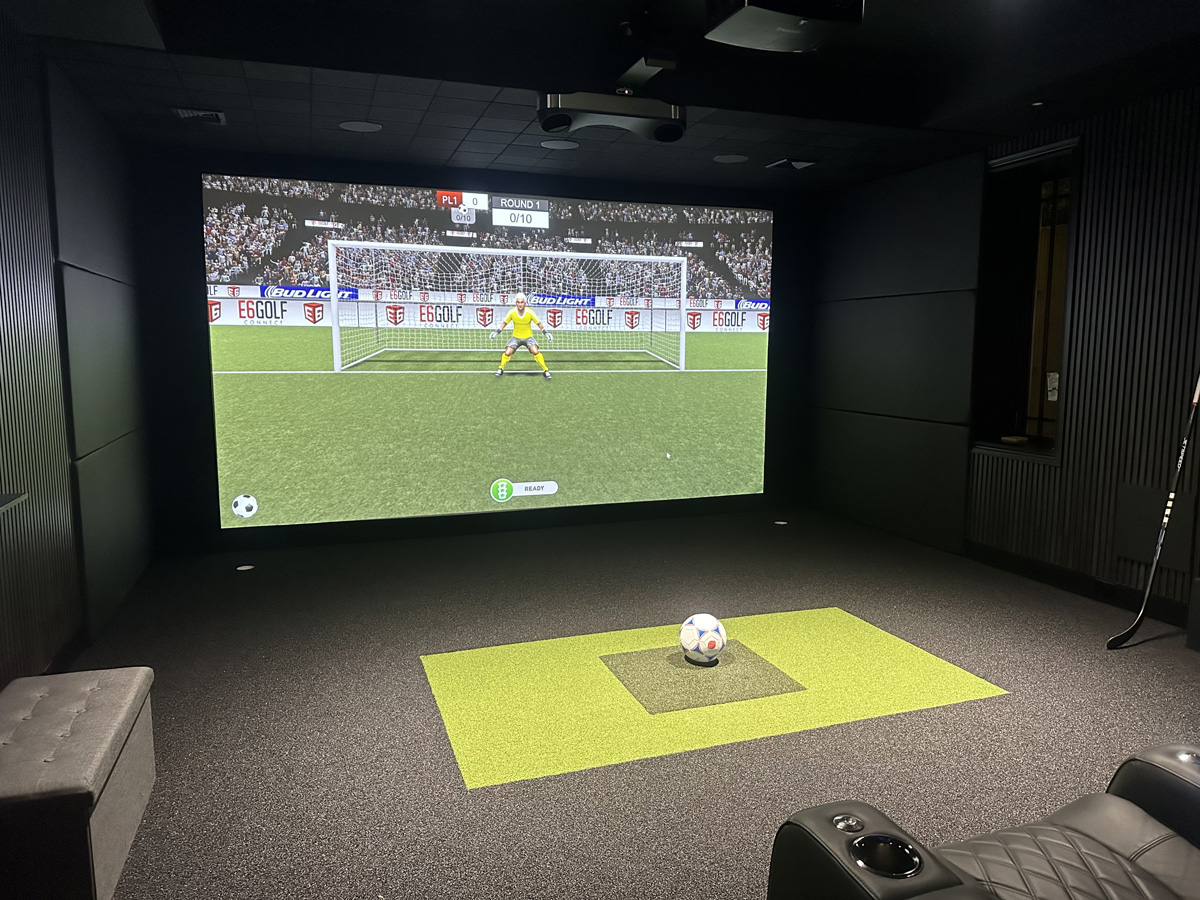
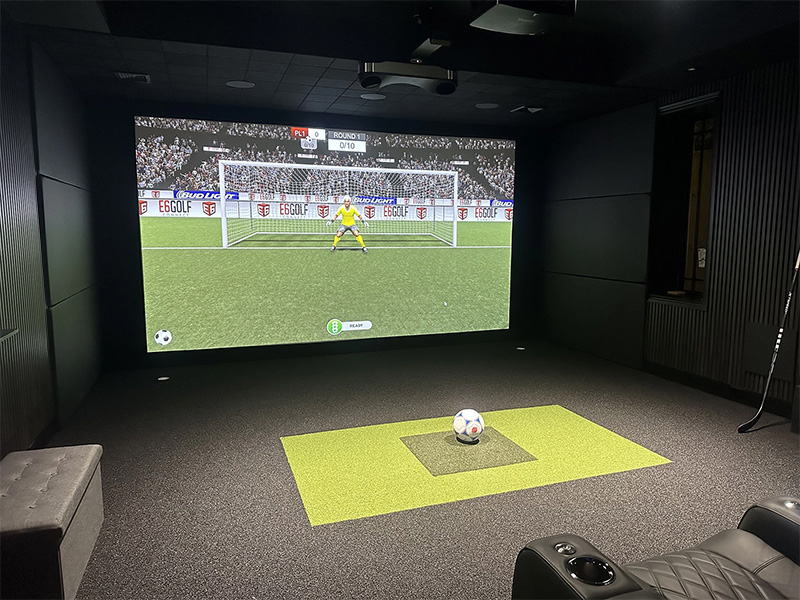
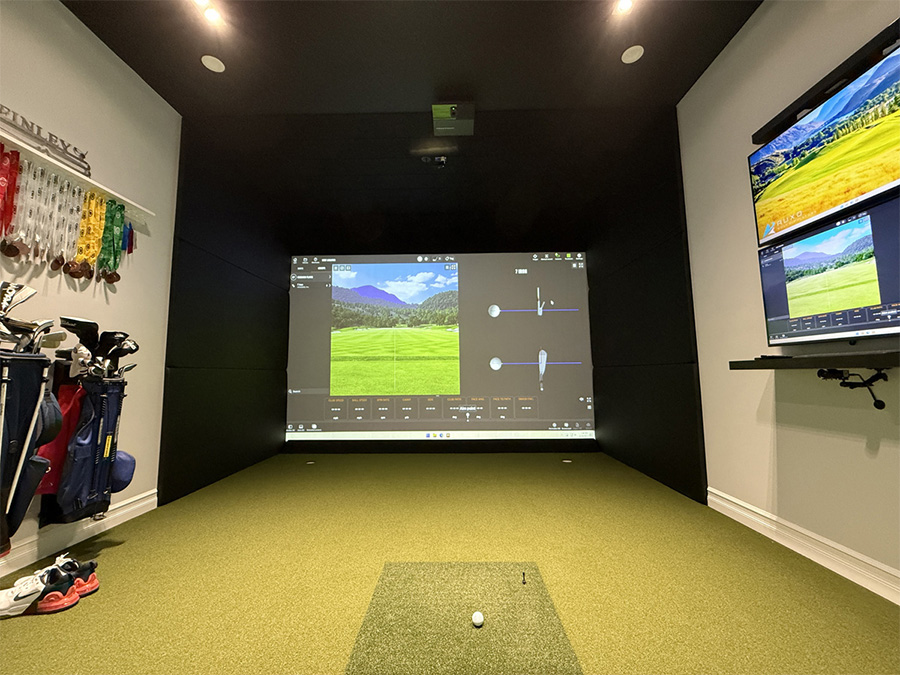
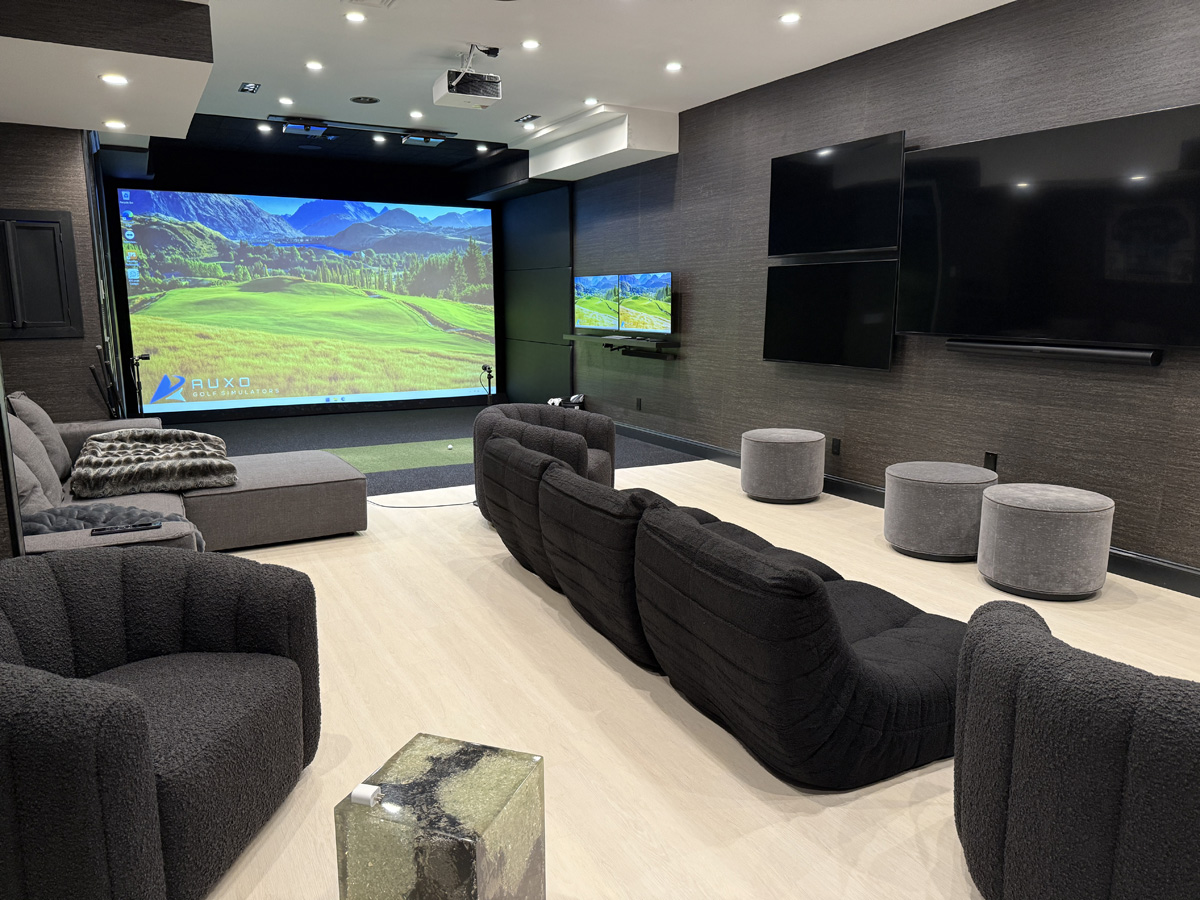
Sound control should support the design, not take it over. A custom simulator can use padded wall systems, turf, ceiling details, and other finishes in a way that feels intentional. The best result is a room that performs well without looking like a recording studio.
This is why planning matters. Screen size, enclosure depth, hitting position, flooring, seating, lighting, safety, and sound control all affect one another. Making those decisions together produces a cleaner and more comfortable room than trying to solve each issue separately after installation.
Build a Better Golf Room
Want a golf simulator that looks great, plays great, and works with the rest of your home? Reach out to AUXO Golf to start planning your space.
Some of our work