
Golf Simulator Blog
Free tips & advice for your home golf simulator
The Best Golf Simulator Room Features for 2026
A great golf simulator room should do more than let you hit balls into a screen. It should feel comfortable, look intentional, provide useful feedback, and make it easy to enjoy the room with family and friends. The best golf simulator room features for 2026 focus on creating a complete experience that supports practice, entertainment, and everyday use.
Golf Simulator Room Features That Improve Practice
The technology inside a simulator matters, but it needs to work with the room around it. Accurate measurements, smart equipment placement, and a comfortable hitting area can make practice more useful and more enjoyable.
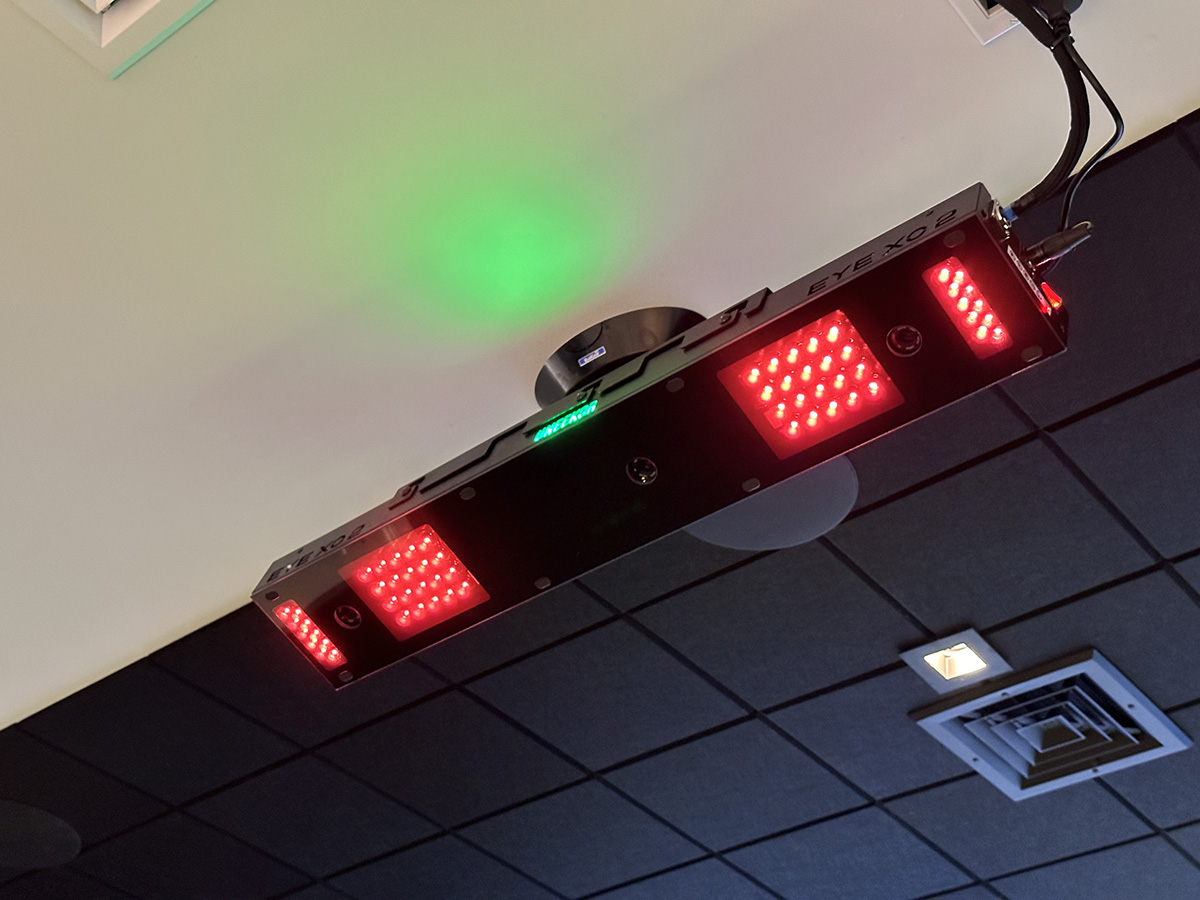
An Overhead Launch Monitor
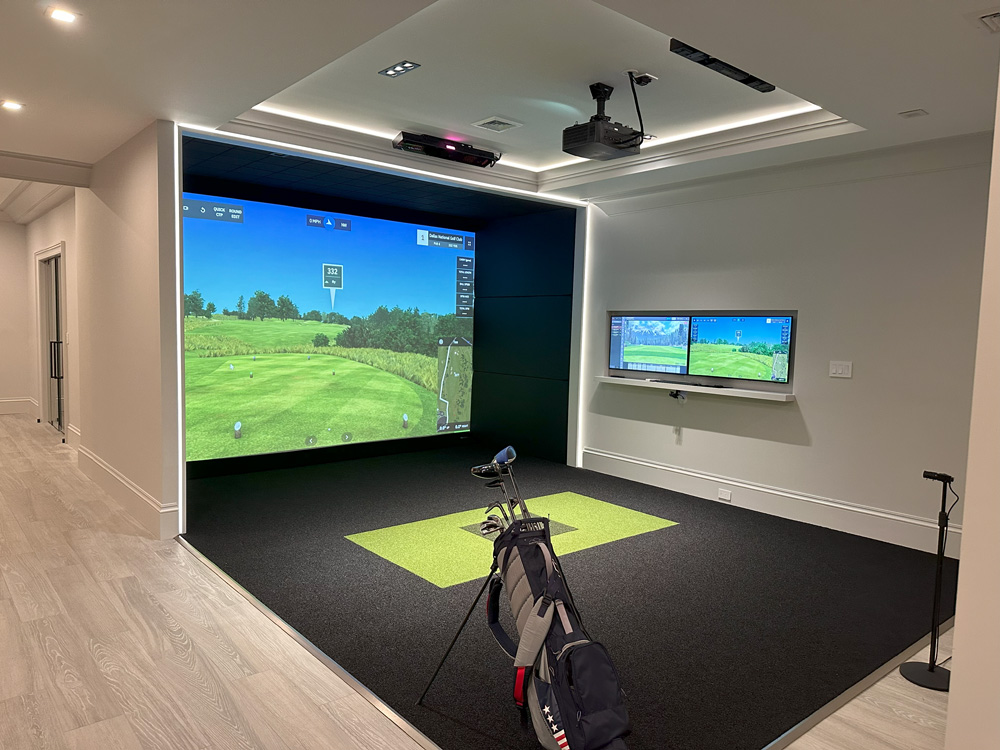
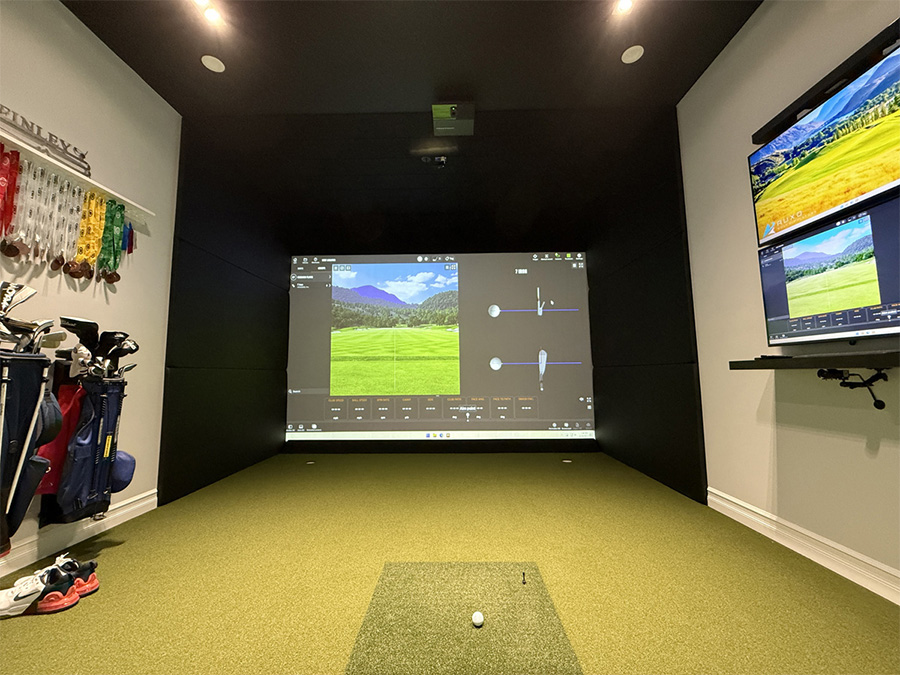
Overhead launch monitors continue to be one of the most popular choices for permanent home installations. Since the monitor is mounted above the hitting area, there is no floor unit that needs to be moved or realigned during play.
This setup can also make it easier for right handed and left handed golfers to share the room. Players can switch sides without relocating equipment between swings. That makes an overhead system especially useful for families and households with several golfers.
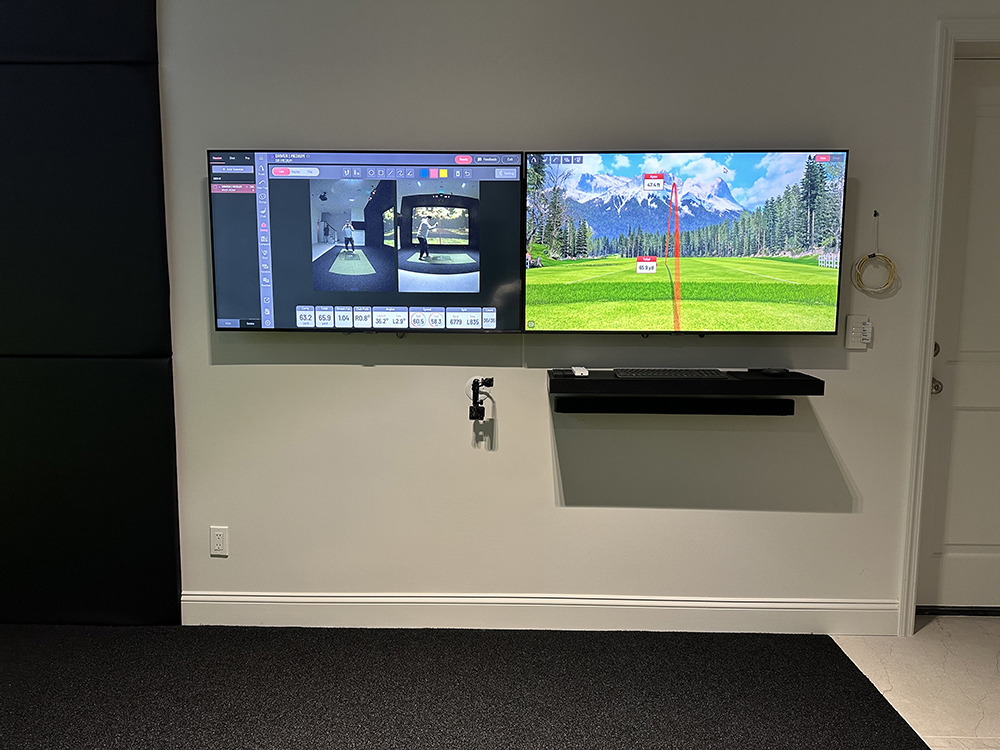
Integrated Swing Cameras
Swing cameras can turn a casual practice session into a much more productive experience. A golfer can review alignment, posture, takeaway, impact position, and follow through without relying entirely on feel.
Camera placement should be planned with the room. Clear angles, consistent lighting, and enough distance from the golfer help create more useful footage. A permanent setup also looks much cleaner than tripods and temporary cables.
You can learn more about the benefits of a home golf simulator camera system and how visual feedback can support better practice.
A Comfortable Hitting Surface
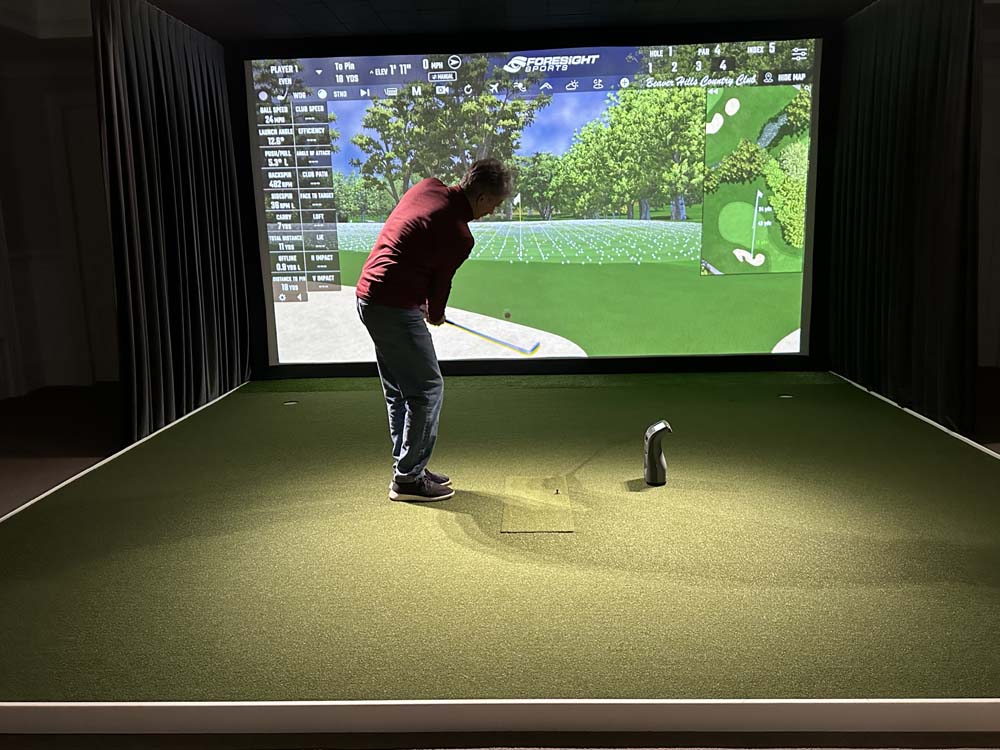
The hitting mat is one of the most important parts of the room because the golfer interacts with it on every shot. A poor mat can feel harsh and place unnecessary stress on the hands, wrists, elbows, and shoulders.
A quality hitting surface should provide a stable stance and allow the club to interact with the turf naturally. For a permanent room, recessing the mat into the surrounding floor can create a cleaner appearance and a more comfortable setup.
The Best Golf Simulator Room Features for Entertainment
Many of the best simulator rooms are used for more than serious practice. They become places where people watch games, spend time together, and enjoy activities throughout the year.
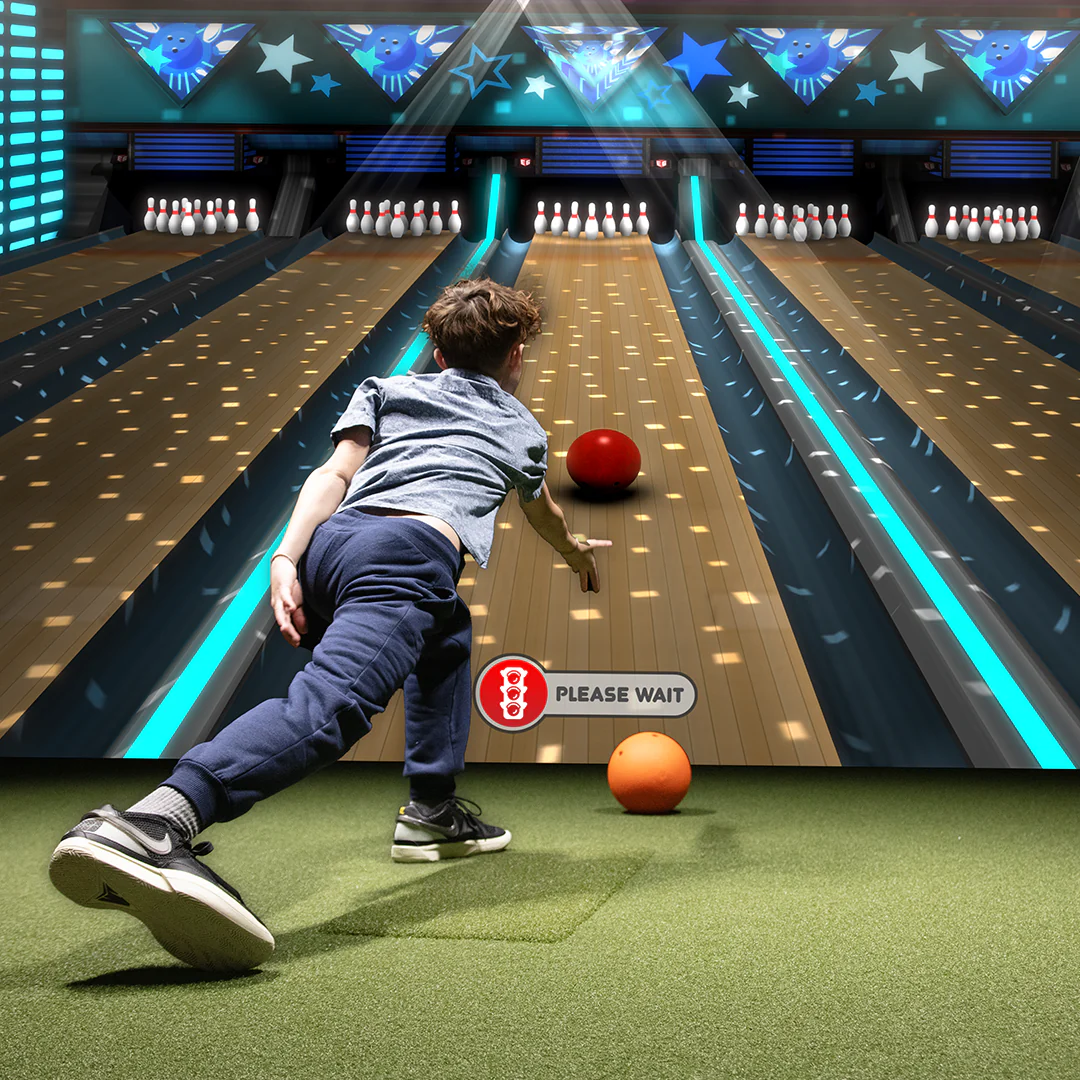
Multisport Games
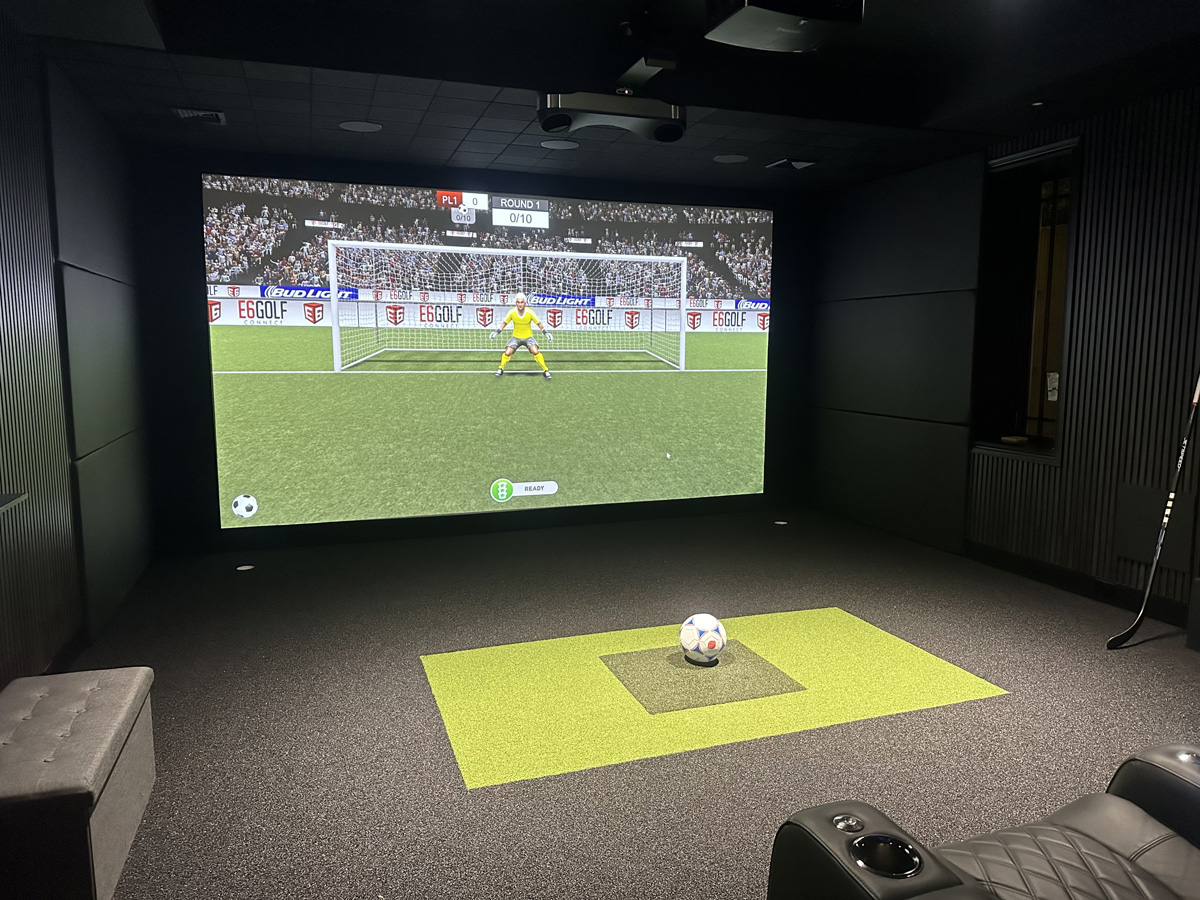
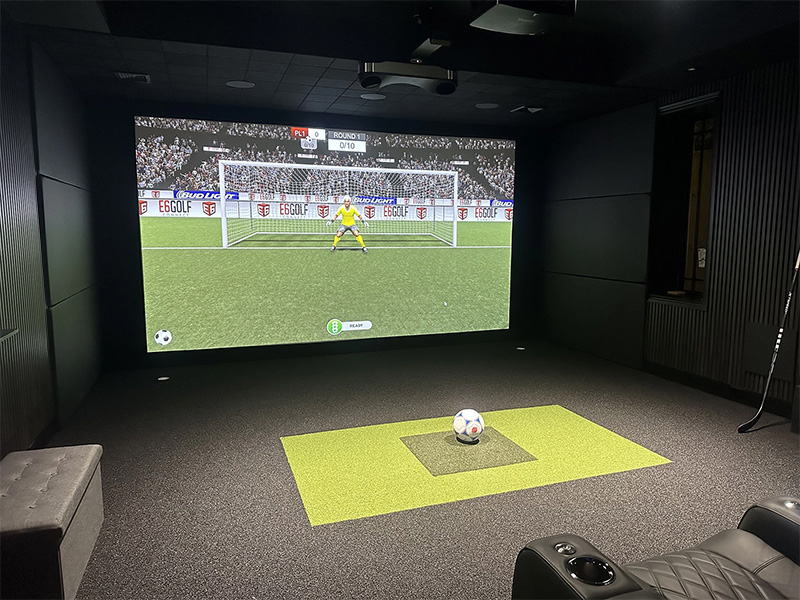
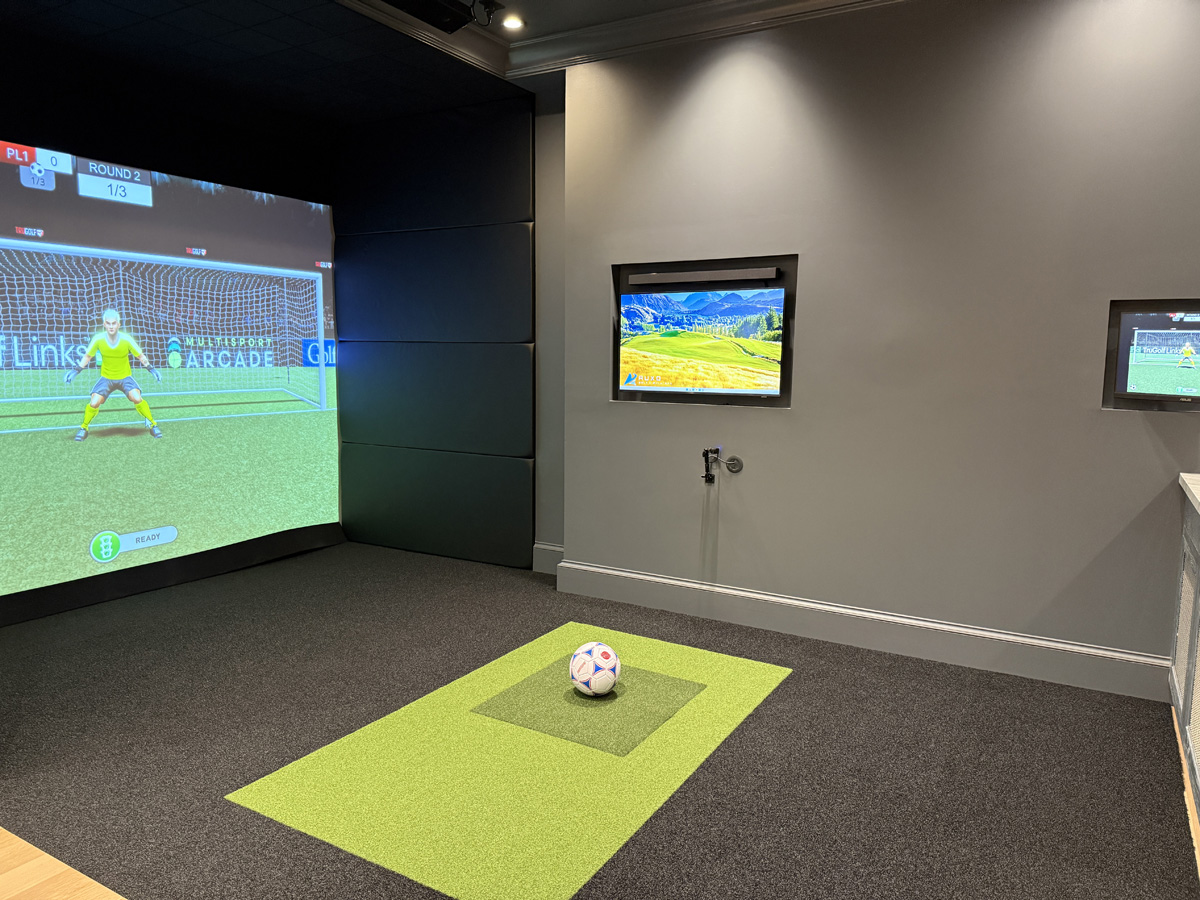
Multisport capability is one of the most exciting golf simulator room features for families in 2026. Depending on the selected software and equipment, the room may support soccer, baseball, hockey, bowling, and other interactive games.
This makes the room more inviting for children and guests who are not serious golfers. Someone may not care about club data, but they may still enjoy taking penalty kicks, throwing pitches, or competing in a family game.
Multisport use needs to be planned early. The screen, projector, software, sensors, and available floor area can all affect what the room can support. Homeowners can learn more about how to create a multisport simulator room that goes beyond golf.
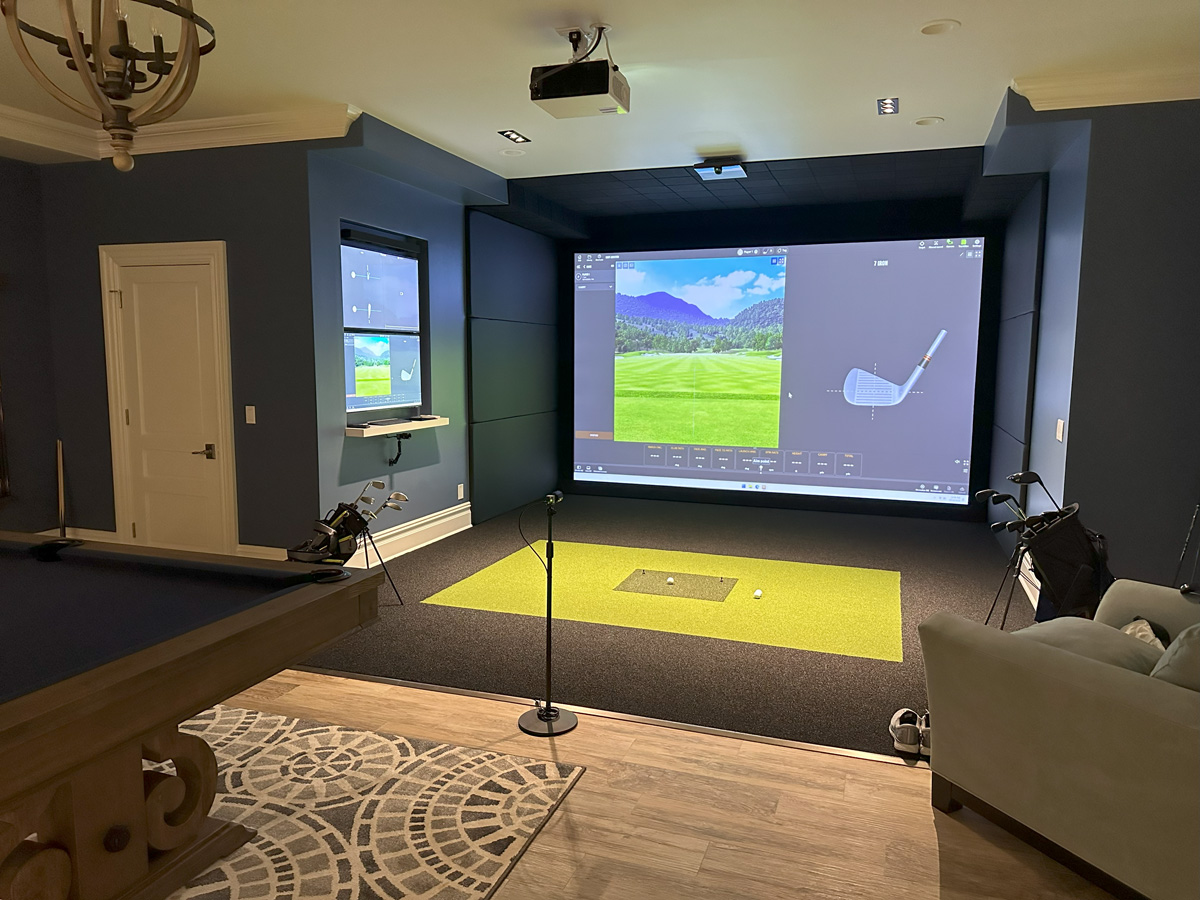
A Media Room Setup
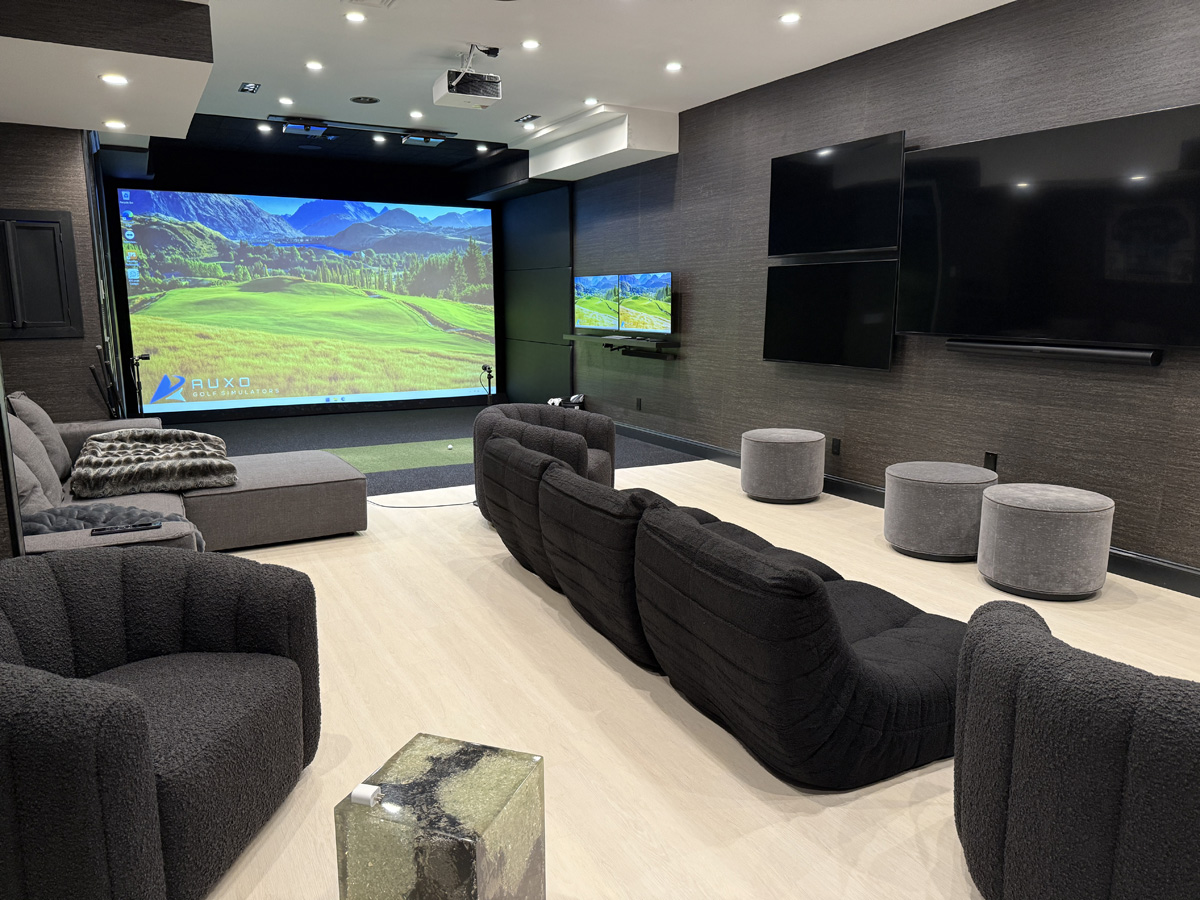
A large impact screen and quality projector can also create an impressive media room. Homeowners can use the same screen for movies, television, sporting events, and video games.
Seating position, projector brightness, sound, screen visibility, and walking paths should all be considered. The room should transition easily between golf and entertainment without requiring a major rearrangement every time.
A well planned golf simulator that doubles as a media room can become one of the most frequently used areas in the home.
Comfortable Seating
Seating is easy to overlook when most of the attention is placed on golf equipment. Guests still need a comfortable place to sit without interfering with the swing area.
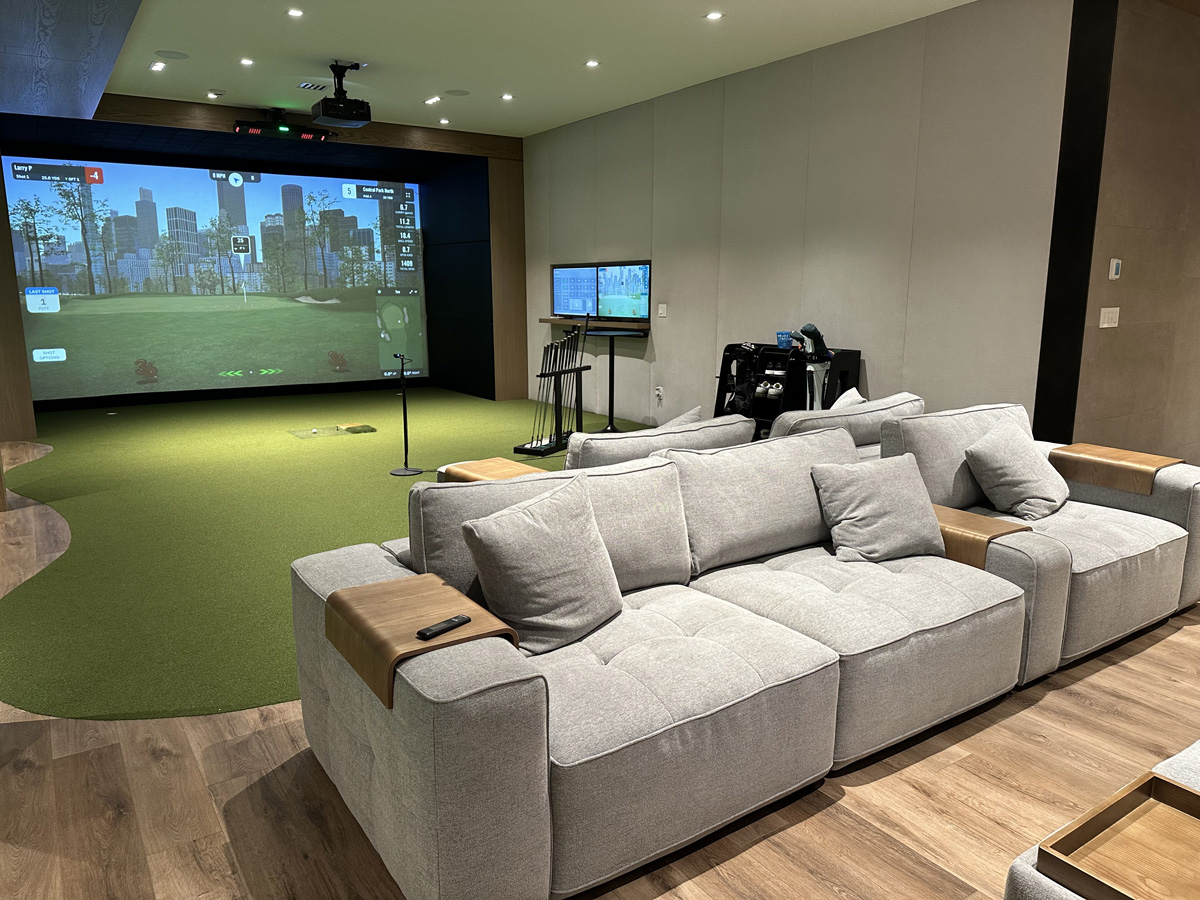
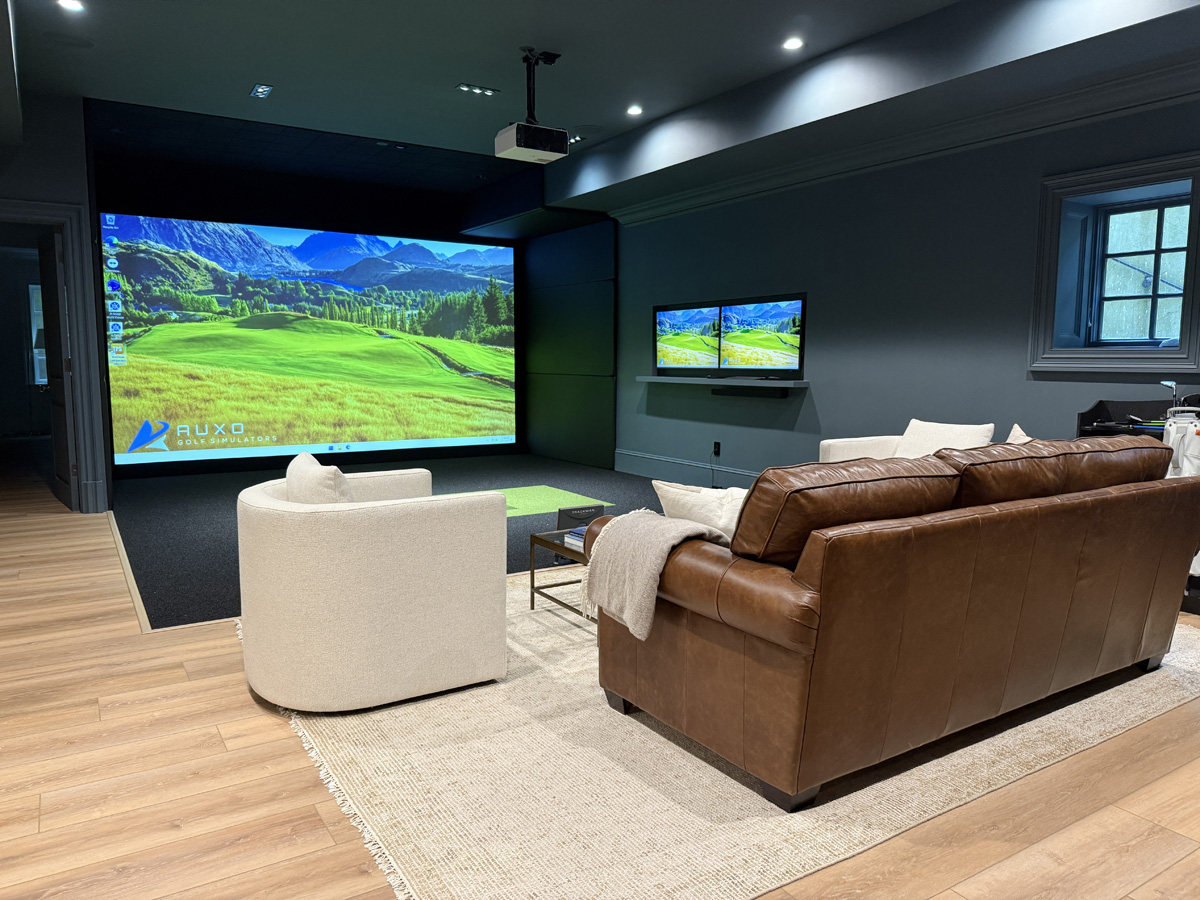
Built in benches, lounge chairs, bar seating, or a sectional can all work depending on the room. The right option should provide a clear view of the screen while keeping people safely outside the hitting zone.
Golf Simulator Room Features That Improve the Visual Experience
Performance matters, but the room should also look and feel finished. A dim image, poor lighting, or exposed protection can make an expensive system feel incomplete.
A Properly Positioned Projector
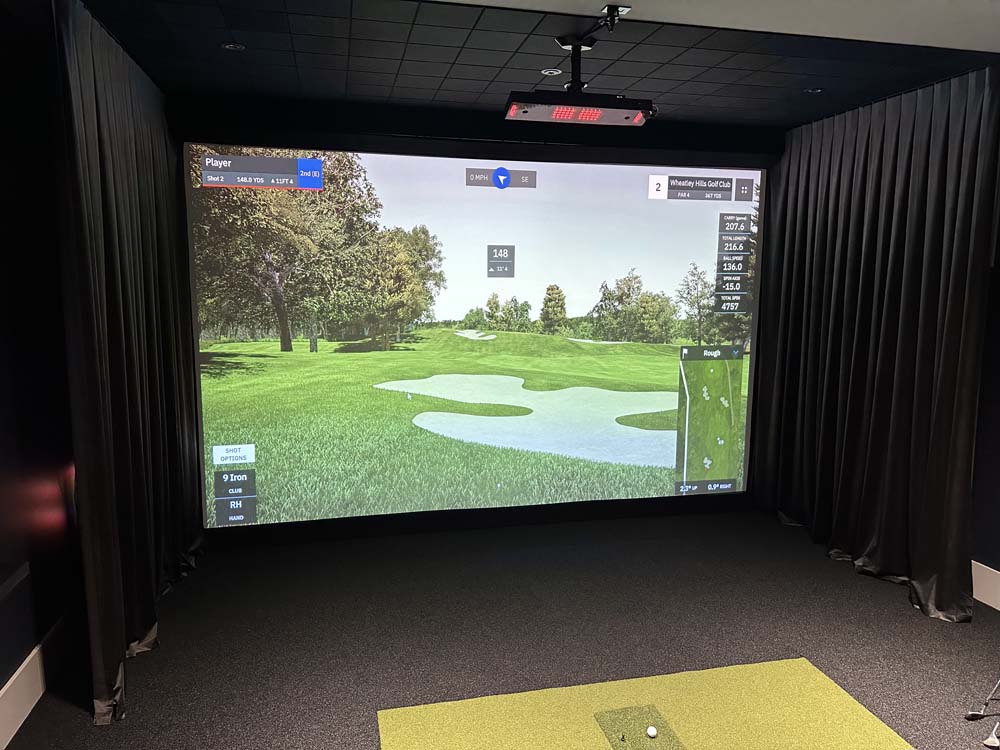
The projector affects almost everything the golfer sees. A dim or poorly positioned projector can produce a washed out image, distracting shadows, or a picture that does not properly fill the screen.
Projector selection should be based on screen size, throw distance, room lighting, resolution, and the location of the hitting area. It should also be positioned where it is protected and where the golfer will not block the image during play.
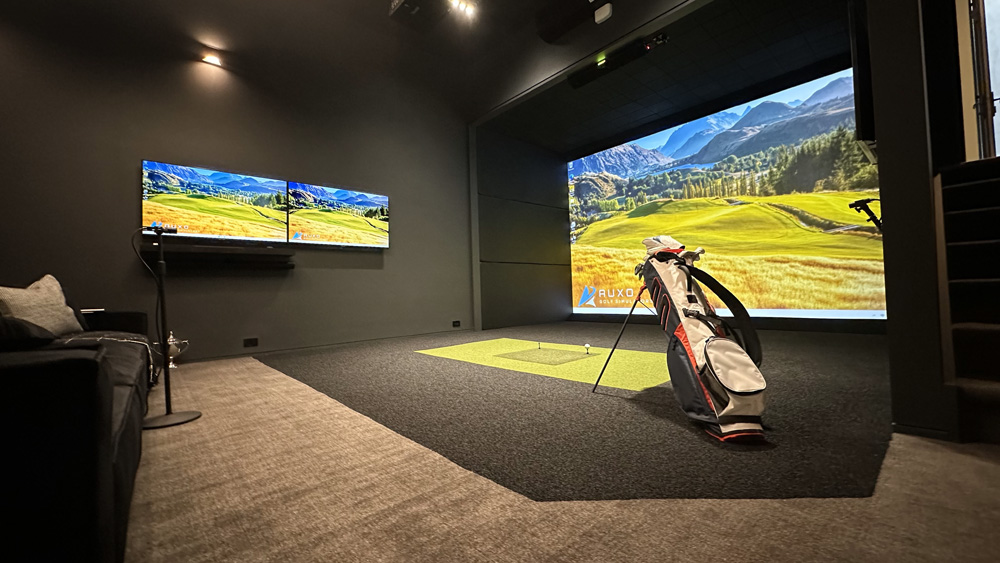
Controlled Lighting
Golf simulator lighting should make the room comfortable without washing out the projected image. Bright overhead fixtures aimed at the screen can reduce contrast and make the course appear less realistic.
Separate lighting zones give homeowners more control. The hitting area can have enough light for safe play, while seating areas can use softer lighting. Dimmers also make it easier to switch between practice, movies, and casual entertaining.
Clean Wall Protection
Wall protection is necessary, but it does not need to make the room look like a padded gym. Custom panels can protect nearby surfaces while contributing to the finished design.
The placement and thickness of the panels should be based on the hitting area and the locations where missed shots are most likely to travel. Wall treatments may also help manage sound and reduce harsh echoes inside the room.
Comfort and Convenience Features for 2026
The small details often determine how regularly a simulator gets used. A room that requires several complicated steps before every session may eventually become frustrating.
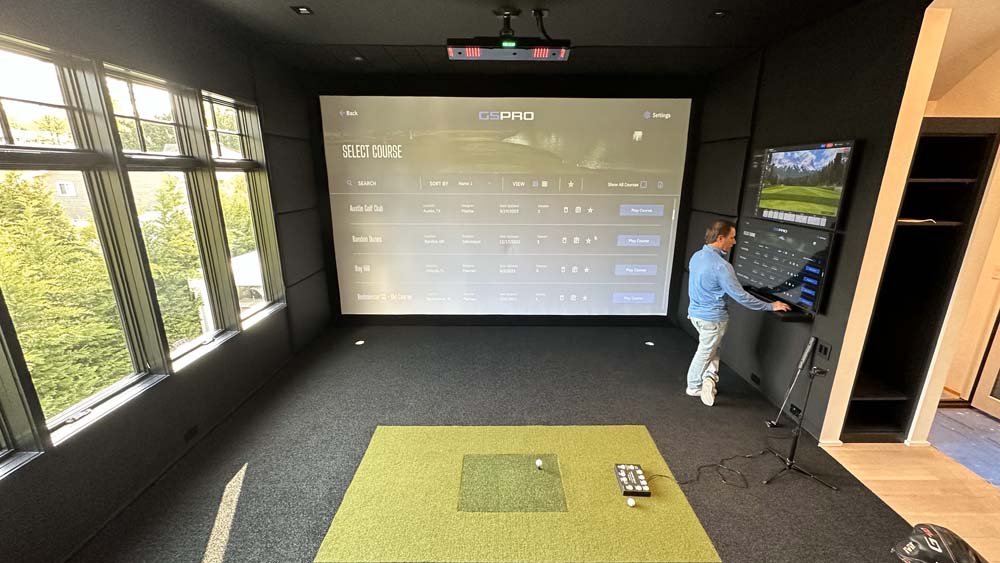
Simple System Controls
The simulator should be easy to start, use, and shut down. Homeowners should not need to reconnect devices, search for several remotes, or adjust equipment every time they want to play.
Centralized controls can simplify the projector, computer, sound system, lighting, and display. Organized wiring is also important. Cables should be protected, labeled, and kept out of walking areas.
Built In Storage
Golf bags, clubs, balls, tees, controllers, and remotes can quickly create clutter. Built in storage keeps these items nearby without allowing them to take over the room.
Open club storage can create a clean display, while closed cabinetry can hide equipment when the room is being used for entertainment. Storage should always be positioned safely outside the swing area.
Climate Control and Airflow
A simulator room can become warm quickly, especially when several people are using it and the projector and computer have been running for a while.
Good airflow keeps the room comfortable and can also help protect electronic equipment. This is especially important in garages, basements, sheds, and bonus rooms that may not receive the same climate control as the rest of the home.
Golf Simulator Room Features for Long Term Use
Technology will continue to change, so the room should not be designed around a system that is difficult to update. A thoughtful layout can support future equipment upgrades without requiring the entire room to be rebuilt.
Accessible Equipment
Computers, receivers, and control units should be protected but still accessible. Equipment hidden permanently behind finished walls may be difficult to repair or replace.
Ventilated cabinets, access panels, and organized equipment areas can preserve the appearance of the room while making future service easier.
Flexible Wiring
Extra conduit and carefully planned connection points can give the room more flexibility over time. New cameras, displays, controllers, or sensors may become available, and the room should be able to support them without exposed wires running across finished surfaces.
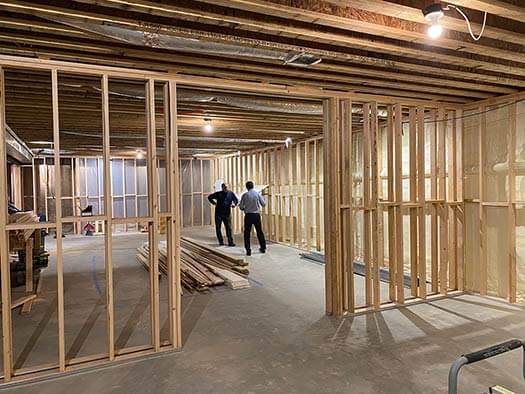
This is especially useful during a renovation or new home build. Homeowners beginning at the construction stage can review how to approach new construction golf simulator planning.
A Layout Built Around the User
Every simulator room should be designed around the people who will actually use it. A tall golfer may need more ceiling height and swing clearance. A family may need multisport games and extra seating. A serious player may prioritize cameras, club data, and an uninterrupted practice area.
The best golf simulator room features are the ones that fit the room, the golfer, and the way the space will be used over time.
Build a Better Simulator Room
Reach out to start planning a custom golf simulator room for your home.
Some of our work